

You’re scrolling through Snapchat, you see someone’s profile, and you’re wondering: “Do we actually know people in common?” It’s a totally normal question—mutual friends are basically social proof that you’re not connecting with a complete stranger. The thing is, how to see mutual friends on Snapchat isn’t as obvious as it should be. Snapchat doesn’t slap that info right in your face like some other apps do. But don’t worry—it’s absolutely doable, and I’m going to walk you through exactly where to find it and what it means.
Quick Answer: Where to Find Mutual Friends on Snapchat
Open Snapchat, go to the person’s profile, and look for the “Mutual Friends” section. It’ll show up below their username and display a list of friends you both follow. That’s it. If you don’t see it, either they have privacy settings turned on, they don’t have many Snapchat friends, or you’re not actually connected in a way that reveals mutual contacts.
The real talk? Sometimes mutual friends don’t show up because Snapchat’s algorithm is weird, or the person has limited their friend visibility. We’ll dig into all of that below.
Step-by-Step: Finding Mutual Friends on Snapchat
Let me break this down into the simplest possible steps. Even if you’ve never looked for how to see mutual friends on Snapchat before, this will take you 30 seconds.
- Open Snapchat and make sure you’re logged in.
- Find the person whose mutual friends you want to check. You can search for them using the search icon (magnifying glass) at the top of the screen.
- Tap their name or profile picture from the search results.
- Look at their profile card that pops up. You’ll see their username, display name, and a few action buttons.
- Scroll down or look for the “Mutual Friends” section. This usually appears below their username and above any other profile details.
- Tap “Mutual Friends” if it’s available. A list will appear showing all the people you both follow on Snapchat.
- Review the list. You can tap any mutual friend’s name to go to their profile.
That’s the core process. But here’s where it gets tricky: not every profile will show mutual friends. Keep reading to find out why.
Understanding Snapchat’s Mutual Friends Feature
Snapchat introduced the mutual friends feature to make it easier to see if you have connections with someone before you add them or chat with them. Think of it like a social trust signal—if you see three people you know are also friends with someone, you’re more likely to feel comfortable chatting with them.
Here’s what mutual friends actually means on Snapchat: people who appear on both of your friend lists. So if you’re friends with Alice, Bob, and Charlie, and the person you’re checking is also friends with Alice and Bob, those two are your mutual friends.
The feature works across both iOS and Android, and it updates in real-time. If someone unfriends a mutual contact, that person drops off the mutual friends list instantly. This is actually super useful if you’re trying to figure out if someone is legit or if you’re just curious about your social overlap.
Pro Tip: Mutual friends on Snapchat are calculated based on your current friend lists only. Snapchat doesn’t show you friends from other platforms or people who follow you but aren’t mutual connections. This keeps the feature clean and simple.
Why Can’t You See Mutual Friends Sometimes?
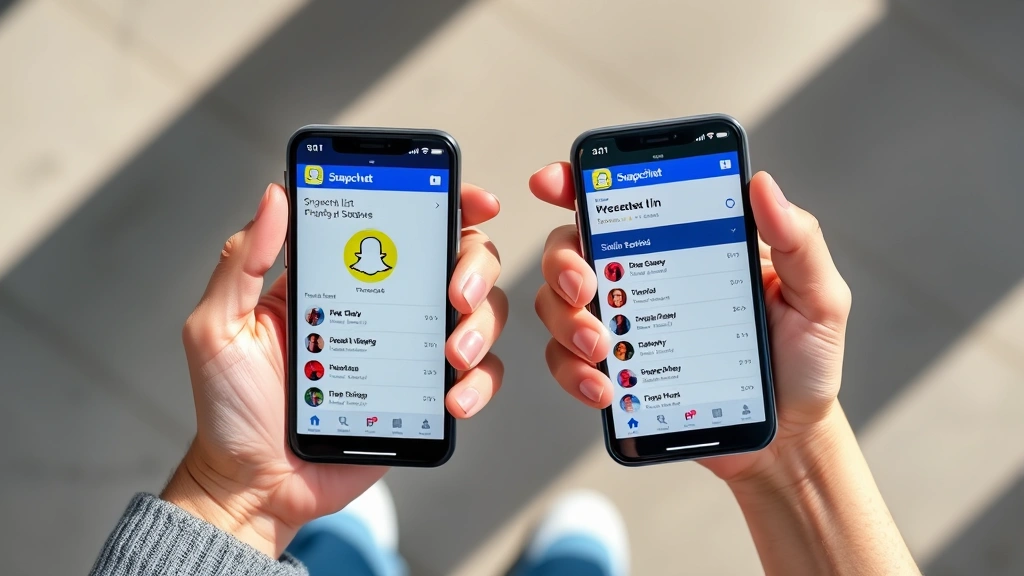
This is the question I get asked most often, and honestly, it’s frustrating. You search for someone, pull up their profile, and… no mutual friends section. What gives?
Reason 1: They Have Privacy Settings Enabled
Some people turn on privacy settings that hide their friend list from non-friends. If someone doesn’t want you seeing who they’re friends with, Snapchat respects that. You won’t see a mutual friends section at all. This is actually a good thing for privacy—it means Snapchat isn’t broadcasting everyone’s social connections.
Reason 2: You’re Not Friends Yet
If you haven’t added this person as a friend, Snapchat might limit what you can see about them. Some profiles show less information to non-friends. The workaround? Send them a friend request and wait for them to accept. Once you’re friends, you’ll have better visibility into shared connections.
Reason 3: They Don’t Have Many Friends
If someone has only a handful of Snapchat friends and none of them overlap with your friend list, there won’t be any mutual friends to display. Snapchat doesn’t show a section if there’s nothing to show—it just omits it entirely.
Reason 4: The Account Is New or Inactive
Brand new Snapchat accounts sometimes don’t populate mutual friends data right away. It can take a few hours or even a day for Snapchat’s servers to sync everything. If someone just created their account, check back later.
Reason 5: They’ve Blocked You
If someone has blocked you, you won’t see their mutual friends (or much of anything about them). If you suspect this might be the case, check out our guide on how to tell if someone blocked you on Snapchat for more details on recognizing the signs.
Privacy Settings That Affect Mutual Friends
Snapchat gives users control over who can see their friend list, and understanding these settings is key to knowing when mutual friends will or won’t show up.
How to Check Your Own Privacy Settings
- Open Snapchat and tap your profile icon in the top-left corner.
- Tap the settings gear icon in the top-right.
- Scroll down and find “Who Can…” options.
- Look for “View My Friends” or similar language.
- You’ll see options like “Everyone,” “Friends,” or “Private.”
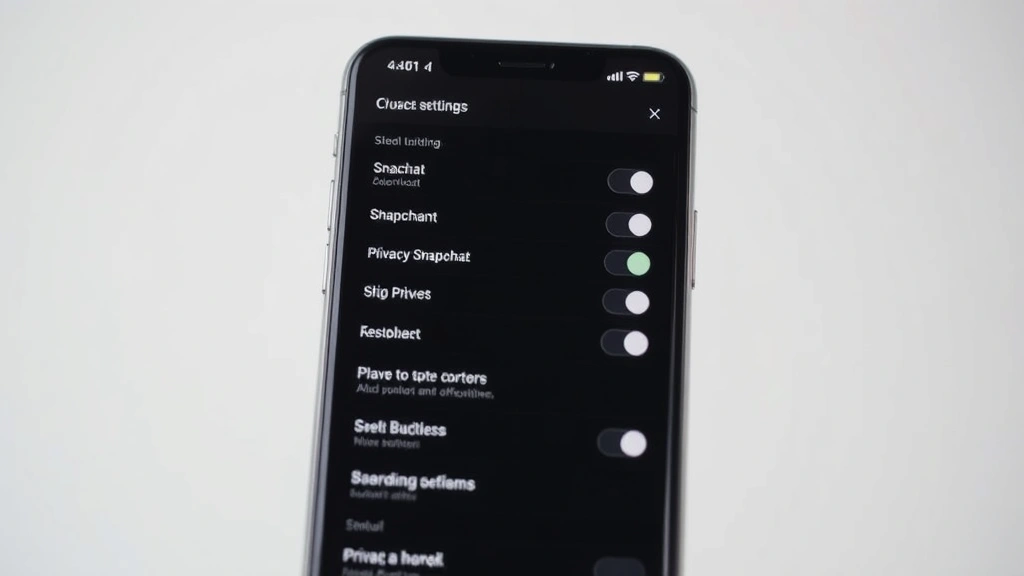
If you set your friends list to “Private,” other people won’t see your mutual friends with them. If you set it to “Friends,” only people you’ve added can see your mutual connections. “Everyone” is the most open setting and lets anyone see your friend list.
The same logic applies to other people’s accounts. If they’ve locked down their privacy, you won’t see their friends, even if you’re mutual connections.
Safety Note: Privacy settings exist for a reason. Respect them. If someone has set their friends list to private, they’ve made a conscious choice not to share that info. Don’t try to work around it or ask them to change it just so you can see their connections.
Mobile vs. Desktop: Where You Can Check Mutual Friends
Here’s the thing about Snapchat: it’s primarily a mobile app. The web version is limited, and you can’t do everything on desktop that you can on your phone.
On Mobile (iOS and Android)
The full Snapchat app has all features, including the ability to see mutual friends. This is where you’ll have the best experience. Search for someone, tap their profile, and you’ll see the mutual friends section if it’s available.
On Desktop/Web
Snapchat’s web interface is pretty basic. You can log in and view some features, but the mutual friends section isn’t available on the web version. If you want to check mutual friends, you’ll need to use the mobile app. This is a limitation of Snapchat’s design, not a bug.
Why the Difference?
Snapchat prioritizes mobile because that’s where the majority of users are. The web version is mainly for account management and message recovery, not for browsing profiles and social features. If you’re trying to check mutual friends, pull out your phone.
Troubleshooting Common Issues
Issue: I See “Mutual Friends” but the List Is Empty
This means you and the other person don’t have any friends in common. It’s rare, but it happens. Maybe they’re new to Snapchat, or your social circles just don’t overlap. Nothing’s wrong—you just don’t have shared connections.
Issue: The Mutual Friends Section Disappeared
If it was there before and now it’s gone, one of a few things happened: the person changed their privacy settings, they removed some mutual friends from their friend list, or you removed some mutual friends from yours. Snapchat updates this in real-time, so changes show up immediately.
Issue: I’m Getting an Error When I Try to View Mutual Friends
Try these steps:
- Close Snapchat completely and reopen it.
- Make sure you’re on the latest version of the app. Check your app store for updates.
- Restart your phone if the issue persists.
- Clear the app’s cache (Settings > Apps > Snapchat > Storage > Clear Cache on Android, or uninstall and reinstall on iOS).
Issue: Can’t Find the Person I’m Looking For
Make sure you’re spelling their username correctly. Snapchat usernames are case-sensitive and don’t have spaces. If you still can’t find them, they might have changed their username, deactivated their account, or blocked you. For more on this, read our guide about checking if someone blocked you on Snapchat.
Issue: Mutual Friends List Is Showing Old Information
Snapchat’s servers usually sync instantly, but occasionally there’s a delay. Wait a few minutes and refresh the app. If someone just added or removed a friend, it might take up to an hour to reflect in the mutual friends list, though this is rare.
One related feature you might find useful: learning how to half-swipe on Snapchat lets you preview messages without marking them as read, which can be handy when you’re getting to know new people on the platform.
Frequently Asked Questions
Can I see mutual friends on Snapchat if I’m not friends with the person yet?
– Not usually. If you haven’t added someone as a friend, Snapchat limits what you can see about them, including their mutual friends list. Send them a friend request first. Once they accept, you’ll be able to see your shared connections.
Do mutual friends on Snapchat include people who follow me but I don’t follow back?
– No. Snapchat’s mutual friends feature only counts people who are on both friend lists. One-way followers don’t count. Both people have to have added each other for the connection to show up as mutual.
Can someone see my mutual friends list?
– Yes, but only if you haven’t set your friends list to private. If you go to Settings > Who Can… > View My Friends and select “Everyone” or “Friends,” people can see your mutual connections with them. If you select “Private,” your friend list is hidden.
Why does the mutual friends list sometimes show people I don’t recognize?
– This can happen if you have a lot of friends and don’t remember everyone. Snapchat’s mutual friends list is accurate—it’s showing real connections you both have. If you genuinely don’t know someone on the list, you might have added them a while ago and forgotten.
Does Snapchat notify someone if I check their mutual friends?
– No. Viewing someone’s mutual friends list doesn’t send them a notification. It’s completely private on your end. They won’t know you looked at their profile or checked who you have in common.
Can I hide my mutual friends from specific people?
– Not selectively. You can only hide your friends list from everyone (Private setting) or show it to everyone/friends. Snapchat doesn’t offer granular controls to hide your friends from specific individuals. Your privacy setting applies to everyone equally.
What’s the difference between mutual friends and followers on Snapchat?
– Mutual friends are people you’re both friends with. Followers are people who follow your story. You can follow someone’s story without being friends, so the numbers are different. Mutual friends is a stricter connection—it means you both actively added each other.
If I remove someone from my friends list, do they disappear from mutual friends lists?
– Yes. Once you unfriend someone, they’re no longer on your friend list. Anyone who was using you as a mutual friend connection with that person will see you removed from their mutual friends list. The change happens instantly.
Can I see mutual friends on Snapchat for deleted accounts?
– No. Once an account is deleted, it’s gone. You can’t view their profile, see their mutual friends, or interact with them in any way. If you’re trying to reconnect with someone who deleted their account, they’d need to create a new one.
Is there a way to see mutual friends on Snapchat without adding someone?
– The easiest way is to add them as a friend. If you don’t want to add them, you could ask a mutual friend directly if you know any. But Snapchat’s interface doesn’t let you view mutual friends with non-friends without adding them first.
Understanding how to see mutual friends on Snapchat is straightforward once you know where to look and what settings affect visibility. The feature is designed to help you build trust with new connections and understand your social overlap. Use it to find common ground with people you’re meeting through the app, and remember to respect privacy settings when they’re in place. Happy snapping!


