
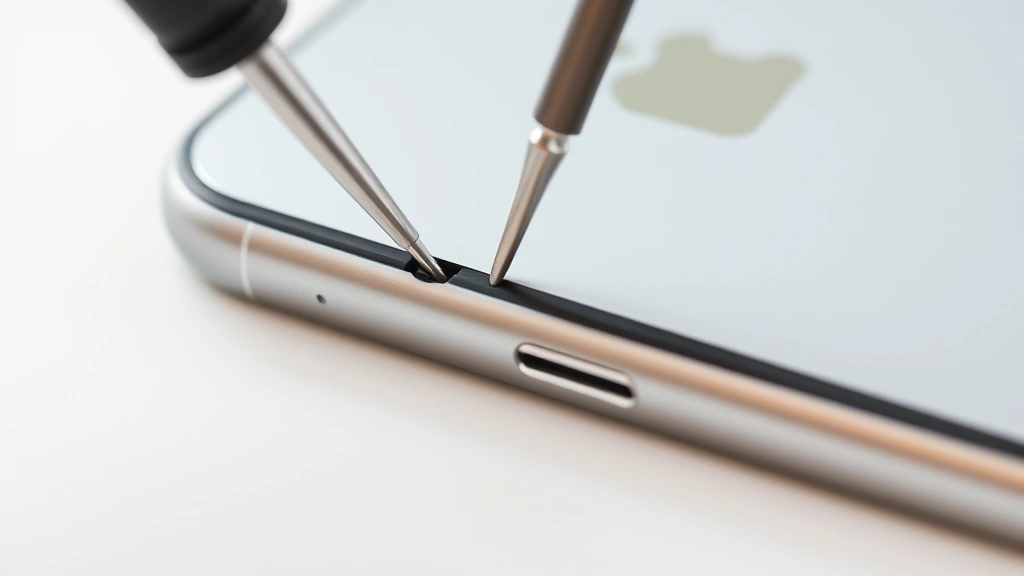
You just bought a used iPhone, inherited one from a friend, or picked up a refurbished model online. Now the big question: how to see if iPhone is unlocked? This matters because a locked phone ties you to one carrier, while an unlocked one works with any network worldwide. It’s the difference between freedom and frustration.
Here’s the real talk: checking whether your iPhone is unlocked takes about 60 seconds, and you don’t need any special tools or technical knowledge. I’m going to walk you through the exact methods that work, plus what to do if you find out your phone is locked.
Method 1: Insert a Different SIM Card (The Fastest Test)
This is the gold standard for checking whether your iPhone is unlocked. It’s hands-on, it’s immediate, and it gives you zero ambiguity.
What you need: A SIM card from a different carrier than the one currently in your phone. If your iPhone has a Verizon SIM, grab an AT&T, T-Mobile, or international SIM card from a friend or a local phone shop.
Here’s how:
- Power off your iPhone completely (don’t just put it in airplane mode).
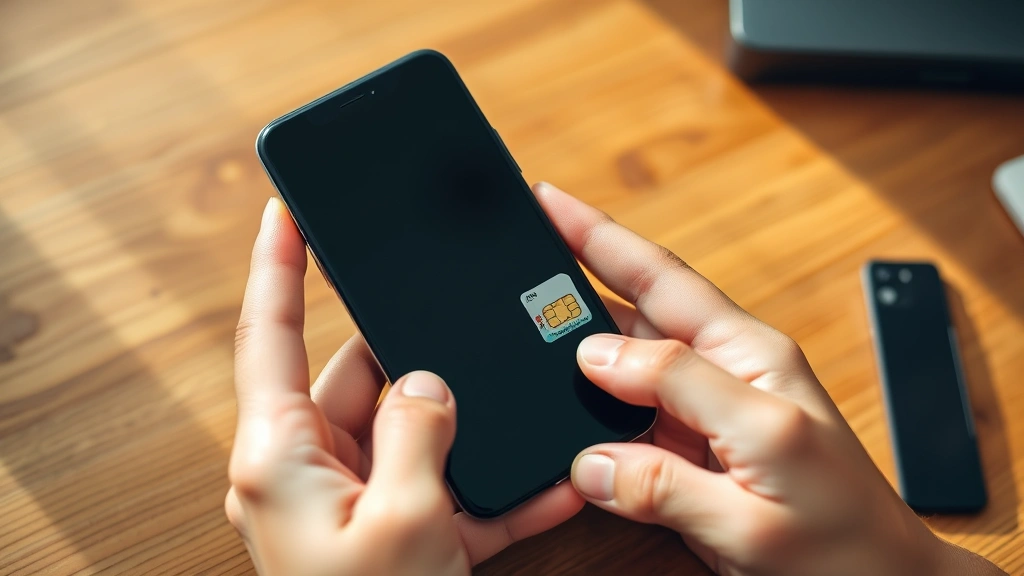
- Locate the SIM card tray on the side of your phone. You’ll need the tiny eject tool that came with your iPhone, or a straightened paperclip works just fine.
- Push the tool into the small hole next to the SIM tray until it pops out.
- Remove the current SIM card and insert the new one. Make sure it’s oriented correctly—the cut corner goes in first.
- Push the tray back in until it clicks.
- Power on your iPhone.
- Wait 30 seconds for the phone to recognize the new SIM.
Now watch what happens:
- Unlocked phone: You’ll see the new carrier’s name appear at the top of the screen. The phone will prompt you to set up cellular service, and you can make calls or use data immediately (if you activate that SIM).
- Locked phone: You’ll get an error message like “Invalid SIM” or “SIM Not Supported,” or the phone simply won’t recognize the SIM at all. The carrier name won’t change.
This method is foolproof because the phone’s firmware will literally reject a SIM from an unauthorized carrier if it’s locked. No guessing, no waiting for customer service.
Method 2: Check Settings on Your iPhone
If you don’t have access to another SIM card, you can dig into your iPhone’s settings to find clues about its lock status. This won’t give you a 100% confirmation, but it’s a solid indicator.
For iPhones with iOS 16 and newer:
- Open Settings → General → About.
- Scroll down and look for a field labeled “Carrier Lock” or “Sim Lock.”
- If it says “No SIM restrictions” or “Unlocked,” your phone is unlocked.
- If it displays a carrier name (like “Locked to Verizon”), your phone is locked to that network.
For older iPhones (iOS 15 and earlier):
- Go to Settings → General → About.
- Look for “Carrier Lock” in the list. Some older models don’t display this field clearly, which can be annoying.
- If you don’t see it listed, try Settings → Cellular → Cellular Plans (if available). An unlocked phone will show flexibility here.
Pro Tip: If the Carrier Lock field is missing entirely from your About screen, your phone is almost certainly unlocked. Apple only shows this field when there’s an active lock to report.
Method 3: Contact Your Carrier or Check Their Website
This method requires a bit more legwork, but it’s the most official way to get confirmation. Your carrier has records of every phone on their network.
If you know which carrier locked the phone:
- Call the carrier’s customer service line or visit their website.
- Provide your phone’s IMEI number (more on that below) or the phone number associated with the account.
- Ask directly: “Is this iPhone unlocked?”
- They’ll tell you instantly and can even unlock it remotely if you meet their requirements (usually: the phone is paid off and the account is in good standing).
If you don’t know the carrier:
- Insert your current SIM card and look at the carrier name at the top of the screen.
- Call that carrier and ask about the phone’s unlock status.
Most carriers in the US have unlocked iPhones after the contract is fulfilled or the device is paid off. According to FCC guidelines on wireless phone unlocking, carriers are required to unlock devices upon request once payment obligations are met. This is a consumer protection rule, so don’t let a carrier tell you they “can’t” unlock a paid-off phone.
Method 4: Use IMEI Checker Tools (Online Services)
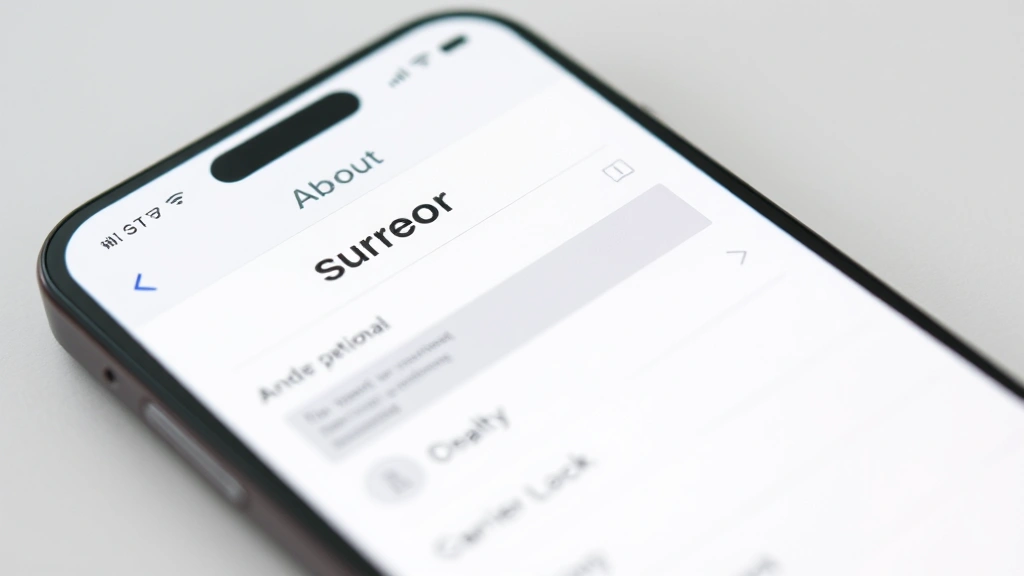
If you want a quick digital check without swapping SIM cards, you can use online IMEI checkers. These services query carrier databases to report a phone’s lock status.
How to find your IMEI:
- Open Settings → General → About.
- Scroll down to find “IMEI.” It’s a 15-digit number unique to your phone.
- You can also dial *#06# on any iPhone, and the IMEI will pop up instantly.
Where to check your IMEI:
- Use Apple’s official iPhone activation lock status checker to verify if the phone is linked to an Apple ID (which could indicate it’s used or refurbished).
- Third-party services like IMEI.info or UnlockBase can provide carrier lock status, though results vary in accuracy. These aren’t official, so treat them as a secondary check.
- Your carrier’s website often has an IMEI lookup tool specifically for their network.
Safety Warning: Be cautious with third-party IMEI checker websites. Some are legitimate, but others collect data or aren’t accurate. Stick with your carrier’s official tools or Apple’s resources whenever possible.
What’s the Real Difference Between Locked and Unlocked?
Understanding the difference helps you know why this check matters in the first place.
A locked iPhone: The phone is restricted to work only with one specific carrier’s SIM card. If you try to use a SIM from another carrier, the phone won’t connect to that network. This lock is built into the phone’s firmware by the carrier. Locked phones are typically cheaper upfront because the carrier subsidizes the cost, banking on keeping you as a customer for 24 months or more.
An unlocked iPhone: The phone will work with any SIM card from any carrier, anywhere in the world. You can switch carriers freely, travel internationally and use local SIM cards, or sell the phone to someone on a different network without restrictions. Unlocked phones cost more initially but offer flexibility.
Why does this matter?
- Switching carriers: If you’re locked to Verizon but want to try T-Mobile, you’re stuck until the lock is removed.
- International travel: A locked phone forces you to pay expensive roaming charges. An unlocked phone lets you buy a cheap local SIM in any country.
- Resale value: Unlocked iPhones sell for more because they appeal to a wider buyer pool.
- Flexibility: Life changes. Jobs change. Carrier deals change. An unlocked phone adapts with you.
How to Unlock Your iPhone if It’s Locked
Found out your iPhone is locked? Don’t panic. Unlocking is straightforward if you own the phone outright.
Step 1: Confirm the phone is paid off. If you’re still paying off the device through your carrier, you typically can’t unlock it until the balance is zero. Check your carrier’s website or call customer service to verify.
Step 2: Contact your carrier directly. This is the official, legal way to unlock. Call customer service or use their website’s chat feature. You’ll need:
- Your phone number or account number.
- Your IMEI number (from Settings → General → About, or dial *#06#).
- Proof that the device is paid off (they can verify this in their system).
Step 3: Wait for confirmation. Most carriers unlock remotely within minutes to 24 hours. You’ll receive a confirmation email or text. Then:
- Power off your iPhone.
- Remove the current SIM card.
- Insert a SIM from a different carrier.
- Power on and wait 30 seconds.
- You should see the new carrier’s name at the top. You’re unlocked.
Pro Tip: If your carrier is giving you pushback about unlocking a paid-off phone, reference the FCC’s wireless phone unlocking rules. It’s the law, and carriers know it. A polite reference to compliance usually gets results fast.
What if the carrier won’t unlock it? This is rare for paid-off phones, but if it happens, you have options:
- File a complaint with the FCC: The FCC takes unlocking seriously. A formal complaint can light a fire under your carrier.
- Use a third-party unlocking service: Companies like DoctorSIM or Unlockbase can unlock your phone remotely for a fee ($15–$50). These are legitimate but use your carrier’s processes, so if the carrier won’t cooperate, these services can’t help.
- Contact Apple: If the phone is locked due to a carrier error or system glitch, Apple can sometimes escalate the issue.
For most people, a simple call to customer service gets the job done in under 10 minutes.
Frequently Asked Questions
Can I use an unlocked iPhone with any carrier?
– Yes, completely. An unlocked iPhone will work with any carrier that uses compatible technology (GSM, CDMA, or 5G networks). In the US, that means AT&T, T-Mobile, Verizon, and smaller carriers like Mint Mobile or Visible. You can even swap carriers by just changing the SIM card.
Does unlocking an iPhone void the warranty?
– No. Unlocking is a legal, carrier-approved process that doesn’t affect your Apple warranty. Your phone’s hardware and software warranty remains valid whether it’s locked or unlocked. This is protected under US law.
Is there a fee to unlock my iPhone?
– Not from your carrier, as long as the phone is paid off and you’re an account holder. The carrier must unlock it for free. Third-party unlocking services charge $15–$50 if you go that route, but it shouldn’t be necessary.
How long does it take to unlock an iPhone?
– Carrier unlocks usually happen within minutes to 24 hours. Most modern iPhones unlock remotely within an hour. You’ll get a confirmation email when it’s done. Then you just need to swap the SIM card and restart the phone.
What’s the difference between carrier unlock and iCloud unlock?
– Carrier unlock (what we’ve been discussing) lets the phone work with any network. iCloud unlock (Activation Lock) is a security feature that requires your Apple ID and password to set up or restore the phone. These are two separate locks. You can have a carrier-unlocked phone that’s still locked to an Apple ID, or vice versa.
Can I unlock an iPhone that’s locked to another person’s account?
– Not legally. If the phone is locked to someone else’s carrier account, you’ll need their permission and account details to unlock it. If you bought a used phone and the seller won’t help, contact the original carrier with proof of purchase. This protects against stolen phones being resold.
What if my iPhone is locked but I don’t know the carrier?
– Insert your current SIM card and look at the carrier name at the top of the screen. That’s your carrier. Call them and provide your phone number or IMEI to request an unlock. If the phone is truly locked but you can’t identify the carrier, try the Settings method (Settings → General → About → Carrier Lock) to see if it displays the carrier name there.
Is an unlocked iPhone more expensive?
– Yes, typically $50–$200 more than a locked version at purchase. But you recoup that cost in flexibility and resale value. Unlocked iPhones hold their value better because they appeal to any buyer on any network.
Can I unlock an iPhone myself without calling the carrier?
– Not through official channels. The carrier controls the lock at the firmware level, so only they can remove it. Third-party unlocking services exist, but they’re unnecessary if your phone is paid off—your carrier will unlock it for free. Save your money and make one phone call.
Will unlocking my iPhone slow it down or cause problems?
– No. Unlocking is a clean, remote process that doesn’t affect performance, battery life, or functionality. Your phone will work exactly the same, just with the flexibility to use any SIM card.


