
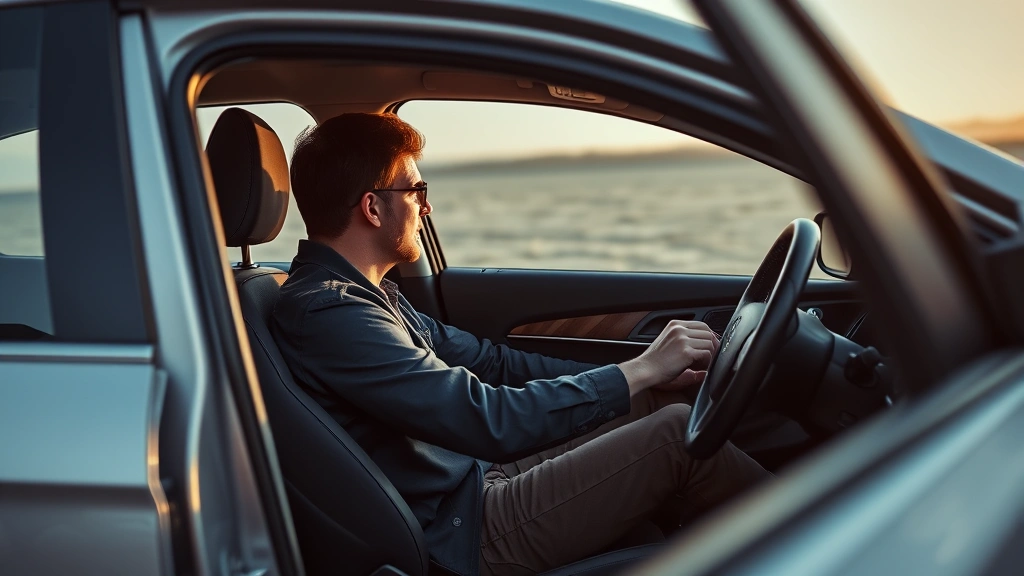
Lost your key fob remote? Bought a used car and need to reprogram it? Or maybe you just want a spare that actually works? Learning how to program a key fob is one of those skills that feels intimidating until you actually do it—then you realize it’s mostly just following a sequence of button presses and waiting for lights to blink. The good news: most people can do this in their driveway in under 10 minutes, and you’ll save yourself a $100-$300 dealer trip.
But here’s the real talk: key fob programming varies wildly depending on your car’s make, model, and year. What works for a 2015 Honda might be completely different from a 2020 Ford. That’s why this guide walks you through the most common methods, the safety considerations you need to know, and exactly what to do when the dealer’s method doesn’t match your vehicle.
Why You Might Need to Program a Key Fob
Your key fob isn’t just a convenience—it’s a security device that communicates with your car’s receiver using encrypted radio signals. When that fob stops working, or when you get a new one, it needs to be “taught” to recognize your specific vehicle. Think of it like pairing Bluetooth headphones to your phone; the devices need to shake hands and agree on their communication protocol.
Here are the most common scenarios where you’ll need to reprogram:
- Lost or stolen fob: You need a replacement to work with your car.
- Worn-out buttons: The fob still works, but you want a backup that’s fully functional.
- Used car purchase: You don’t know if the previous owner’s fob will work, so you reprogram to be safe.
- Battery replacement: Some vehicles require reprogramming after a battery swap (rare, but it happens).
- Multiple fobs desynchronized: One fob works, but others don’t—usually fixable with a full reprogram cycle.
The process is straightforward once you understand that you’re essentially resetting your car’s receiver and telling it “this fob is authorized.” The car doesn’t care if it’s an original OEM fob or an aftermarket replacement—it just needs the right frequency and code.
Types of Programming Methods
Not all cars use the same programming method. Your vehicle likely falls into one of these categories:
- Self-programming (most common): You use the car’s ignition and door locks to trigger programming mode. No special tools needed.
- Dealer-only programming: Some newer luxury vehicles and high-security systems require a dealer’s diagnostic computer.
- Hybrid method: You do the initial setup, then the dealer finalizes it with their scanner.
- Professional locksmith: A third option that costs less than a dealer but more than DIY.
The method you’ll use depends on your car’s year, make, and model. Before you start, check your owner’s manual or search “[Your Car Model Year] key fob programming” online. You’ll find thousands of forum posts and YouTube videos from people who’ve done exactly what you’re about to do.
The OEM Method (Most Common)
This is the self-programming approach that works on roughly 70-80% of vehicles from the last 20 years. It requires nothing but your key and your car. Here’s the step-by-step process:
- Sit in the driver’s seat with all doors closed and the key fob in hand.
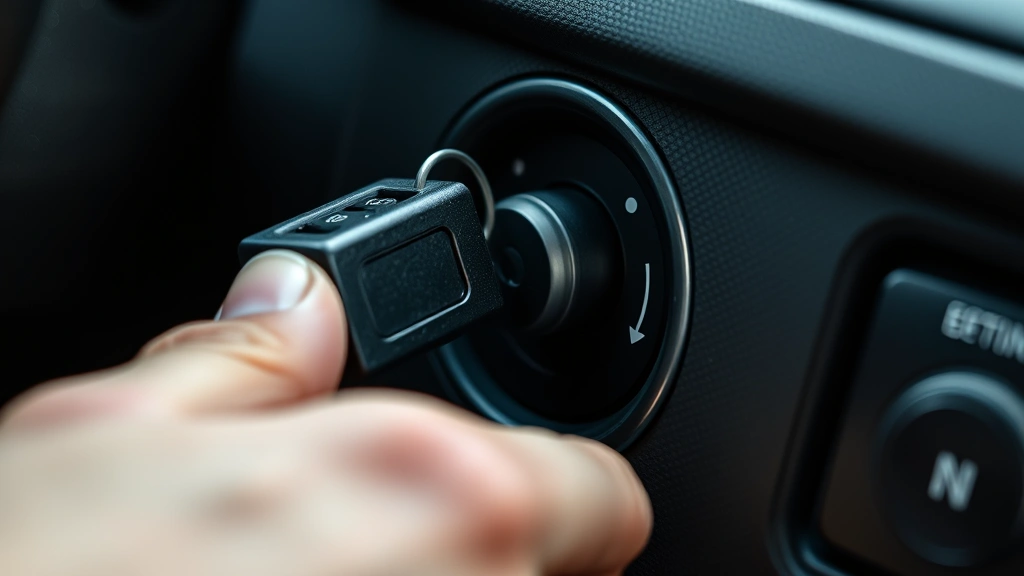
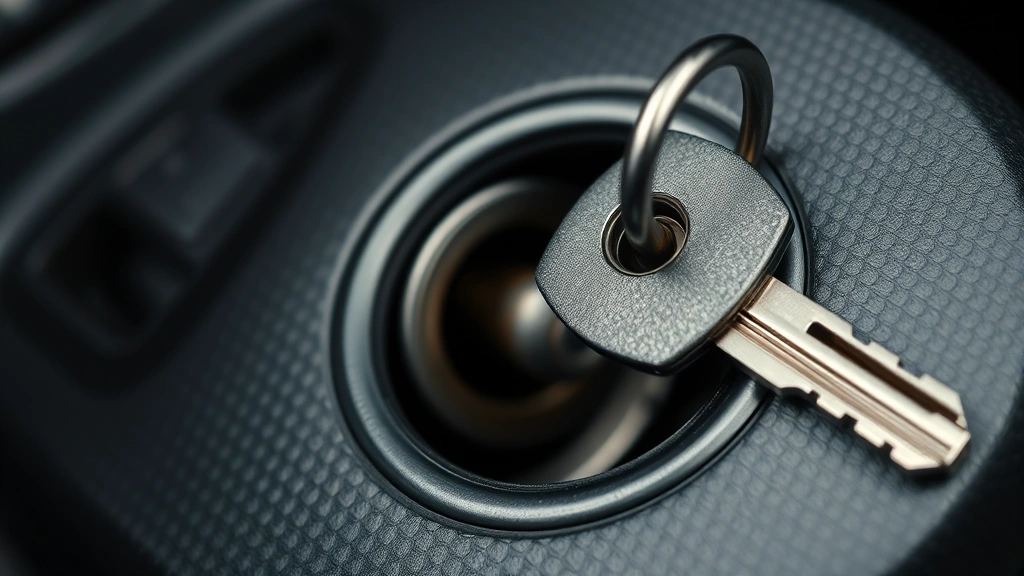
- Insert the key into the ignition but don’t start the engine.
- Turn the key to the “On” position (one click before the engine starts). You should see dashboard lights come on.
- Turn back to “Off.” Repeat this cycle three times: On → Off → On → Off → On. The car will usually respond with a chime or by flashing the lights.
- Listen for the confirmation signal. Most cars will honk once or flash the lights to indicate you’ve entered programming mode.
- Press any button on your fob. The car will respond (usually with a chime or light flash) to confirm it received the signal.
- Repeat for additional fobs. If you’re programming multiple remotes, press a button on each one while in programming mode.
- Exit programming mode by turning the key to “Off” or waiting 30 seconds of inactivity.
That’s it. Seriously. The whole process takes about 2-3 minutes, and you’ve just saved yourself a dealer visit.
Why this works: Your car has a receiver that stores the codes of authorized fobs. When you enter programming mode, you’re telling the receiver “I’m about to teach you a new fob.” The receiver listens for the signal from your fob and stores that code. Next time you press the button, the car recognizes it.
Pro Tip: If you’re programming multiple fobs at once, program them all during one session. Some cars will “forget” previously programmed fobs if you exit and re-enter programming mode. Check your manual to confirm your car’s behavior.
When to Use a Dealer or Locksmith
Not every vehicle uses the OEM method. If the self-programming steps don’t work, you have two options: dealer or professional locksmith.
Dealer reprogramming: Costs $50-$150 per fob, takes 30 minutes to an hour, and guarantees the job is done right. They have the diagnostic computer to access your car’s security system directly. This is necessary for:
- Most vehicles made after 2015 (especially luxury brands like BMW, Mercedes, Audi).
- Cars with advanced security features like rolling code encryption.
- Vehicles where the OEM method failed.
Professional locksmith: Usually charges $75-$200, depending on complexity. A good locksmith has specialized equipment and knows the tricks for different manufacturers. They’re faster than dealers and often cheaper, but make sure they’re certified and have good reviews. Search for “automotive locksmith near me” and check Google reviews—you want someone with 4.5+ stars and experience with your car’s brand.
The choice depends on your budget and how much you value convenience. If you’re already at the dealer for service, ask them to reprogram while you’re there. If you’re doing this as a standalone task, a locksmith might be your best bet.
Safety Considerations While Programming
Key fob programming is generally safe, but there are a few things to keep in mind to avoid problems:
1. Security and theft prevention: When you reprogram a fob, you’re essentially erasing the old one’s authorization. This is why programming a fob you don’t own is extremely difficult—your car’s security system is designed to prevent that. However, if you’re selling your car, make sure to reprogram or deactivate any fobs the previous owner had. Most dealers do this automatically during the trade-in process, but if you’re selling privately, consider it a courtesy to the new owner.
2. Don’t reprogram while driving: This should be obvious, but keep your car parked and in Park or Neutral while programming. You’re manipulating the ignition and door locks, and you don’t want any surprises.
3. Battery concerns: Make sure your car battery is in good condition before you start. A weak battery might prevent the programming sequence from completing. If your car has a dead battery, charge it first or use a battery charger.
4. Multiple fobs and security: If you’re programming multiple fobs, remember that you’re storing multiple codes in your car’s receiver. If one fob is lost or stolen, you’ll need to reprogram all of them to remove the lost fob’s code. This is a security feature—your car won’t let you selectively delete one code without reprogramming the whole system. According to Family Handyman’s detailed guide on key fob programming, this is standard across most vehicles.
5. Aftermarket fobs and compatibility: Not all aftermarket fobs work with all cars. Before you buy a cheap replacement online, verify that it’s compatible with your specific model year. Some fobs look identical but use different frequencies or encryption protocols. Buying from a reputable automotive parts supplier (like AutoZone or O’Reilly) is safer than a random Amazon seller.
Safety Warning: Never program a fob to a car you don’t own or have explicit permission to work on. Key fob programming is a security feature, and unauthorized reprogramming could be illegal depending on your jurisdiction. Always verify ownership before you start.
Troubleshooting Programming Failures
Sometimes the programming sequence doesn’t work on the first try. Here’s what to do:
The car didn’t enter programming mode (no chime or light flash):
- Check your owner’s manual for your specific model year. The sequence might be different than the standard method.
- Make sure the key is fully inserted and turning smoothly. A worn ignition cylinder can prevent the car from recognizing the key position.
- Try the sequence again, but count the turns slowly and deliberately. Some cars are picky about timing.
- If your car has a push-button start instead of a traditional key, the process is different. Look up the specific method for push-button start vehicles.
The fob was programmed, but it doesn’t work:
- Check the fob’s battery first. A dead battery is the #1 reason a newly programmed fob doesn’t work. Replace it and try again.
- Make sure you’re within range of the car (usually 20-30 feet). Walk closer and try pressing the button.
- Try pressing different buttons on the fob. Sometimes only certain buttons are programmed initially.
- Exit the car and lock it manually with the key, then try the fob from outside. Sometimes the car’s receiver behaves differently when the door is open.
You programmed multiple fobs, but some don’t work:
- Most cars have a limit on how many fobs they can store (usually 4-8). If you’ve hit the limit, you’ll need to reprogram the entire set to clear the old codes.
- Re-enter programming mode and reprogram all fobs in one session. Don’t exit and re-enter—this can cause the car to forget previously programmed codes.
You got an error message or the car wouldn’t start after programming:
- This is rare, but if it happens, turn the key to “Off” and wait 5 minutes. The car’s computer might need to reset.
- If the car still won’t start, try using the physical key to unlock the door and start the engine manually. The fob programming shouldn’t affect the physical key.
- If you’re still stuck, call a locksmith or dealer. Something went wrong with the security system, and you need professional help.
According to This Old House’s automotive maintenance section, most fob programming issues are resolved by simply checking the battery and re-entering the programming sequence more carefully.
Using Aftermarket Key Fobs Safely
Aftermarket fobs are cheaper than OEM replacements (usually $15-$50 vs. $100-$300), but you need to be smart about which ones you buy.
What to look for:
- Exact model match: The part number should match your car’s original fob. Don’t just go by appearance—the internal circuitry matters.
- Reputable seller: Buy from AutoZone, O’Reilly, Advance Auto Parts, or Amazon with good reviews. Avoid sketchy eBay sellers with no feedback.
- Return policy: Make sure you can return it if it doesn’t work with your car.
- Programming compatibility: Check the product description to confirm it’s programmable using the OEM method. Some cheap fobs use proprietary programming that requires a dealer.
Common issues with aftermarket fobs:
- Won’t program: The fob’s frequency or encryption doesn’t match your car’s receiver. This usually means you bought the wrong model.
- Works for a while, then stops: Cheap fobs sometimes have poor battery contacts or defective circuitry. Stick with mid-range options ($25-$40) rather than the cheapest ones.
- Range is terrible: Aftermarket fobs sometimes have weaker transmitters than OEM ones. You’ll need to be closer to the car for it to work.
The bottom line: aftermarket fobs work fine if you buy the right one. Just verify compatibility before you buy, and don’t cheap out on the absolute lowest-priced option. A $30 fob from a reputable seller beats a $10 fob that doesn’t work.
If you’re comfortable pairing devices in other contexts—like how to pair Beats headphones or how to reset AirPods Pro—then key fob programming will feel familiar. It’s the same concept: you’re syncing a wireless device to a receiver using a specific procedure.
Frequently Asked Questions
Can I program a key fob myself, or do I need a dealer?
– Yes, you can program most key fobs yourself using the OEM method described above. If that doesn’t work, then you’ll need a dealer or professional locksmith. Most vehicles from the last 20 years support self-programming, so try it first before paying for professional help.
How long does it take to program a key fob?
– The actual programming process takes 2-5 minutes. If you’re doing it yourself, add another 5-10 minutes for reading the instructions and getting comfortable with the sequence. At a dealer or locksmith, expect 30 minutes to an hour including paperwork and testing.
Will programming a new fob erase the old one?
– Not automatically. When you reprogram, you’re usually adding a new code to your car’s receiver, not replacing the old one. If you want to deactivate an old fob (because it was lost or stolen), you’ll need to reprogram all your fobs to clear the old code. This is a security feature.
Can I program a fob to a car that’s not mine?
– No, and you shouldn’t try. Key fob programming is a security feature designed to prevent unauthorized access. If you try to program a fob to someone else’s car without permission, you could face legal consequences. Always verify ownership before reprogramming.
What if my car has a push-button start instead of a key?
– Push-button start cars use a different programming sequence. The method usually involves pressing the brake pedal and the start button in a specific pattern, or using the car’s infotainment system menu. Look up your specific model year and brand for the exact steps. The concept is the same, but the mechanics are different.
Can I program an aftermarket fob to my car?
– Yes, if it’s compatible with your car’s model and year. Make sure the part number matches your original fob, and buy from a reputable seller. Cheap aftermarket fobs sometimes won’t program or will work poorly. Stick with mid-range options from trusted brands.
What should I do if the programming sequence doesn’t work?
– First, check your owner’s manual for your specific model year—the sequence might be different. If the manual method doesn’t work, try a professional locksmith (cheaper than a dealer) or take it to the dealer. Don’t keep trying the same sequence over and over; if it doesn’t work after 2-3 attempts, something else is going on.
Is it safe to program a key fob while the car is running?
– No. Always program with the car parked and the engine off. You’re manipulating the ignition and door locks, and you don’t want any surprises. Safety first.
Can I program multiple fobs at once?
– Yes. Enter programming mode once, then press a button on each fob you want to program. Most cars will accept 4-8 fobs before the memory is full. Program all of them in one session—exiting and re-entering programming mode can cause the car to forget previously programmed codes.


