
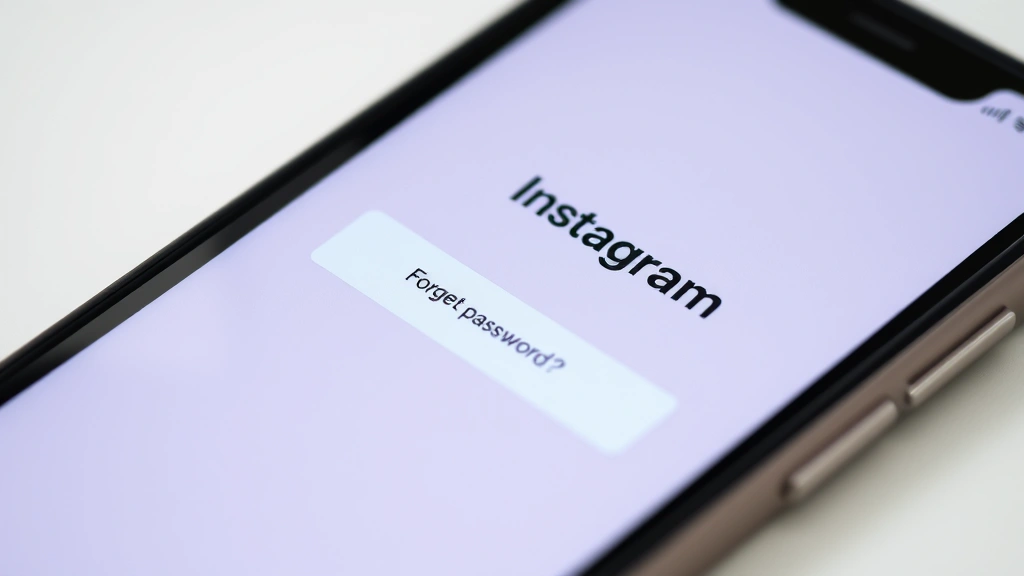
Look, I get it. You’ve forgotten your password. Your account got compromised. Someone else is using your email. Or maybe you’re trying to recover an old account you haven’t touched in five years. The panic is real—Instagram is where your photos, memories, and sometimes your livelihood live. But here’s the straight talk: how to hack Instagram the right way means using Instagram’s built-in recovery tools, not sketchy third-party apps or phishing schemes.
This guide walks you through every legitimate method to regain access to your Instagram account, tighten your security, and make sure it doesn’t happen again. No illegal shortcuts. No malware. Just real solutions from someone who’s helped dozens of people get back into their accounts.
Recover Your Account Using Email or Phone
This is the first and easiest path. If you can’t remember your password but still have access to your email or phone number, Instagram makes recovery straightforward.
- Go to the Instagram login page on your phone or computer.
- Tap or click “Forgot password?” below the login fields.
- Enter your username, email address, or phone number associated with the account.
- Instagram will send a password reset link to your email or an SMS to your phone.
- Click the link or enter the code, then create a new, strong password.
- Log in with your new password.
Real talk: This works about 90% of the time if you still have access to your email or phone. The issue comes when hackers change your email address or phone number on file—then you’re locked out. That’s where the next steps matter.
If the password reset email doesn’t arrive, check your spam folder. Sometimes Instagram’s emails get flagged. Wait 5-10 minutes before trying again, because Instagram rate-limits these requests.
Enable Two-Factor Authentication
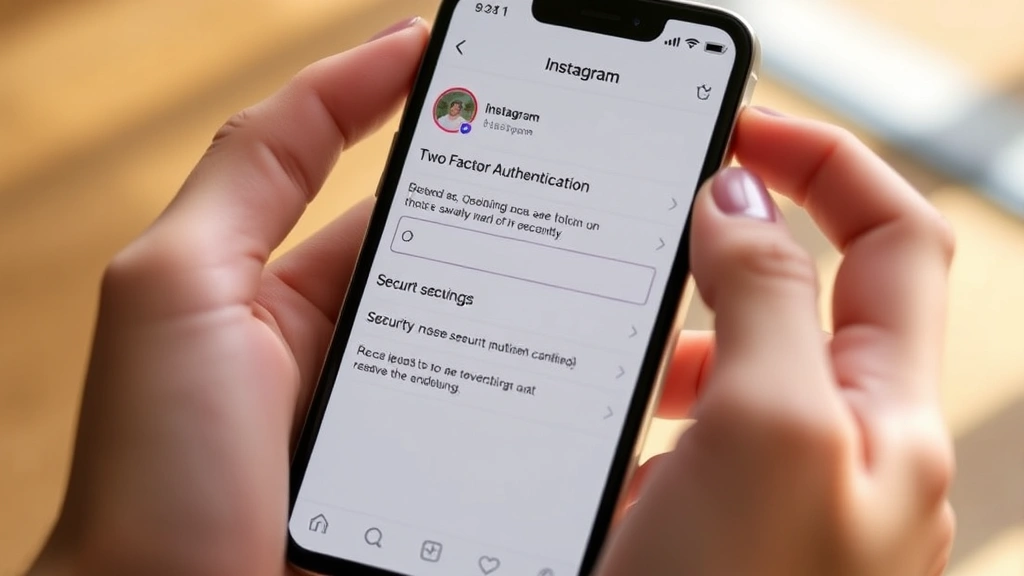
Once you’re back in, the single best thing you can do is turn on two-factor authentication (2FA). This is your insurance policy against future hacks. Even if someone steals your password, they can’t get in without a code from your phone.
- Open Instagram and go to your profile.
- Tap the menu icon (three lines) in the top right.
- Select “Settings and privacy.”
- Tap “Security” then “Two-factor authentication.”
- Choose your method: Authentication app (like Google Authenticator or Authy) or text message codes.
- Follow the prompts to confirm with a code.
Pro tip: Use an authentication app instead of SMS if possible. Text message interception is rare but possible. Apps like Authy or Google Authenticator are more secure and work offline.
According to Microsoft’s security research, enabling 2FA reduces account compromise by over 99%. That’s not hype—that’s math.
Run a Security Checkup
Instagram has a built-in security checkup tool that’s honestly underused. It scans your account for suspicious activity and walks you through hardening your security in minutes.
- Go to your profile menu.
- Select “Settings and privacy.”
- Tap “Security.”
- Look for “Security checkup” or “Security alerts.”
- Follow the prompts. Instagram will ask you to review recent logins, active sessions, and connected apps.
Pay close attention to the “Where you’re logged in” section. If you see logins from cities you’ve never visited or devices you don’t recognize, log out of those sessions immediately. This is how you catch hackers early.
Safety Warning: If you see login activity from a location you absolutely didn’t access (like someone logging in from Russia when you’re in California), change your password immediately and enable 2FA if you haven’t already. Then report it to Instagram through their support form.
What to Do If Your Account Was Hacked
If you’ve already lost access to your account—someone changed your password, email, or phone number—the recovery process gets tougher but it’s still possible.
- Use the “Can’t log in?” option. On the login page, tap “Can’t log in?” and enter your username or email. Instagram will ask security questions or request you verify your identity.
- Verify with a photo ID. If the hacker changed your email and phone, Instagram may ask you to upload a photo of your ID to prove you’re the real owner. This is actually a good thing—it means Instagram is being careful.
- Request account access through Meta’s support. If the above doesn’t work, go to Meta’s Instagram Help Center and submit a detailed report. Include your username, the email you used to sign up, and any details about when you lost access.
- Check your email for confirmation. Meta may send you a verification email. Click it immediately—it expires quickly.
The whole process can take 24-48 hours, sometimes longer. Instagram gets thousands of these requests daily, so patience is necessary. In the meantime, check your email and phone for any suspicious account activity on other platforms. If one account got hacked, others might be at risk too.
According to the FTC, account takeovers often happen in clusters—hackers test stolen credentials across multiple platforms. Change passwords on your email, Facebook, and other accounts linked to Instagram.
Use a Password Manager to Prevent Future Hacks
Here’s the honest truth: Most hacks happen because people reuse passwords. You sign up for some random website, it gets breached, and suddenly hackers have your Instagram password too.
A password manager solves this. Tools like 1Password, Bitwarden, or LastPass generate and store unique, complex passwords for every site. You only have to remember one master password.
- Download a password manager (1Password, Bitwarden, or LastPass are solid choices).
- Create a strong master password—20+ characters, mix of uppercase, lowercase, numbers, and symbols.
- Generate a new password for Instagram and update it in the app.
- Let the password manager store it.
- Use the manager for all your other accounts too.
This single habit—using unique passwords everywhere—eliminates about 80% of account compromise risk. It’s not sexy, but it works.
Save Your Backup Codes
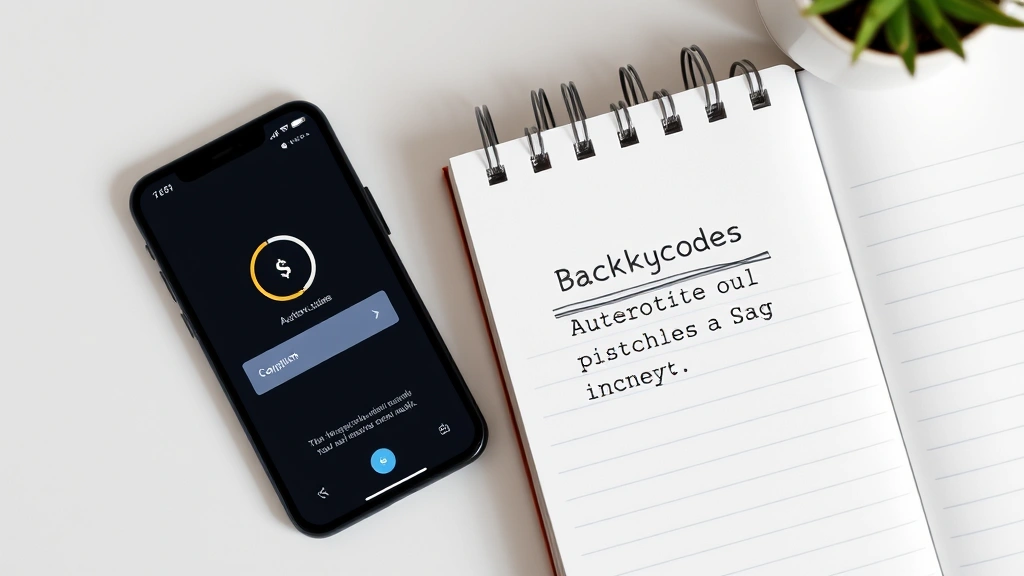
When you enable two-factor authentication, Instagram gives you backup codes. These are one-time passwords you can use if you lose access to your phone or authentication app. Most people ignore them. Don’t.
- Go to Settings → Security → Two-factor authentication.
- Look for “Backup codes” or “Save codes.”
- Instagram will show you 10 unique codes (usually 8 characters each).
- Write them down or screenshot them and store them somewhere safe—a password manager, a locked note app, or even printed and in a safe.
- Do NOT email them to yourself or store them in plain text on your computer.
Think of backup codes like the spare key to your house. You hope you never need it, but when your main key breaks, you’re grateful it exists.
Revoke Third-Party App Access
A lot of people don’t realize they’ve given third-party apps permission to access their Instagram account. You know those “Login with Instagram” buttons on random websites? Or those photo-editing apps that ask for Instagram access? Each one is a potential security hole.
- Go to your Instagram profile menu.
- Select “Settings and privacy.”
- Tap “Apps and websites” or “Authorized apps.”
- Review the list. If you see apps you don’t use or don’t recognize, tap them and select “Remove.”
- Keep only the apps you actively use and trust.
This is especially important if you’ve ever used sketchy third-party tools claiming to boost followers, download stories, or show you who unfollowed you. Many of these are data harvesting operations. Revoking access cuts them off.
Pro move: Check this list every three months. Apps you signed up for years ago might still have access.
Frequently Asked Questions
Can I hack someone else’s Instagram account legally?
– No. Accessing someone else’s account without permission is illegal under the Computer Fraud and Abuse Act (CFAA) in the US and similar laws worldwide. This applies even if you’re “just trying to help” or “test their security.” The only legal exception is if you’re a security researcher with explicit written permission, and even then you’re operating in a legal gray zone. Stick to your own accounts.
What’s the difference between hacking and social engineering?
– Hacking means breaking into a system through technical means (exploiting code vulnerabilities, brute-force attacks, etc.). Social engineering means tricking a person into giving you access (phishing emails, fake support calls, etc.). Both are illegal when used to access accounts you don’t own. Instagram’s security is designed to prevent hacking; your own awareness prevents social engineering.
If I forget my password, how long does recovery take?
– If you still have access to your email or phone, usually 5-15 minutes. If you’ve lost access to both and need to verify with ID, expect 24-72 hours. Meta processes these requests in batches, so timing varies. Don’t spam multiple requests—it actually slows things down.
Are password reset links from Instagram safe?
– Yes, as long as they come directly from Instagram. Always check the sender email (should be from Instagram or Meta). Never click links in unexpected emails claiming to be from Instagram—that’s phishing. When in doubt, go directly to Instagram.com and use the “Forgot password?” option instead of clicking email links.
What should I do if I think Instagram has a security flaw?
– Report it to Meta’s security team through their official security page. Meta runs a bug bounty program and actually pays researchers for legitimate security discoveries. Don’t exploit the flaw yourself—that’s illegal. Report it responsibly and let the professionals handle it.
Can hackers get my password from my phone or computer?
– Yes, if your device is infected with malware or spyware. Keep your phone and computer updated with the latest security patches. Use antivirus software. Don’t download apps from sketchy sources. And never use public WiFi without a VPN for sensitive stuff like logging into Instagram.
Is it safe to use Instagram’s “Login with Instagram” feature on other websites?
– It depends on the website. Reputable sites use it safely. But sketchy or unknown sites might be phishing operations designed to steal your credentials. If a website asks for Instagram login and seems suspicious, just create a regular account instead. When in doubt, don’t link accounts.
What’s the best authentication method for Instagram: app or SMS?
– Apps (Google Authenticator, Authy) are more secure because they work offline and can’t be intercepted via SMS. But SMS is better than nothing. If you have a choice, use an app. If you only have access to SMS, that’s still solid protection—just better than no 2FA at all.
The bottom line: How to hack Instagram legally means using the tools Instagram provides to protect your own account. It means strong passwords, two-factor authentication, regular security checkups, and not trusting sketchy third-party apps. It’s not glamorous, but it works. Your account is worth protecting—treat it like your house keys.


