
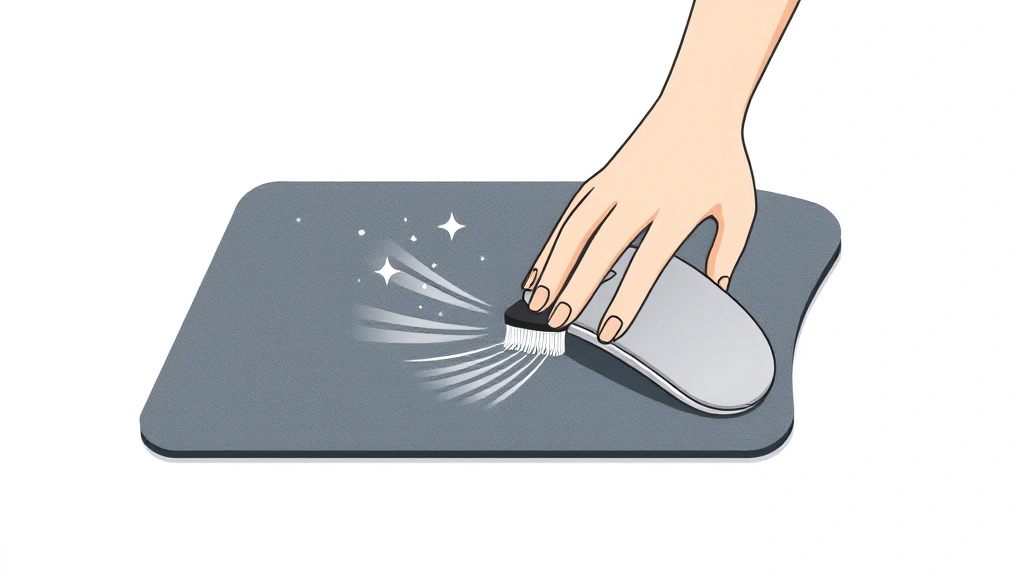
Your mousepad is one of those things you probably don’t think about until it’s gross. Dust, dead skin cells, coffee spills, and mystery grime accumulate faster than you’d expect. A dirty mousepad doesn’t just look bad—it actually affects your mouse’s tracking accuracy and can slow down your workflow. The good news? Learning how to clean a mousepad takes maybe 10 minutes and requires stuff you already have at home.
Whether you’ve got a fabric pad that’s seen better days or a hard surface that’s picked up every speck of dust in your office, we’re covering the exact methods that work. No guesswork. No damage. Just a mousepad that feels and performs like new.
Dry Cleaning Method (Quick & Safe)
This is your go-to move for regular maintenance. Dry cleaning works on both fabric and hard mousepads and takes about 2 minutes. You’re basically removing surface dust and debris before they get ground in.
What you need:
- A soft-bristled brush (old toothbrush works great)
- Compressed air canister (optional but helpful)
- Microfiber cloth
Steps:
- Flip your mousepad upside down and tap it gently over a trash can. Seriously. Dust falls out.
- Use the soft brush to gently scrub the surface in circular motions. Don’t press hard—you’re not trying to sand it.
- If you have compressed air, use short bursts to blow out dust from seams and edges. Hold the canister upright and keep it 6 inches away.
- Wipe the entire surface with a dry microfiber cloth. This picks up what the brush missed.
- Flip it back over and do the bottom side too. Dust accumulates there as much as the top.
Do this weekly if you use your computer daily. It’s the difference between a mousepad that lasts two years and one that lasts five.
Fabric Pad Wet Cleaning
Fabric mousepads trap dirt like a sponge. The good news is they’re actually pretty forgiving to clean. The bad news? You have to be careful not to damage the rubber base or warp the material.
What you need:
- Lukewarm water (not hot)
- Mild dish soap or laundry detergent
- Soft cloth or sponge
- Clean towels
- Optional: enzyme-based stain remover for stubborn spots
The process:
- Fill a bucket or sink with lukewarm water and add just a few drops of dish soap. You want soapy water, not a bubble bath.
- Dip your cloth in the soapy water and wring it out so it’s damp, not dripping. This is critical—excess water is the enemy of mousepads.
- Gently scrub the fabric surface in circular motions. Pay extra attention to high-traffic areas where your mouse actually sits.
- For the edges and seams, use a soft toothbrush dipped in soapy water. These areas collect grime like crazy.
- Rinse with a clean, damp cloth using plain water. Do this 2-3 times to remove all soap residue.
- Squeeze out excess water with a clean towel. Don’t wring it like you’re making orange juice—just gentle pressure.
This method works great for how to wash mousepad situations where you need more than surface cleaning.
Hard Surface Mousepad Cleaning
Hard mousepads (plastic, rubber, or aluminum) are actually easier to clean than fabric because water doesn’t get trapped inside. They also dry faster, which means less risk of damage.
What you need:
- Isopropyl alcohol (70% concentration) or screen cleaner
- Microfiber cloth
- Warm water
- Mild soap
The steps:
- Start with dry cleaning—brush and compressed air, same as before.
- For everyday grime, spray a small amount of isopropyl alcohol on a microfiber cloth (not directly on the pad) and wipe the surface. This evaporates quickly and leaves no residue.
- For stubborn sticky spots (coffee, soda), use a cloth slightly damp with warm soapy water. Wipe gently and follow immediately with a dry cloth.
- For the edges and seams where hard pads collect dust, use a slightly damp cotton swab.
- Dry completely with a clean microfiber cloth before using again.
Hard pads are forgiving, but avoid harsh chemicals like bleach or acetone. They can damage the surface coating.
Pro tip: If your hard mousepad has a textured surface, brush it with an old toothbrush during dry cleaning. The texture traps dust like nobody’s business.
Safety Warning: Never soak a mousepad—fabric or hard. Water getting into the edges or seams can damage the base material or cause mold growth. Damp is fine. Soaking is not.
Deep Cleaning for Stubborn Stains
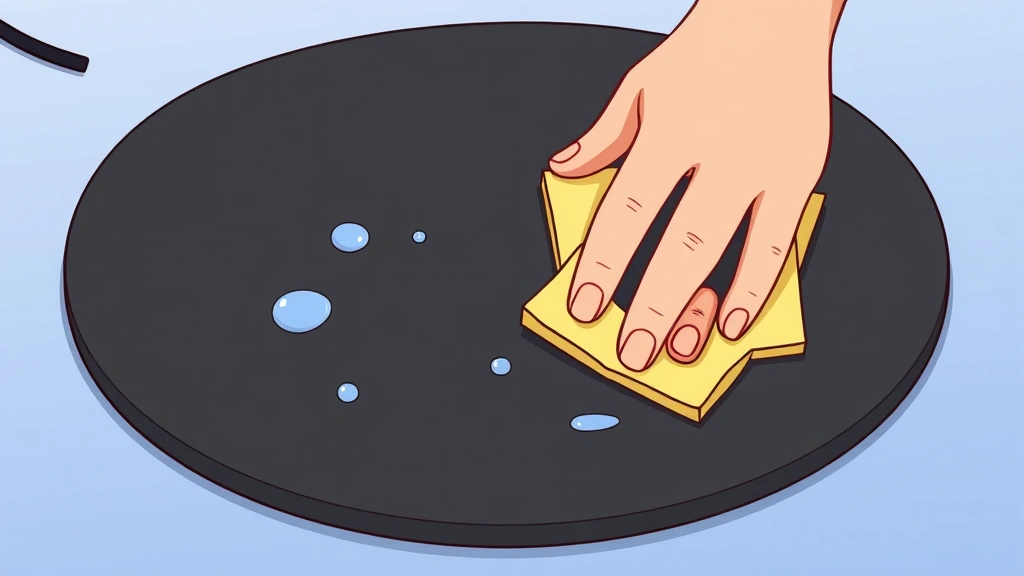
Sometimes you spill coffee, drop food, or just let grime sit too long. Stubborn stains need a different approach, but you can fix them without replacing the pad.
For fabric pads:
- Mix equal parts white vinegar and water. The vinegar cuts through grease and kills odors.
- Dip a cloth in the mixture and gently dab the stain. Don’t rub hard—you’ll push it deeper.
- Let it sit for 5 minutes. The vinegar does the work; you just have to wait.
- Gently scrub with a soft brush or cloth.
- Rinse with plain water multiple times until the vinegar smell is gone.
- Squeeze out excess water and let it air dry completely.
For really stubborn stains, you can use an enzyme-based laundry stain remover. These are designed to break down organic matter and work surprisingly well on mousepads. Just follow the product instructions and rinse thoroughly.
For hard pads:
- Make a paste with baking soda and water (roughly 3:1 ratio).
- Apply the paste directly to the stain and let it sit for 10 minutes.
- Gently scrub with a soft cloth or old toothbrush.
- Wipe clean with a damp cloth and dry immediately.
Baking soda is mildly abrasive but won’t damage hard surfaces. It’s also non-toxic, so you don’t have to worry about chemical residue.
According to Family Handyman, using gentle abrasives like baking soda is always safer than harsh chemicals for items you touch regularly.
Drying & Storage Tips
How you dry your mousepad matters as much as how you clean it. Improper drying can cause mold, warping, or material breakdown.
For fabric pads:
- Squeeze out excess water gently with a clean towel.
- Lay flat on a clean, dry surface. Don’t hang it—gravity will warp the material.
- Air dry in a well-ventilated area away from direct sunlight. Sunlight can fade the color and degrade the rubber base.
- This typically takes 4-8 hours depending on humidity and pad thickness.
- Don’t use a hair dryer or oven. Heat damages the rubber backing and can shrink the fabric.
For hard pads:
- Wipe dry immediately with a clean cloth.
- Stand it upright if possible to allow any trapped water to drain from seams.
- Let it air dry for 30 minutes before using again.
Once completely dry, store your mousepad flat in a clean, dry place. If you’re not using it for a while, keep it in a breathable bag (not plastic, which traps moisture). Think of it like storing a shirt—flat and breathable beats rolled up and sealed.
Maintenance Schedule to Stay Ahead
The best approach to mousepad cleanliness is prevention. Here’s a realistic schedule that keeps your pad clean without obsessing over it:
Weekly: Dry brush and compressed air. Takes 2 minutes. Removes dust before it gets ground in.
Monthly: Full dry cleaning plus a damp cloth wipe-down. This catches grime before it becomes staining.
Quarterly or as needed: Wet cleaning for fabric pads or deep cleaning for hard pads. Do this when you notice discoloration or sticky spots.
This schedule assumes normal office or home use. If you eat at your desk, work in a dusty environment, or have pets, bump up the frequency.
According to This Old House‘s guidance on maintaining everyday items, regular light maintenance beats occasional deep cleaning every time. The same principle applies to mousepads.
If you’re serious about keeping your computer setup clean, you might also want to check out how to check what motherboard you have so you know what components need dust management too.
Pro Tip: Keep a microfiber cloth at your desk. A quick daily wipe takes 30 seconds and prevents dust buildup. It’s the single easiest habit to maintain mousepad cleanliness.
Frequently Asked Questions
Can I throw my mousepad in the washing machine?
– Not recommended. Washing machines are too aggressive and can damage the rubber base or cause the fabric to fray. The agitation and heat can warp the pad permanently. Stick to hand cleaning with damp cloths.
What’s the best way to remove odors from a mousepad?
– White vinegar is your friend. Mix equal parts vinegar and water, dampen a cloth, and wipe the pad. Let it air dry completely. Baking soda also works—sprinkle it on the dry pad, let it sit for a few hours, then brush it off. Both methods neutralize odors without chemicals.
How often should I replace my mousepad?
– With proper cleaning and maintenance, a good mousepad lasts 3-5 years. Replace it sooner if the surface becomes permanently discolored, the rubber base starts deteriorating, or tracking accuracy suffers. If you’re overclocking your CPU and doing intense gaming, you might wear out mousepads faster due to heavy use.
Is it safe to use bleach on a mousepad?
– No. Bleach is too harsh and can damage both fabric and hard surfaces. It can discolor the pad, degrade the rubber base, and leave toxic residue on something you touch constantly. Stick with mild soap, vinegar, or baking soda.
Can I clean my mousepad while it’s still connected to my mouse?
– Yes, but it’s not ideal. Moisture near electronic connectors is risky. Disconnect your mouse, clean the pad, and let it dry completely before reconnecting. Takes an extra 30 seconds and prevents potential damage.
What if my mousepad has a non-slip base that’s getting sticky?
– The non-slip coating can get tacky when dirty. Clean it with isopropyl alcohol on a cloth (not directly on the pad). Wipe gently and let it dry. If it stays sticky after cleaning, the coating might be degrading and replacement is the better option.
Is it better to clean a mousepad wet or dry?
– Start dry. Dry cleaning handles 80% of normal maintenance. Reserve wet cleaning for when dry cleaning isn’t enough or you have visible stains. This approach minimizes water exposure while keeping your pad clean.
Can I use Lysol or disinfectant wipes on my mousepad?
– Disinfectant wipes are okay in a pinch, but they’re overkill for a mousepad and can leave chemical residue. If you’re concerned about germs, isopropyl alcohol on a cloth works better and leaves no residue. Just make sure the pad is dry before using your mouse.


