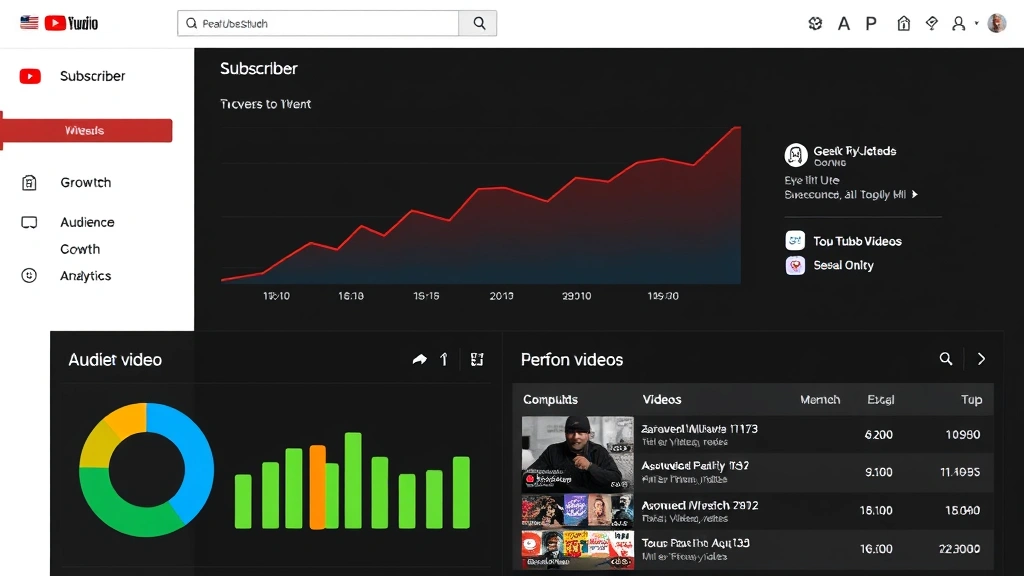
How to Check Subscribers on YouTube: Simple & Essential Tips
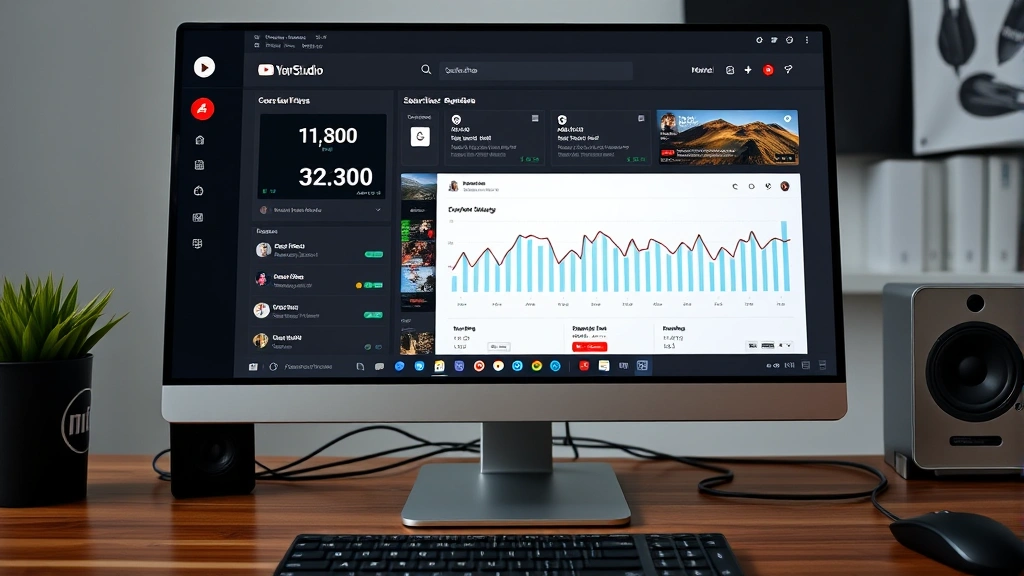
Tracking your YouTube subscriber count is one of the most important metrics for understanding your channel’s growth and audience engagement. Whether you’re a content creator building your first audience or an established channel owner monitoring performance, knowing how to check subscribers on YouTube is essential for managing your presence effectively. This guide walks you through every method to view your subscriber count across devices and platforms.
Quick Answer: On YouTube Studio (desktop), click the “Dashboard” tab to see your subscriber count instantly. On mobile, open the YouTube app, tap your profile icon, select “Your Channel,” and view the subscriber number at the top. You can also check subscriber analytics, growth trends, and demographic data through the Analytics section for deeper insights into your audience.
- Desktop computer or laptop with internet access
- YouTube account with creator status
- Mobile device (iPhone or Android) with YouTube app installed
- Web browser (Chrome, Safari, Firefox, or Edge)
- Optional: YouTube Studio app for mobile management
How to Check Subscribers on YouTube Desktop
The most straightforward way to check subscribers on YouTube is through YouTube Studio on your desktop. This professional dashboard provides comprehensive subscriber information and analytics at a glance. Start by visiting studio.youtube.com and signing in with your YouTube account credentials. Once logged in, you’ll see the main dashboard displaying your channel overview.
On the left sidebar, click the “Dashboard” option to access your channel’s primary metrics. Your subscriber count appears prominently at the top of the main content area, alongside views, watch time, and other key performance indicators. This number updates in real-time, so you can monitor growth throughout the day. According to WikiHow’s guide to YouTube management, the dashboard is the most reliable place to check accurate subscriber metrics.
For more detailed subscriber information, navigate to the “Analytics” tab in the left menu. This section breaks down your subscriber growth over different time periods (last 28 days, last 3 months, last year), shows demographic data about your audience, and reveals which videos attracted the most new subscribers. You can also see subscriber retention rates and understand which content resonates most with your audience.
If you want to view your channel publicly as visitors see it, click your profile icon in the top-right corner and select “View Channel.” This shows your subscriber count as displayed to the public, along with your channel banner, description, and video library. This perspective helps you understand how potential subscribers perceive your channel.
Checking Subscribers on Mobile Devices
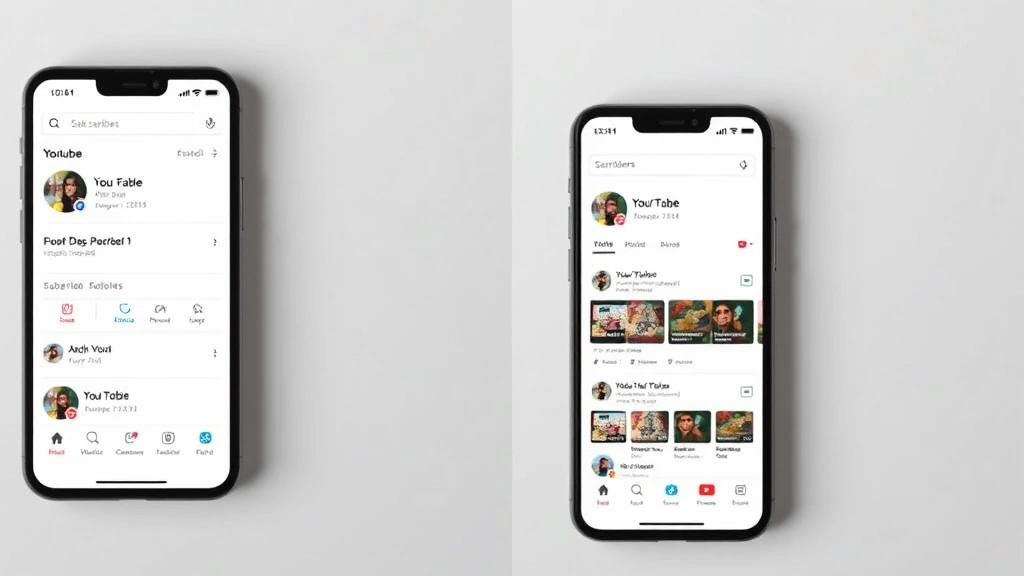
Mobile users can easily check subscribers on YouTube using the official YouTube app or YouTube Studio app. On the YouTube mobile app, tap your profile icon in the bottom-right corner of the screen. Select “Your Channel” from the menu that appears. Your subscriber count displays prominently at the top of your channel page, showing the exact number of people subscribed to your content.
For iOS users, ensure your YouTube app is up-to-date by checking the App Store. As detailed in our guide on how to update apps on iPhone, keeping apps current ensures you have access to the latest features and accurate subscriber data. The same principle applies to Android users checking the Google Play Store.
The YouTube Studio mobile app provides an even more robust experience for creators. Download it from your device’s app store, sign in with your creator account, and tap the “Dashboard” tab at the bottom. This app displays your subscriber count, recent analytics, and allows you to respond to comments and manage your channel on the go. The mobile studio app is particularly useful for creators who manage their channels primarily from smartphones or tablets.
When checking subscribers on mobile, note that the count may take a few seconds to load depending on your internet connection. If the number doesn’t update immediately, try refreshing the page or closing and reopening the app. Mobile apps sometimes cache data, so a refresh ensures you’re seeing the most current subscriber information.
Understanding YouTube Analytics for Subscriber Data
Beyond simply viewing your total subscriber count, YouTube’s analytics provide rich insights into your subscriber base. Access the Analytics section through YouTube Studio to dive deeper into subscriber metrics and understand your audience better. The “Subscribers” card on your dashboard shows your total count, but the full Analytics section reveals much more valuable information for growing your channel.
In the Analytics dashboard, you’ll find the “Reach” tab, which displays subscriber growth over your selected time period. This graph shows whether your subscriber count is trending upward or downward, helping you identify which content strategies work best. You can compare subscriber growth against video uploads, publishing schedules, and content themes to determine what attracts new subscribers.
The “Audience” tab provides demographic information about your subscribers, including age ranges, gender distribution, and geographic location. This data is invaluable for understanding who watches your content and tailoring future videos to appeal to your core audience. If you notice most subscribers are from specific regions or age groups, you can create content that resonates more strongly with these demographics.
YouTube also shows which videos and playlists drive the most subscriber growth. In the Analytics section, look for the “Top Videos” report filtered by “Subscribers gained.” This reveals which of your videos convert viewers into subscribers most effectively. Use this insight to create more content similar to your highest-converting videos, maximizing your subscriber acquisition rate.
Real-Time Subscriber Tracking Methods
For creators who want to monitor subscriber changes throughout the day, several tools provide real-time tracking beyond YouTube Studio’s native dashboard. While YouTube Studio updates subscriber counts regularly, external tools can provide additional granularity and historical tracking. These third-party applications connect to your YouTube account (with proper authorization) to log subscriber changes and growth patterns.
Popular real-time tracking tools include Social Blade, VidIQ, and TubeBuddy, which all offer subscriber monitoring features. These platforms show not just your current subscriber count but also daily growth rates, projected future milestones, and comparative analysis against other channels in your niche. Many creators use these tools to understand subscriber trends and identify optimal publishing times.
When using third-party tracking tools, always verify they’re legitimate and authorized by Google. Only grant access to apps that have proper verification badges and positive user reviews. Never share your YouTube password directly with any external service—reputable tools use OAuth authentication, which allows them to access your data without requiring your password.
For basic real-time tracking without external tools, simply check your YouTube Studio dashboard multiple times daily. Most creators check their metrics in the morning, midday, and evening to understand when their audience is most active. This manual approach requires no additional tools or permissions and gives you direct access to YouTube’s official subscriber data.
Subscriber-Only Features and Settings
Once you’ve checked your subscriber count and understand your audience size, you can leverage YouTube’s subscriber-exclusive features to deepen engagement. YouTube allows you to create subscriber-only content, which is visible only to people who have subscribed to your channel. This feature encourages viewers to subscribe and creates exclusive community experiences.
To enable subscriber-only mode for specific videos, go to YouTube Studio, select the video you want to restrict, click “Details,” and find the “Audience” section. Check the box for “Made for kids” or adjust other audience settings. Note that YouTube has specific policies about subscriber-only content, particularly regarding how you announce these restrictions to viewers.
The YouTube Community tab is another powerful feature available once you reach certain subscriber thresholds (typically 10,000 subscribers). This tab allows you to post text, images, polls, and videos exclusively to your subscriber community, creating a more engaged audience. Your community members see these posts before the general public, making them feel valued.
YouTube’s Super Chat and Super Likes features allow your subscribers to support you financially while highlighting their messages during live streams or in video comments. These monetization features work best when you have an engaged subscriber base that values your content enough to pay for visibility. Understanding your subscriber count helps you gauge whether your audience size justifies enabling these features.
Troubleshooting Common Subscriber Display Issues
Sometimes creators encounter issues where their subscriber count doesn’t display correctly or seems to fluctuate unexpectedly. If you’re having trouble seeing your subscriber count, first verify that you’re logged into the correct YouTube account with creator status. Some accounts may not have access to YouTube Studio if they don’t meet YouTube Partner Program requirements.
If your subscriber count appears to decrease, this is usually normal and reflects YouTube removing fake or inactive accounts. YouTube regularly audits subscriber lists to maintain platform integrity, so minor decreases of a few subscribers are nothing to worry about. Significant drops, however, might indicate issues with your account or violations of YouTube’s community guidelines.
Browser caching can sometimes cause outdated subscriber information to display. Clear your browser’s cache and cookies, then reload YouTube Studio to see the most current data. If you’re using an older version of the YouTube app on mobile, update to the latest version through your device’s app store. Outdated apps may display cached subscriber information rather than real-time data.
If YouTube Studio is completely inaccessible, check your account status to ensure it hasn’t been suspended or restricted. Visit YouTube’s account status page to see if there are any issues with your channel. If your account is in good standing but you still can’t access your subscriber information, contact YouTube Support through the Help Center in YouTube Studio.
Strategies to Grow Your Subscriber Base
Now that you know how to check subscribers on YouTube, let’s focus on growing that number strategically. Creating consistent, high-quality content is the foundation of subscriber growth. When viewers enjoy your videos, they’re more likely to subscribe to ensure they don’t miss future uploads. Establish a regular upload schedule so subscribers know when to expect new content.
Optimize your video titles, descriptions, and tags with relevant keywords that help potential subscribers discover your content. According to best practices from Family Handyman’s content strategy, clear, descriptive titles significantly impact click-through rates and subscriber conversion. Your video descriptions should include a clear call-to-action encouraging viewers to subscribe, placed near the beginning where it’s immediately visible.
Engage with your audience through comments, community posts, and live streams. Responding to comments makes viewers feel valued and more likely to subscribe for ongoing interaction. Creating community posts keeps your subscribers engaged between video uploads, strengthening their connection to your channel. Live streams are particularly effective for building subscriber loyalty, as they create real-time interaction opportunities.
Collaborate with other creators in your niche to expose your content to new audiences. When you appear on another creator’s channel or vice versa, their subscribers may subscribe to your channel if they enjoy your content. Cross-promotion is one of the fastest ways to grow your subscriber base, especially when you partner with channels that have similar target audiences.
Create compelling channel art, write an engaging channel description, and organize your videos into playlists. These elements help new visitors understand your content and encourage them to subscribe. Your channel banner and profile picture should reflect your brand identity and make your channel memorable. A well-organized channel with clear playlists helps viewers find content they’re interested in, increasing the likelihood they’ll subscribe.
If you’re interested in related platform management, you might also want to explore how to cancel YouTube TV if you’re consolidating your media subscriptions, or learn about how to see your subscribers on YouTube in more detail for advanced creator features.
FAQ
Can I see a list of all my YouTube subscribers?
YouTube Studio doesn’t provide a complete list of individual subscribers due to privacy considerations. However, you can see subscriber counts, growth trends, and demographic data. Some third-party tools claim to show subscriber lists, but YouTube’s API limitations prevent true individual subscriber identification for privacy reasons.
Why does my subscriber count fluctuate?
Minor fluctuations are normal as YouTube removes fake accounts, inactive subscribers, and accounts that violate policies. YouTube also occasionally adjusts subscriber counts during audits. Sudden drops of more than a few subscribers might warrant investigation, but small daily fluctuations are expected and not concerning.
How often does YouTube update subscriber counts?
YouTube updates subscriber counts in real-time on your YouTube Studio dashboard. However, the public display of your subscriber count (on your channel page visible to others) may update slightly less frequently, sometimes with a delay of several minutes. This prevents artificial inflation and manipulation of subscriber counts.
What’s the difference between subscribers and views?
Subscribers are people who have chosen to follow your channel and receive notifications about new uploads. Views represent the total number of times your videos have been watched, including repeat views and views from non-subscribers. A channel can have many views but fewer subscribers, or vice versa.
Can I hide my subscriber count from the public?
Yes, YouTube allows creators to make their subscriber count private. In YouTube Studio, go to “Settings” > “Channel” > “Basic Info” and uncheck the box next to “Display the number of people subscribed to my channel.” This hides your subscriber count from your public channel page while you can still see it in YouTube Studio.
How many subscribers do I need to monetize my channel?
YouTube requires 1,000 subscribers and 4,000 watch hours in the last 12 months to join the YouTube Partner Program and earn revenue from ads. Once you meet these requirements, you can enable monetization and start earning from your content.
Does checking my subscriber count frequently affect growth?
No, checking your subscriber count has no impact on your growth rate. You can check as frequently as you like without affecting your channel’s performance. However, focusing too much on subscriber numbers rather than content quality can be counterproductive—prioritize creating great content over obsessing over metrics.
Can I see which videos brought in the most subscribers?
Yes, in YouTube Studio’s Analytics section, filter the “Top Videos” report by “Subscribers gained.” This shows which videos converted the most viewers into subscribers. Use this data to understand what content resonates most with your audience and create similar videos.
What should I do if my subscriber count seems inaccurate?
First, try refreshing YouTube Studio or clearing your browser cache. If the issue persists, wait 24 hours, as YouTube sometimes takes time to process data updates. If your count still seems wrong after a day, contact YouTube Support through the Help Center. According to Consumer Reports’ technology support guidelines, providing detailed information about the discrepancy helps support teams resolve issues faster.
How can I encourage more people to subscribe?
Create valuable, consistent content that solves problems or entertains your target audience. Include clear calls-to-action in your videos asking viewers to subscribe. Engage with your community through comments and community posts. Optimize your channel appearance with compelling artwork and descriptions. Collaborate with other creators and promote your channel on social media platforms to reach new audiences.