
Learning how to cancel HBO Max takes just a few minutes, and we’ll walk you through every method available in 2024. Whether you’re trimming your streaming subscriptions or switching to another service, canceling HBO Max is straightforward—but there are a few tricks to know so you don’t get charged again.
Table of Contents
Cancel via Web Browser
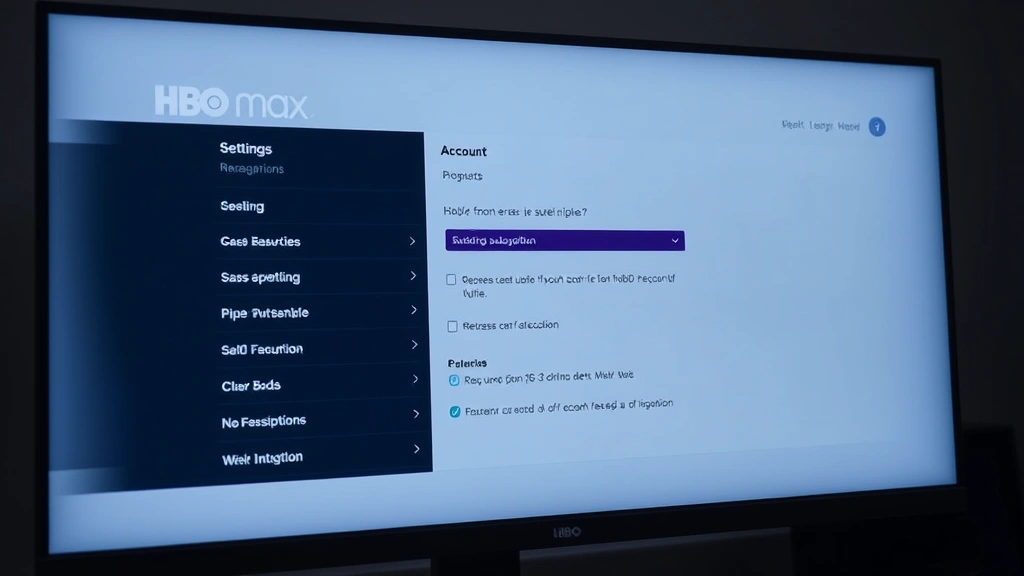
The easiest method is canceling directly through HBO Max’s website. Open any web browser and head to max.com, then log into your account. Click your profile icon in the top-right corner and select “Account.” From there, scroll down to the “Subscription” section and you’ll see a blue button labeled “Manage subscription.” Click it, then select “Cancel subscription.” HBO Max will ask you to confirm and might offer you a discount to stay—decline if you’re serious about leaving. The cancellation takes effect immediately, though you’ll keep access until your billing cycle ends.
This method works on any device with a browser: laptops, tablets, or phones. It’s also the most reliable way to cancel because you’re dealing directly with HBO Max rather than a third-party platform. Make sure you’re logged into the correct account if you have multiple profiles in your household.
Cancel Through Mobile App
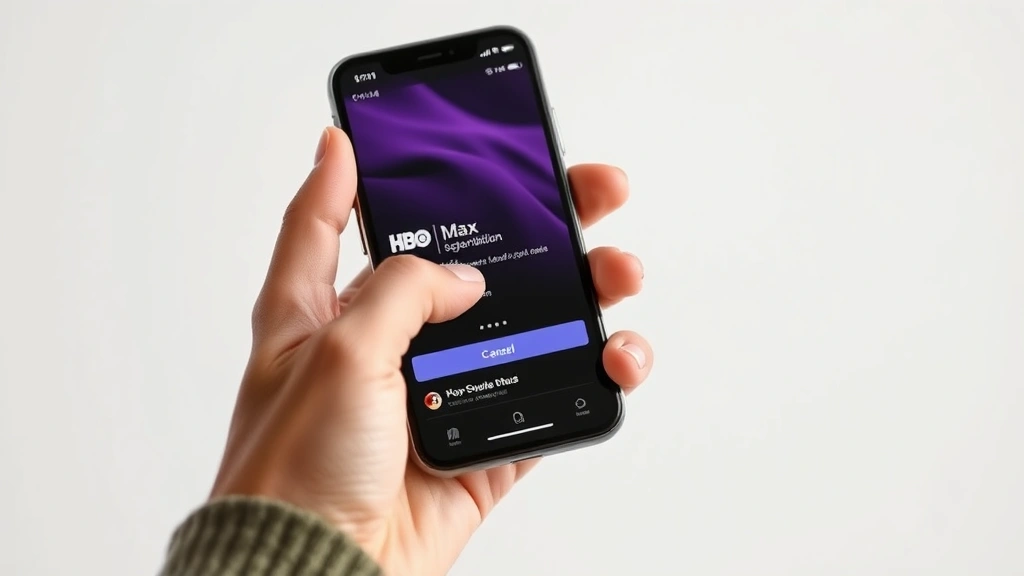
You can also cancel straight from the HBO Max app on your phone or tablet. Open the app and tap your profile icon (usually in the bottom-right corner). Select “Settings,” then “Account,” and look for “Manage subscription” or “Subscription details.” The exact wording varies slightly between iOS and Android, but the process is identical. Tap “Cancel subscription,” confirm your choice, and you’re done. The app method is convenient if you’re already watching something and decide to cancel on the spot.
One important note: canceling through the app doesn’t always show you all the subscription options available. If you’re subscribed through a third-party billing provider (like Apple or Google), you might need to cancel through that platform instead. The app will usually tell you which method applies to your account.
Cancel on Roku or FireStick
If you subscribe through a Roku or FireStick device, cancellation is slightly different. On Roku, go to the home screen, select “Manage subscriptions,” find HBO Max, and choose “Cancel subscription.” On FireStick, open the app, go to “Settings,” select “Manage Your Subscriptions,” find HBO Max, and tap “Cancel Subscription.” Both devices will confirm your cancellation immediately.
The advantage here is that you’re managing the subscription directly on the device where you use it most. However, if you have issues, it’s often easier to cancel through the web browser method instead, since the streaming device interfaces can be clunky.
Cancel Apple & Google Play
If you subscribed to HBO Max through Apple’s App Store or Google Play, you need to cancel through those platforms, not through HBO Max directly. This is crucial—canceling in the HBO Max app won’t work if you’re on a third-party billing system.
For Apple (iPhone/iPad): Open “Settings,” tap your name at the top, select “Subscriptions,” find HBO Max, and tap “Cancel Subscription.” You’ll see options to cancel immediately or at the end of your billing period.
For Google Play (Android): Open the Google Play Store app, tap your profile icon, select “Manage subscriptions,” find HBO Max, and tap “Cancel subscription.” Google will ask if you want to cancel immediately or keep access through the end of your current billing cycle.
If you’re unsure whether you subscribed through Apple or Google, check your email for receipts. Apple sends confirmations from “Apple Media Services,” while Google sends them from “Google Play.” This is similar to how you’d return a book on Audible—the third-party platform controls the subscription.
Cancel Carrier Billing
Some users subscribe through their phone carrier (Verizon, AT&T, T-Mobile, etc.). If HBO Max charges appear on your phone bill rather than a credit card, you’re using carrier billing. Contact your carrier’s customer service directly to cancel. They can walk you through their specific process, which varies by provider. You can also log into your carrier’s online account portal and look for “Subscriptions” or “Digital Services” to cancel there.
Carrier billing is convenient for bundling, but it can be trickier to cancel because you’re dealing with two companies. Keep your confirmation number handy when you call your carrier—they’ll need it to verify your subscription.
Timing & Refund Details
Here’s the part many people miss: HBO Max doesn’t offer refunds for partial months. If you cancel mid-billing cycle, you lose access immediately and won’t get money back for unused days. However, if you cancel before your next billing date, you won’t be charged again. The smartest move is to cancel right after your monthly charge goes through, giving yourself the maximum time before the next one hits.
Check your account details to see your exact billing date. If you cancel on the 5th of the month but your bill cycles on the 15th, you’ll keep access until the 15th without being charged again. This timing trick saves you money and lets you keep watching until the last possible moment.
Pause vs. Cancel
Before you cancel completely, consider whether you actually want to pause your subscription instead. HBO Max allows you to pause for up to 3 months without losing your account, watchlist, or profile settings. Pausing is perfect if you’re taking a break but plan to return later—like when you’re retracting commitments in other areas of life. You won’t be charged during the pause, and you can resume anytime.
To pause instead of cancel, go to “Account” → “Manage subscription” and look for a “Pause subscription” option. It’s usually right next to the cancel button. This is a lifesaver if you’re on the fence about leaving permanently.
Troubleshooting Issues
Sometimes the cancellation process doesn’t go smoothly. If you can’t find the “Cancel subscription” button, try these fixes:
Clear your browser cache: Old cached data can prevent the website from loading properly. Clear your cookies and cache, then try again.
Log out and back in: Sign out completely, close the browser, and log back in fresh. This resets your session and often fixes glitches.
Try a different browser: If the web version isn’t working, switch from Chrome to Firefox or Safari. Sometimes one browser has temporary issues.
Contact HBO Max support: If nothing works, visit max.com/support and use their chat feature. Their support team can cancel manually if the system is acting up.
Check for pending charges: After canceling, wait 24 hours and check your bank or credit card statement. You should see no new charges from HBO Max. If you do, contact your bank and HBO Max support immediately.
Frequently Asked Questions
Can I cancel HBO Max anytime or is there a contract?
HBO Max is month-to-month with no long-term contract. You can cancel anytime without penalties. However, you won’t get a refund for the current billing period once you’ve been charged.
Will I lose access immediately after canceling?
No. You’ll keep access until the end of your current billing cycle. If you cancel on the 10th but your bill cycles on the 25th, you can watch until the 25th. After that date, your account locks.
Can I reactivate my HBO Max account after canceling?
Yes. You can reactivate anytime by logging back into your account or starting a new subscription. Your watchlist and profile settings may or may not be saved depending on how long you’ve been away—typically they’re kept for several months.
What if I subscribed through a third party and forgot which one?
Check your email for subscription confirmations. Apple sends receipts from “Apple Media Services,” Google from “Google Play,” and carriers include HBO Max on your phone bill. You can also log into your account on max.com and check “Manage subscription”—it’ll tell you the billing method.
Is there a way to get a discount to stay?
Often, yes. When you attempt to cancel, HBO Max frequently offers discounts or promotional rates to keep you subscribed. If you’re willing to negotiate, you might save money without actually leaving.
Do I need to cancel before switching to a new plan?
If you’re downgrading from Premium to Standard (or vice versa), you don’t need to cancel—just change your plan in Account settings. Only cancel if you’re leaving HBO Max entirely.


