How to Cancel a DoorDash Order: Easy & Essential Guide
Need to cancel your DoorDash order quickly? Whether you’ve changed your mind, ordered by mistake, or the restaurant is taking too long, knowing how to cancel a DoorDash order can save you money and frustration. This guide walks you through every method to stop your delivery before it arrives, plus what to expect regarding refunds and fees.
Quick Answer: Open the DoorDash app, tap the active order, and select “Cancel Order” if the restaurant hasn’t started preparing it yet. For orders already being prepared or out for delivery, contact DoorDash support through the app’s help section. Most cancellations processed before restaurant preparation receive full refunds within 5-10 business days.
Cancel Through the DoorDash App
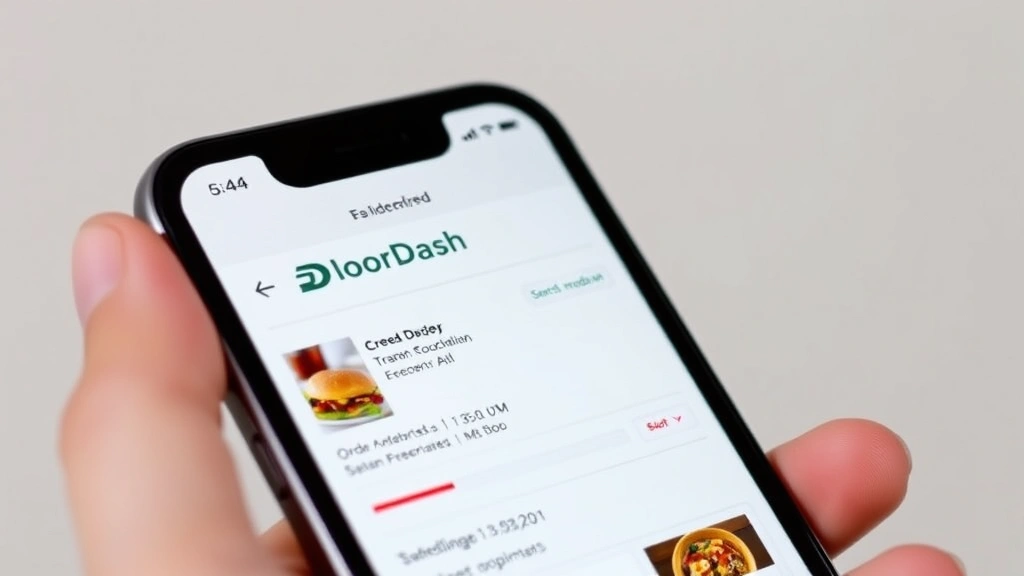
The fastest way to cancel a DoorDash order is through the mobile app. This method works best when you catch the cancellation early, ideally before the restaurant begins preparing your food. Open the DoorDash app and navigate to your active order—it typically appears at the top of your home screen or in the “Orders” tab. Tap on the order details to view the full information, including the restaurant name, items ordered, and estimated delivery time.
Look for the “Cancel Order” button, which usually appears near the bottom of the order details screen. The button’s availability depends on your order status. If the restaurant hasn’t started preparing your food, the cancellation option will be available and active. Tap it, and DoorDash will prompt you to confirm the cancellation and may ask for a reason. Select a reason from the provided options—common choices include “Changed my mind,” “Ordered by mistake,” or “Restaurant is taking too long.” After confirming, your order cancellation will be processed immediately.
Keep in mind that how to cancel a DoorDash order through the app depends on timing. If the restaurant has already started preparing your order, the “Cancel Order” button may be grayed out or unavailable. In this case, you’ll need to contact DoorDash support directly. Most users find the app cancellation method successful when initiated within the first 2-3 minutes after placing the order.
Cancel via DoorDash Website
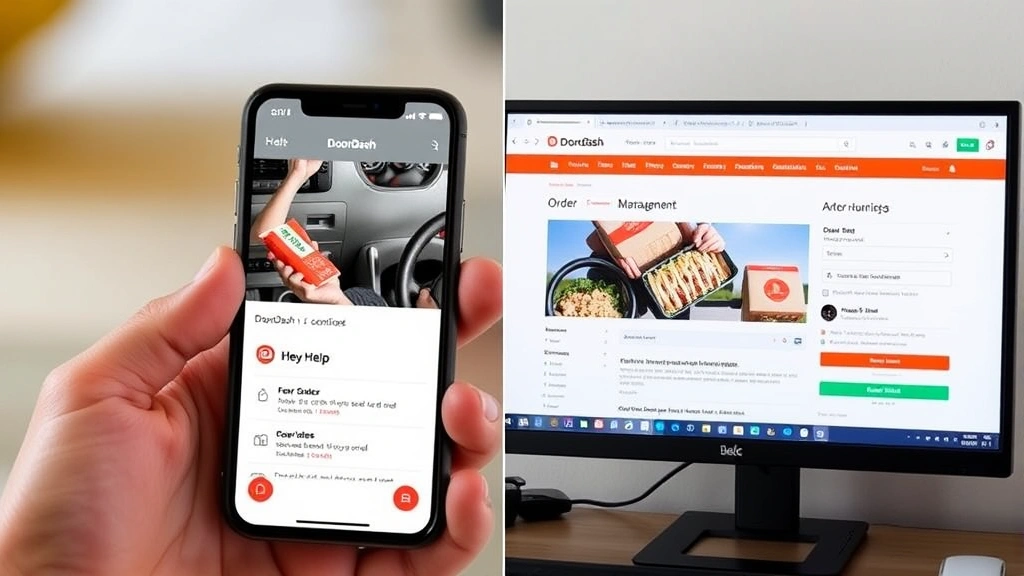
If you prefer using a computer or the website isn’t loading properly on your phone, you can cancel a DoorDash order through the web platform. Visit the official DoorDash website and log into your account using your email and password. Navigate to your account menu, typically found in the upper right corner, and select “Orders” or “Order History.” Find the active order you wish to cancel—active orders appear separately from completed orders.
Click on the order to expand its details. Similar to the mobile app, you should see a “Cancel Order” option if the restaurant hasn’t begun preparation. Click this button and confirm your cancellation request. The web-based cancellation process mirrors the app experience, offering the same refund policies and timing considerations. However, the app method is generally faster and more convenient since most users have their phone readily available.
The website cancellation method proves useful if you’re at a computer when you realize your mistake or if you’re experiencing app technical issues. According to WikiHow, having multiple cancellation methods available increases user control over digital services. DoorDash’s dual-platform approach ensures you can cancel regardless of your device preference.
Contact DoorDash Support
When the standard cancellation options aren’t available, contacting DoorDash support becomes necessary. This is particularly important if how to cancel a DoorDash order involves a restaurant that’s already started preparation or a Dasher who’s already picked up your food. Open the DoorDash app and navigate to your active order. Scroll down to find the “Help” or “Contact Support” option, usually located at the bottom of the order details screen.
Select “Help” and browse the available support options. You’ll typically see categories like “Issue with my order,” “Dasher-related concerns,” or “General questions.” Choose the most relevant category and then select “Chat with Support” or “Call Support.” DoorDash’s support team is available 24/7 to assist with cancellation requests, even when the automated system doesn’t allow it. Explain your situation clearly—whether the order hasn’t been started, is currently being prepared, or is out for delivery.
Support representatives have the authority to cancel orders that the app system won’t let you cancel directly. They can also process refunds and address any complications. Response times vary, but live chat typically connects you within 5-15 minutes during peak hours. For urgent situations, calling support is faster than messaging. Have your order number ready when you contact them, as this speeds up the process significantly.
Understanding Refunds and Cancellation Fees
One of the most important aspects of learning how to cancel a DoorDash order is understanding the refund policy. DoorDash’s refund eligibility depends entirely on when you cancel relative to restaurant preparation. If you cancel before the restaurant has started preparing your order, you’ll receive a full refund of your food costs. However, delivery fees and service fees are typically non-refundable, even in early cancellations.
If the restaurant has already started preparing your food, DoorDash may charge a cancellation fee—typically a portion of your order total, ranging from 25% to 50%. This fee compensates the restaurant for ingredients already used or prepared. When a Dasher is already en route or has arrived, cancellation becomes more complicated, and you may lose your entire payment. The refund timeline for approved cancellations is 5-10 business days, though some refunds appear within 24-48 hours.
To maximize your chances of a full refund, cancel as quickly as possible after placing your order. According to Consumer Reports, understanding service cancellation policies protects consumers from unexpected charges. DoorDash clearly displays order status updates, so monitor your app closely after ordering. If you see the status change to “Restaurant is preparing your order,” you’ve likely missed the window for a full refund, though support may still assist you.
What If the Order Is Already Being Prepared?
If your order status shows the restaurant is already preparing your food, how to cancel a DoorDash order becomes more challenging. At this stage, the app’s automated cancellation button won’t work, and you must contact DoorDash support. Call or chat with support immediately and explain that you need to cancel an order currently in preparation. Provide your order number and the reason for cancellation.
Support will attempt to reach the restaurant and stop preparation if possible. If they successfully halt the process, you’ll receive a partial or full refund depending on how much work the restaurant completed. If the restaurant has already finished preparing your order, cancellation becomes difficult. The Dasher may have already picked up the food, making it impossible to cancel. In this scenario, support might offer you a credit or partial refund as a courtesy, but it’s not guaranteed.
Prevention is better than attempting to cancel mid-preparation. Double-check your order before confirming payment. Review the restaurant name, items, quantities, and delivery address. Take 10 seconds to verify everything matches your intentions. This simple step prevents most accidental orders and eliminates the need to figure out how to cancel a DoorDash order in stressful situations.
Canceling When Dasher Has Arrived
The most difficult cancellation scenario occurs when the Dasher has already arrived at your location with your food. At this point, how to cancel a DoorDash order is nearly impossible through standard methods. The app won’t allow cancellation, and DoorDash support has limited ability to intervene. However, you still have options. Contact support immediately and explain that the Dasher has arrived but you no longer want the order.
Support will attempt to contact the Dasher to stop the delivery. If successful, you might refuse the order when the Dasher presents it. However, this often results in disputes about refunds. A better approach is to communicate directly with the Dasher through the app’s messaging feature. Politely explain that you need to cancel and ask if they’re willing to return the food to the restaurant. Many Dashers will cooperate, especially if you offer a small tip for their trouble.
If the Dasher refuses to cancel or can’t return the food, you’ll likely lose your payment. This is why catching cancellations early is crucial. Once food leaves the restaurant, DoorDash considers the transaction largely complete. To avoid this situation entirely, stay alert to your order status and cancel within the first few minutes if you change your mind. As noted by Lifehacker, quick action is essential for service cancellations.
Preventing Accidental Orders
While knowing how to cancel a DoorDash order is valuable, preventing accidental orders is even better. DoorDash offers several features to help you avoid mistakes. Enable order confirmation notifications in your app settings—these alerts give you a final chance to review your order before it’s submitted to the restaurant. Additionally, DoorDash allows you to set a default delivery address, reducing the risk of food being sent to the wrong location.
Use the “Favorite Orders” feature to save frequently ordered combinations. This streamlines reordering but also serves as a safety check—you’ll immediately notice if something’s different from your usual order. Before tapping “Confirm Order,” read through every item one more time. Verify quantities, special instructions, and delivery address. This 15-second review prevents most accidental orders.
Consider disabling one-click checkout if you frequently make mistakes. Instead, require yourself to enter payment information each time. This extra step creates a natural pause for reflection. You can also set spending limits or use a separate payment method for DoorDash orders, adding another layer of control. For those prone to late-night ordering regrets, some users set app time restrictions or use parental controls to limit access during certain hours.
FAQ
Can I cancel a DoorDash order after the Dasher picks it up? Canceling after the Dasher has picked up your food is extremely difficult. Contact support immediately, but expect limited success. You may lose your entire payment in this scenario.
How long do I have to cancel a DoorDash order? You typically have 2-5 minutes to cancel before the restaurant begins preparation. After that, cancellation options become limited, and fees may apply. The exact window varies by restaurant and location.
Will I get a refund if I cancel my DoorDash order? Full refunds are only guaranteed if you cancel before the restaurant starts preparing your food. Cancellations during preparation may incur fees. Delivery and service fees are rarely refundable.
What if DoorDash won’t refund my cancelled order? Contact DoorDash support and request a manager review. Provide your order number and explain the situation. If the company refuses, dispute the charge with your credit card company or payment provider.
Can I cancel a DoorDash order through customer service? Yes, DoorDash support can cancel orders even when the app won’t allow it. Contact them through the app’s help section via chat or phone. Support is available 24/7.
Is there a cancellation fee for DoorDash orders? Cancellation fees depend on order status. Early cancellations have no fee (though delivery fees remain non-refundable). Late cancellations may incur 25-50% fees. Orders already with a Dasher typically can’t be cancelled without losing full payment.
Learning how to cancel a DoorDash order empowers you to make quick decisions without financial penalty. Act fast, understand the refund policy, and contact support when needed. Most importantly, take those extra seconds to verify your order before confirming—prevention beats cancellation every time. For similar guidance on canceling other services, check out our guides on how to cancel YouTube TV, how to cancel Kindle Unlimited, and how to cancel Audible membership.
DoorDash also shares similarities with other digital services regarding cancellations. If you’re interested in managing your digital orders across platforms, explore our article on how to archive an Amazon order for additional context on order management. Just as The Spruce emphasizes the importance of clear instructions in home services, DoorDash provides transparent cancellation processes when you know where to look.