
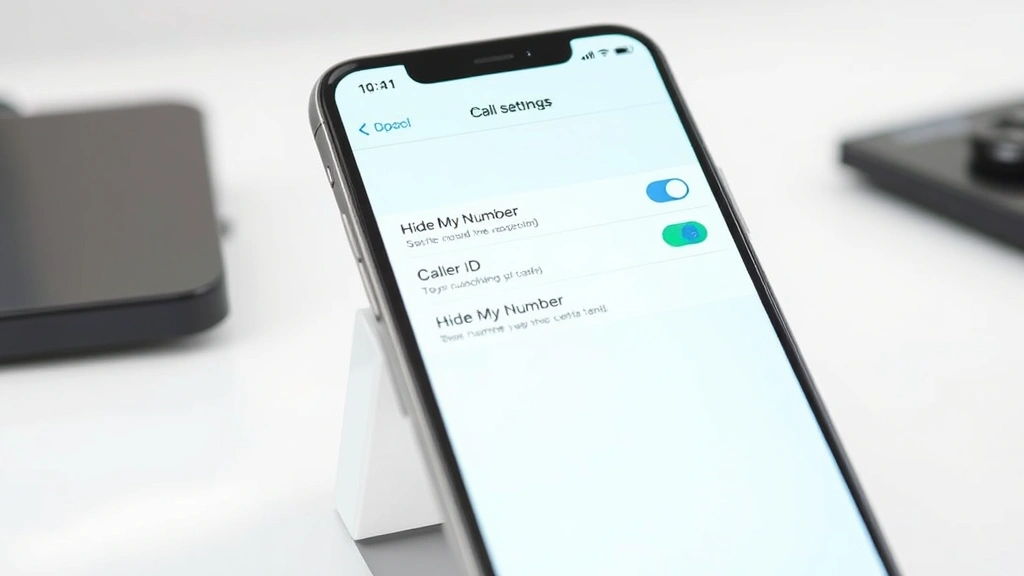
Learning how to call with no caller ID is a practical skill that can protect your privacy, allow you to reach someone without bias, or simply maintain anonymity during important conversations. Whether you’re calling from a business line, a personal device, or need to keep your number private for legitimate reasons, there are several straightforward methods to hide your caller ID across different phone systems and devices.
Table of Contents
Why Hide Your Caller ID?
There are plenty of legitimate reasons to keep your number private. Maybe you’re calling a business to get honest feedback without them knowing who you are. Perhaps you’re reaching out to someone who might not answer if they see your name. Privacy is a fundamental right, and controlling what information you share is part of maintaining that boundary. Some professionals—like real estate agents, recruiters, or consultants—need to make calls without revealing their identity during initial contact. Whatever your reason, understanding the mechanics of anonymous calling puts you in control of your communications.
iPhone Methods to Hide Caller ID
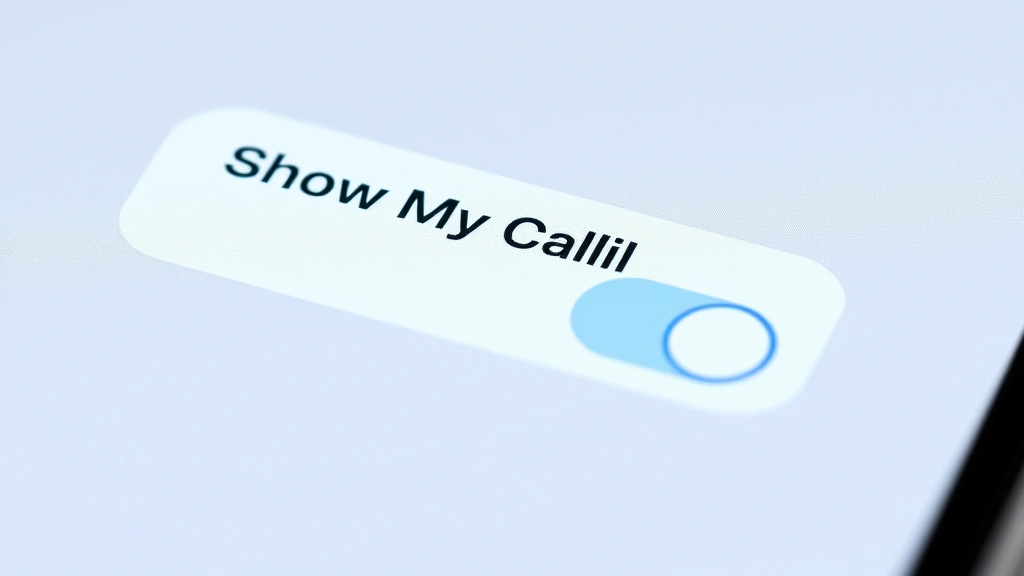
If you’re an iPhone user, Apple has built-in functionality to handle this. The most straightforward approach is using the Show My Caller ID toggle in your phone’s settings. Navigate to Settings > Phone > Show My Caller ID and simply toggle it off. This setting works system-wide, meaning every call you make will appear as blocked or unknown to the recipient. However, this is a permanent setting—you’ll need to toggle it back on when you want your number to show again.
For more granular control, you can use the Hide My Email feature in combination with FaceTime calls, which offers another layer of anonymity. If you need to make calls through data rather than your carrier connection, consider using how to record phone calls on iPhone services that also allow anonymous calling through their platforms.
Another iPhone option involves using apps specifically designed for anonymous communication. These apps create a separate calling interface that masks your number before it reaches the recipient’s phone. The advantage here is that you maintain your regular caller ID for normal calls while having the option to go anonymous when needed.
Android Solutions for Anonymous Calls
Android devices offer similar built-in options, though the exact location varies by manufacturer and Android version. Most Android phones have a setting under Phone > Call Settings > Additional Settings > Caller ID. Look for an option labeled ‘Hide Number’ or ‘Suppress Caller ID.’ Tap this and select ‘Hide Number’ to make all outgoing calls appear anonymous.
Samsung devices specifically have this under Settings > Apps > Phone > Permissions, then look for Caller ID settings. Google Pixel phones keep it straightforward under Settings > Apps & Notifications > Phone > Permissions. The process is similar across most Android devices, though you might need to dig through your phone’s unique menu structure.
Like iPhone users, Android folks can also leverage third-party apps that provide anonymous calling capabilities. These apps often include additional privacy features like encrypted messaging and secure call recording, making them useful for anyone serious about maintaining anonymity across multiple communication channels.
Using Carrier Services
Your mobile carrier—whether it’s Verizon, AT&T, T-Mobile, or another provider—offers built-in services for blocking caller ID. These are often called different names depending on your carrier. Verizon calls it ‘Calling Line ID Blocking,’ AT&T uses ‘Calling Line Identification Restriction’ (CLIR), and T-Mobile offers ‘Caller ID Block.’ You can activate these services by dialing *67 before making a call on most carriers. This method works on both smartphones and traditional phones.
To use the *67 method, simply dial *67, then enter the phone number you want to call. Your number will appear as ‘Private,’ ‘Unknown,’ or ‘Blocked’ to the recipient. This is a per-call solution, meaning you only hide your ID for that specific call. It’s perfect if you want to maintain your normal caller ID for most calls but occasionally need anonymity.
Some carriers also offer monthly plans where you can permanently hide your caller ID without using the *67 prefix each time. Contact your carrier’s customer service to explore these options—they’re usually inexpensive and provide peace of mind if you regularly need to make anonymous calls.
Third-Party Dialer Apps
The app ecosystem offers numerous solutions for anonymous calling. Apps like Google Voice, Skype, Viber, and WhatsApp all allow you to make calls that appear to come from a different number or appear blocked. Google Voice is particularly popular because it’s free and integrates seamlessly with your existing Google account. You get a separate phone number that you can use for calls, and the recipient sees that number rather than your personal one.
Skype offers similar functionality with the added benefit of international calling at reasonable rates. You purchase credits and can make calls that appear to come from a Skype number rather than your personal device. Viber and WhatsApp use data rather than your carrier’s network, so calls made through these apps automatically appear as coming from within the app ecosystem rather than from your actual phone number.
The advantage of app-based solutions is flexibility. You can choose which calls to make anonymously and which to make normally. You’re not locked into a system-wide setting. The downside is that the recipient needs to have the same app installed to receive your call, or they’ll see a notification that you’re calling through that service rather than directly.
Landline and VoIP Options
If you’re making calls from a landline or using VoIP services like Vonage, Ooma, or MagicJack, the process is slightly different but equally straightforward. Most VoIP providers have caller ID blocking built into their service settings. Log into your account portal and look for ‘Caller ID Settings’ or ‘Privacy Settings.’ You can usually toggle anonymous calling on or off from there.
For traditional landlines, contact your phone company directly. They can activate caller ID blocking on your account, or you can use the *67 method just like with mobile phones. Some landline providers charge a small monthly fee for this service, while others include it free or charge a per-use fee.
VoIP services are particularly useful because they’re not tied to your physical location. You can set up a VoIP number in any area code you want, making it appear as though you’re calling from a different region entirely. This adds another layer of anonymity beyond just hiding your caller ID.
Legal and Ethical Considerations
Before you start making anonymous calls, understand the legal landscape. In most jurisdictions, hiding your caller ID is completely legal for personal and business use. However, there are important exceptions. Making harassing, threatening, or obscene calls while hiding your identity is illegal in virtually every country. Caller ID blocking becomes a criminal offense when used for harassment, fraud, or impersonation.
Similarly, if you’re calling a business that’s required to log caller information for regulatory or security purposes, attempting to hide your identity might violate their policies or applicable laws. Telemarketing regulations in many countries prohibit telemarketers from blocking caller ID, so if you’re in that industry, check your local regulations.
The key principle is intent. If you’re using anonymous calling to protect your privacy during legitimate communications, you’re in the clear. If you’re using it to deceive, harass, or commit fraud, you’re breaking the law. Always consider the ethical implications of your call—just because you can hide your number doesn’t mean you should in every situation.
Troubleshooting Common Issues
Sometimes your anonymous call attempts don’t work as expected. The most common issue is that some recipients have settings that automatically reject calls from blocked numbers. There’s nothing you can do about this on your end—they’ve chosen not to accept anonymous calls, and that’s their right.
Another issue occurs when using the *67 method with certain services. Some businesses, government agencies, and emergency services require caller ID to process your call. If you’re calling a bank, insurance company, or utility provider, they might automatically reject your call if your number is blocked. In these cases, you’ll need to provide your real number.
If you’re using a third-party app and the recipient isn’t seeing any number at all, they might not have that app installed. The call might route to their voicemail or be rejected entirely. Always test these methods with willing participants first to ensure they work for your specific use case.
For more information on the flip side of this coin, check out our guide on how to block no caller ID on iPhone if you want to protect yourself from receiving anonymous calls. You can also explore how to comment anonymously on Facebook for maintaining privacy across other communication platforms.
Frequently Asked Questions
Is it illegal to call with no caller ID?
No, hiding your caller ID is legal in most jurisdictions for legitimate purposes. However, it becomes illegal if you use it for harassment, threats, fraud, or impersonation. The legality depends entirely on your intent and the content of your communication.
Will *67 work for all calls?
The *67 method works for most calls, but some services—particularly government agencies, banks, and emergency services—might reject calls from blocked numbers. Additionally, some phone plans or carriers might not support this feature, so check with your provider.
Can recipients trace an anonymous call?
In most cases, no. However, law enforcement can trace anonymous calls if they have a legitimate reason to do so, such as investigating a crime. For ordinary recipients, tracing an anonymous call is virtually impossible without special tools or legal authority.
Do I need to pay for anonymous calling services?
Many methods are free, including the *67 prefix, built-in phone settings, and free apps like Google Voice. Some premium apps and carrier services charge a small monthly fee, but basic anonymous calling doesn’t require payment.
What’s the difference between blocking caller ID and using an app?
Blocking caller ID hides your real number, making the call appear as ‘Private’ or ‘Unknown.’ Using an app typically routes your call through a different number, so the recipient sees that app’s number instead of yours. Both achieve anonymity but through different mechanisms.
Can I hide my caller ID for text messages?
Standard SMS text messages can’t hide your caller ID in the traditional sense, but apps like WhatsApp, Telegram, and Signal allow you to send messages without revealing your phone number. These apps use data rather than traditional SMS, so they work differently.
Final Thoughts
Knowing how to call with no caller ID gives you control over your privacy and how you present yourself during communications. Whether you choose the simple *67 method, adjust your phone’s built-in settings, or use a third-party app, you have multiple options that work across different devices and situations. The key is understanding which method works best for your specific needs and always using these tools responsibly and legally.
Remember that privacy is a two-way street. Just as you might want to hide your caller ID sometimes, others have the right to block anonymous calls if they choose. Use this knowledge ethically, respect the preferences of those you’re calling, and always ensure your intent is legitimate. For additional privacy tips across different platforms, explore how to delay sending an email in Outlook and how to appear offline on Steam for comprehensive privacy management across your digital life.


