
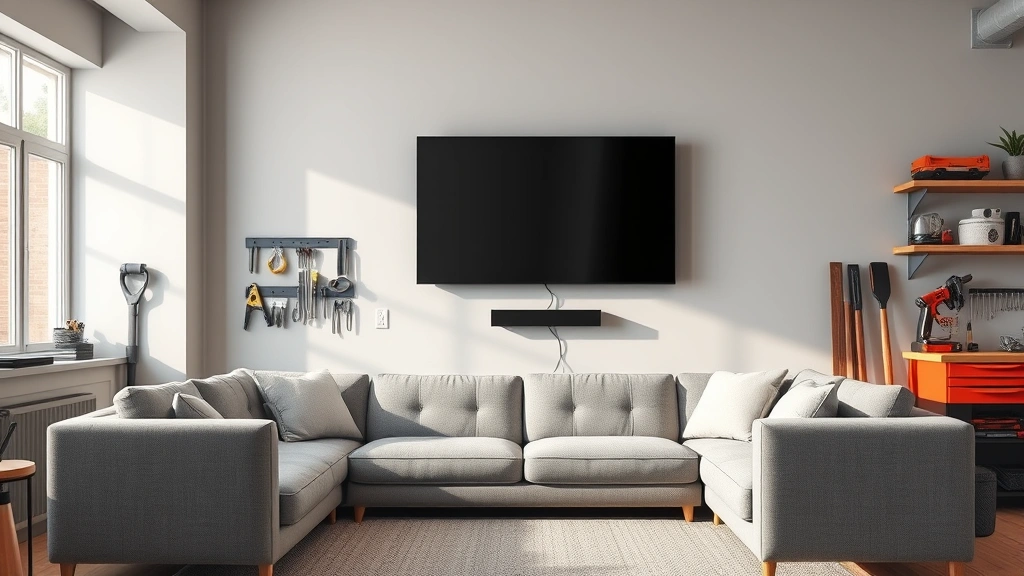
Figuring out how high to mount tv on your wall is one of those projects that seems simple until you’re standing there with a drill in one hand and a level in the other, second-guessing yourself. Get it wrong, and you’ll spend the next five years craning your neck or slouching like you’re trying to hide from the screen. Get it right, and you’ll forget you even made the decision—which is exactly what we’re after.
Table of Contents
The Eye Level Rule
Here’s the golden rule: your TV’s center should sit at eye level when you’re sitting down in your normal viewing position. This isn’t some arbitrary design preference—it’s ergonomics. When your eyes naturally focus straight ahead without tilting your head up or down, that’s your sweet spot. Most people’s eyes are about 48 to 52 inches from the floor when seated on a standard couch. This is your baseline measurement.
If you’re mounting above a fireplace or in a bedroom, this rule becomes even more critical because you’ll be staring at that screen for hours. Your neck will thank you for keeping things at eye level rather than forcing it into an uncomfortable angle.
Viewing Distance Matters
The distance between your couch and the TV wall directly impacts where you should mount it. Sit in your primary viewing spot and measure the distance to the wall. This measurement helps determine both the TV size you need and its optimal height. A general rule: the farther back you sit, the higher you can mount the TV while maintaining comfortable viewing angles. For every foot of additional distance, you can typically afford a slightly higher mount position.
If you’re sitting 8 feet away, your TV should be mounted so the center is roughly at eye level. If you’re 12 feet away, you have more flexibility to go slightly higher. This is because the angle of your vision changes with distance—the farther away you are, the less dramatic the angle becomes.
Your Seating Setup
Before you drill a single hole, understand your actual seating arrangement. Are you mounting the TV in a living room where people sit on a couch? A bedroom where you’ll watch from bed? A kitchen where you’ll stand and glance at it? Each scenario demands a different approach. In a bedroom, your eyes might be 36 to 42 inches from the floor when lying down—significantly lower than sitting on a couch. This changes everything about your mounting height calculation.
If multiple people watch from different heights—like kids sitting on the floor and adults on the couch—aim for a compromise that works for the majority of your viewing. The goal is comfort for 80% of your viewing situations, not perfection for every possible angle.
Mount Type & Height
Your mounting hardware choice affects the final height. A fixed wall mount sits flush against the wall, while a tilting mount can angle the TV down slightly. A full-motion articulating mount offers the most flexibility but requires more planning. The type of mount you choose influences whether you mount the TV center-of-screen at eye level or adjust slightly higher knowing the tilt mechanism will angle it down toward your eyes.
With a tilting mount, you can often mount 2 to 4 inches higher than eye level and then angle it down for perfect viewing. This gives you flexibility and helps hide the TV when you’re not watching if that’s a concern. Fixed mounts require more precision because there’s no adjustment once it’s up.
Measurement & Installation
Here’s the practical process: First, measure your eye level when seated in your normal viewing position. Have someone mark it on the wall with a piece of tape—don’t trust memory. Next, measure your TV’s height and find its center point. If your TV is 30 inches tall, the center is 15 inches from the top or bottom. Mark where that center needs to be on the wall. Use a stud finder to locate wall studs—you’ll want your mount secured to solid wood, not drywall alone. Most TV mounts require studs for safe installation, especially for larger screens. A quality level is non-negotiable here. Mount the bracket perfectly level, or your TV will look crooked even if it’s technically straight.
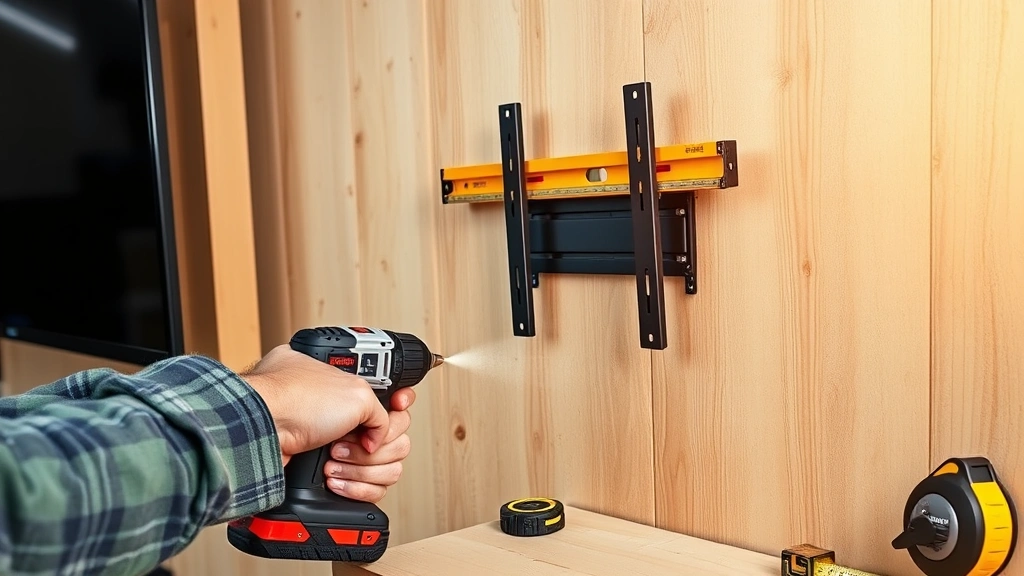
Use a drill with the correct bit for your wall type. Drywall requires different anchors than plaster or concrete. If you’re unsure, Family Handyman has detailed mounting guides for every wall type. Take your time with this step—rushing leads to mistakes that are annoying to fix.
Common Mounting Mistakes
The most frequent error is mounting too high. People think “high on the wall” looks impressive, but it creates neck strain and discomfort. Another mistake is ignoring the viewing distance entirely. A 65-inch TV mounted 6 feet away is overwhelming; the same TV at 12 feet is perfect. Some people also forget to account for furniture that might block the view or change the effective seating height. That new sectional you buy next year might sit lower than your current couch, changing the optimal height.
Don’t mount directly above a fireplace if you use it regularly. Heat damage is real, and most TV manufacturers void warranties if the TV is exposed to sustained heat. If you must mount above a fireplace, use a heat shield and ensure proper ventilation above the TV.
Room-Specific Considerations
Living rooms and home theaters have different needs than bedrooms or kitchens. In a living room, you want that center-of-screen eye-level rule applied strictly. In a bedroom, consider that you’ll watch from bed at various recline angles. In a kitchen, you might mount slightly higher since you’ll often be standing or glancing while cooking. A bedroom TV might need to be 48 to 54 inches from the floor, while a living room TV mounted above a console might be 55 to 65 inches from the floor.
Also consider natural light and glare. A window opposite your TV creates reflection issues. Sometimes mounting slightly higher helps reduce glare reflection from sitting positions. This is another reason to test before permanently installing—use painter’s tape to mark the location and live with it for a day or two.
Fine-Tuning Your Setup
After installation, spend a few days actually watching TV before declaring victory. Sit in all your normal viewing spots. Watch something you know well so you’re not distracted by content. Notice if you’re tilting your head up, down, or side to side. If you’re adjusting your posture, the height isn’t quite right. If it’s close but not perfect, a tilting mount can usually be adjusted slightly. Fixed mounts might require remounting—it’s annoying, but getting it right is worth the effort.
Pay attention to glare and reflections. Sometimes mounting a few inches higher or lower eliminates annoying light reflections. This is also when you’ll appreciate a quality installation—a level mount won’t drive you crazy every time you notice it’s slightly tilted.
Frequently Asked Questions
What’s the standard height to mount a TV?
The standard is center-of-screen at eye level when seated, typically 48 to 52 inches from the floor for most living room setups. However, this varies based on your specific seating height and distance from the wall.
Can I mount my TV too high?
Absolutely. Mounting too high causes neck strain and discomfort during extended viewing. If you’re tilting your head up more than 15 degrees, the TV is too high. This is the most common mistake people make.
Should I mount above a fireplace?
It’s not ideal. Heat from an active fireplace can damage your TV and void the warranty. If you must, use a heat shield and ensure proper ventilation. Otherwise, find a different wall.
How do I find studs for mounting?
Use an electronic stud finder—they’re inexpensive and reliable. Studs are typically 16 inches apart. Once you find one, the next should be 16 inches away. Secure your mount to at least two studs for safety, especially with larger TVs. This Old House reviews quality stud finders if you need a recommendation.
What if my walls are plaster or concrete?
Plaster requires different anchors than drywall—use toggle bolts or specialized plaster anchors. Concrete needs concrete anchors and a hammer drill. Don’t use standard drywall anchors in these materials; they won’t hold safely. Bob Vila has detailed guides for mounting on different wall types.
Can I adjust height after installation?
With a tilting mount, yes—you can angle it. With a fixed mount, you’d need to remount it. This is why testing before permanent installation matters. Use painter’s tape to mark the location and live with it for a few days first.
Does TV size affect mounting height?
Not directly. A 55-inch TV and a 75-inch TV should have their centers at the same height if you’re sitting the same distance away. What changes is your viewing distance recommendation—larger TVs need more distance to avoid eye strain.
What about mounting in a bedroom?
Bedroom mounting is trickier because you watch from different positions—sitting up, lying down, reclining at angles. Aim for eye level when sitting upright, then adjust if needed. You might mount slightly higher than a living room TV to accommodate lying-down viewing.
Final Thoughts
Getting how high to mount tv right comes down to three things: your eye level when seated, your viewing distance, and honest assessment of how you actually watch TV. Don’t overthink it, but don’t rush it either. Spend five minutes measuring and planning before you pick up the drill. Use a level, find those studs, and secure your mount properly. The difference between a rushed installation and a careful one is the difference between forgetting about your TV’s position and noticing it every single time you sit down. Take the time, get it right, and enjoy years of comfortable viewing without neck strain or regret. Your future self will appreciate the effort.


