
Learning how to cancel DISH Network doesn’t have to feel like you’re wrestling with a tangled mess of cables. Whether you’re switching providers, cutting the cord entirely, or just tired of your bill creeping up, I’ve got you covered with a straightforward roadmap to get this done without the runaround.
Table of Contents
Before You Cancel
Before you pick up the phone or fire off an email, take a few minutes to get your ducks in a row. Grab your DISH Network account number—you’ll find it on your bill or in the DISH mobile app. Check your service agreement too. I know it sounds boring, but knowing whether you’re locked into a contract is crucial because it directly impacts any fees you’ll owe.
Here’s the thing: DISH Network contracts typically run two years, and canceling early can trigger what they call an Early Termination Fee (ETF). These fees aren’t small change—we’re talking up to $20 per month remaining on your contract. So if you’ve got 18 months left, that’s potentially $360 right there. Check your contract details in your account or call them to confirm your status.
Also, think about timing. If you’re near the end of your contract, waiting a few weeks might save you hundreds. Take a breath and plan this strategically.
Contact DISH Network Directly
DISH Network isn’t going to make cancellation super convenient—that’s just how these companies operate. But you’ve got multiple ways to reach them, and some work better than others. The most effective route is calling their customer service line at 1-888-DISH-CALL (1-888-347-4225). Have your account number ready when you call.
Be prepared for the hold time. Seriously. Grab a coffee. They’ll likely transfer you through a few departments before you land with someone who can actually process your cancellation. This is normal, even if it’s annoying.
Pro tip: Call during off-peak hours—early morning or late evening usually means shorter waits. Tuesday through Thursday tend to be less busy than Monday or Friday. If you’re the type who hates phone calls, don’t worry; there are other options we’ll cover next.
Your Cancellation Methods
You’ve got three main ways to cancel your DISH Network service, and each has its own quirks.
Phone Cancellation: This is the most direct route. Call customer service, confirm your details, and they’ll walk you through the process. They might offer you retention deals—discounts, free months, equipment upgrades—to keep you around. You don’t have to accept, but listen to what they offer. Sometimes the deal is genuinely good. If not, politely decline and stick to your guns.
Online Account Management: Log into your DISH account on their website or mobile app. Navigate to your account settings and look for cancellation or account management options. Not all account types allow online cancellation, and DISH doesn’t make this super obvious. If you can’t find it, that’s probably intentional on their part.
Chat Support: You can also use DISH’s online chat feature through their website. This creates a written record of your cancellation request, which can be handy if there are disputes later. Chat support might be slower than phone, but it’s less stressful if you prefer not to talk to someone directly.
Early Termination Fees Explained
This is where things get real. DISH Network charges Early Termination Fees if you cancel before your contract ends. The fee is typically $20 per month remaining on your agreement. So if you’ve got a two-year contract and you’re canceling after six months, you’re looking at 18 months × $20 = $360.
However, there are situations where you might avoid this fee entirely. If DISH fails to provide service, breaches the contract, or if you’re moving to an area where they don’t offer service, you may be able to cancel without penalty. Document any service issues carefully if this applies to you.
Also, check if you signed up for any promotional pricing. Sometimes those promos come with their own cancellation terms that are different from your main contract. Read the fine print on those offers.
The bottom line: Calculate what the ETF would cost and compare it to what you’d save by switching providers. Sometimes paying the fee upfront is worth it if your new service costs significantly less per month.
Returning Your Equipment
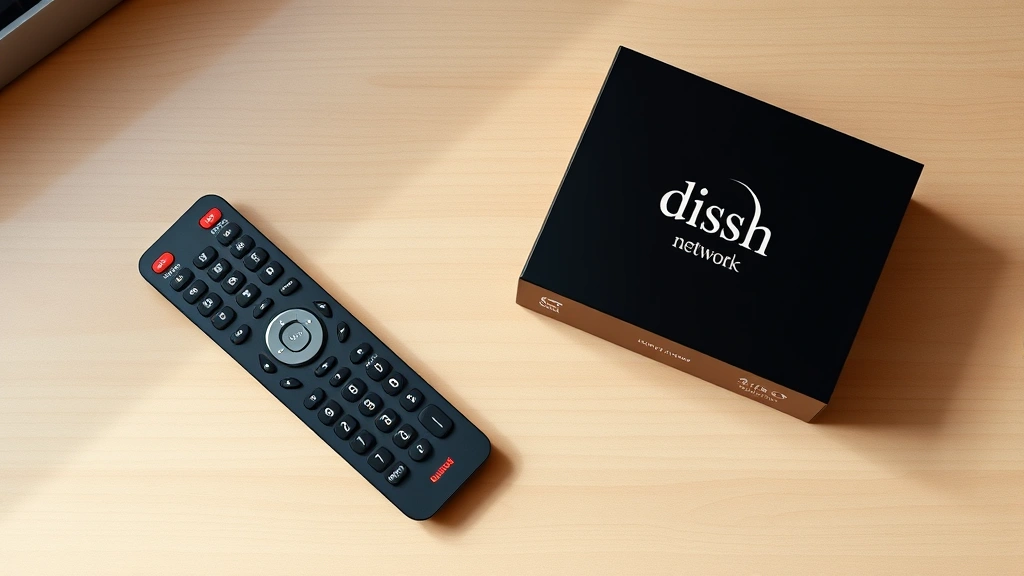
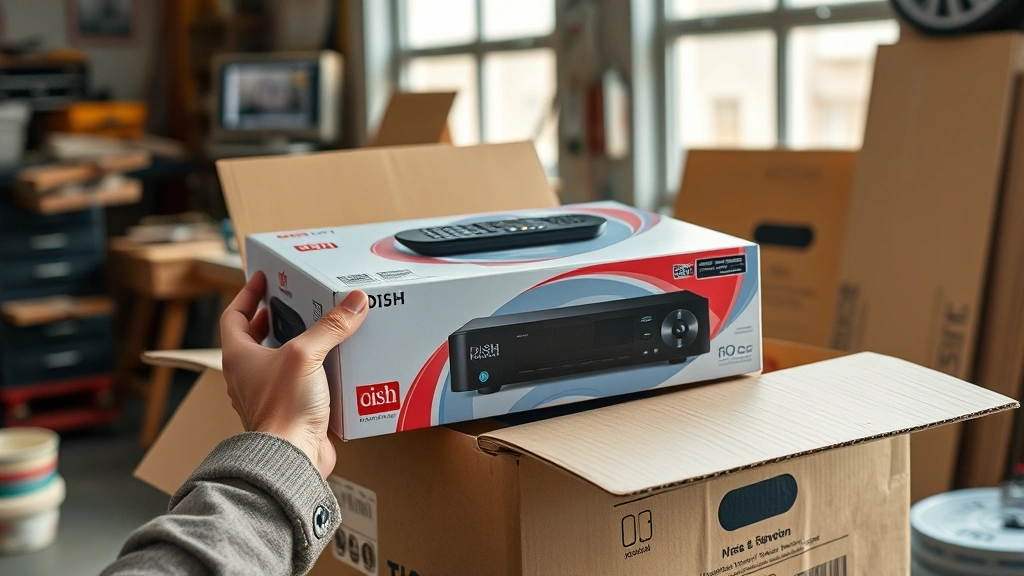
Here’s something people often overlook: DISH owns the equipment you’ve been using. When you cancel, you need to return it. This includes the receiver box, remote controls, cables, and any other hardware they provided. If you don’t return it, DISH will charge you an equipment non-return fee, usually between $150 and $300 per piece of equipment.
When you process your cancellation, ask for a prepaid shipping label or find out where your nearest DISH return location is. Some Best Buy stores accept DISH equipment returns, which is convenient. Pack everything carefully—damaged equipment might result in additional charges.
Keep your tracking number and proof of return. Take photos of the equipment before you ship it, just in case DISH claims they never received it. I’ve heard stories of this happening, and having documentation protects you.
Important: Don’t throw away or recycle the equipment without returning it first. That’s a guaranteed way to get hit with those non-return fees.
Understanding Your Final Bill
Your final bill will include several charges you need to understand. First, there’s the prorated amount for the service days you actually used in the final month. If you cancel mid-month, you’ll only pay for the days you had service.
Then comes any Early Termination Fee if your contract wasn’t complete. After that, you might see charges for unreturned equipment, premium channels you didn’t cancel separately, or other miscellaneous fees. Some of these charges are legitimate; others might be errors.
Review your final bill carefully. If something looks wrong, call DISH immediately and dispute it. Keep records of your cancellation confirmation, return tracking numbers, and any correspondence. These are your ammunition if you need to fight an incorrect charge.
Keep Your Phone Number
If you have DISH phone service bundled with your TV, you’ll want to keep your phone number if possible. This is called number porting, and you can do it when you switch to another provider. Contact your new phone service provider before you cancel DISH and ask them to initiate the port. They’ll handle most of the heavy lifting.
The process typically takes a few days. During this time, your calls might be a bit spotty, so plan accordingly. Your new provider will give you a deadline to complete the port—don’t miss it, or you might lose the number.
If you’re not switching to another phone service, you can still port your number to a VoIP service like Google Voice or Vonage, which costs way less than traditional phone service.
Better Alternatives to Consider
Before you cancel DISH completely, consider whether you actually want to cut the cord or just find better value. Streaming services like Netflix, Hulu, and Disney+ combined might cost less than your DISH bill. Cable alternatives like YouTube TV or Hulu Live TV offer more flexibility without long-term contracts.
If you’re primarily concerned about cost, call DISH back and ask about loyalty discounts. Sometimes they’ll match competitor pricing if you’ve been a loyal customer. It’s worth asking before you walk away.
For internet, check what’s available in your area. Some people find that bundling internet with a different provider actually saves them money overall compared to their DISH setup.
Frequently Asked Questions
Can I cancel DISH Network anytime?
Technically yes, but if you’re under contract, you’ll owe an Early Termination Fee. If your contract has expired, you can cancel without penalty. Check your account details to confirm your contract status.
How long does DISH cancellation take?
The cancellation process itself takes about 15-30 minutes on the phone. Your service will be disconnected on the date you specify, usually within a few days. Equipment return and final billing can take a few weeks to fully process.
Will DISH try to keep me from canceling?
Absolutely. They’ll offer retention deals, discounts, and sometimes free upgrades. Listen to the offers, but don’t let them pressure you into staying if you’ve made your decision. Stay polite but firm.
What if I move and DISH isn’t available?
You should be able to cancel without an Early Termination Fee if you’re moving to an area where DISH doesn’t service. You’ll need to provide proof of your move, like a utility bill or lease agreement for your new address.
Can I cancel online without calling?
Some account types allow online cancellation through your DISH account portal, but not all. If the option isn’t available in your account, you’ll need to call or use chat support.
What happens to my final bill?
Your final bill will include prorated service charges, any Early Termination Fees, equipment non-return fees (if applicable), and other miscellaneous charges. Review it carefully and dispute anything that seems wrong.
How do I return DISH equipment?
DISH will provide a prepaid shipping label or tell you where to return equipment in person. Some Best Buy locations accept DISH returns. Pack everything carefully and keep your tracking number.
Can I keep my phone number?
Yes, through a process called number porting. Contact your new phone service provider and ask them to initiate the port before you cancel DISH.
Final Thoughts
Canceling DISH Network isn’t complicated, but it does require some planning and attention to detail. Know your contract status, understand what fees you’ll owe, and have a plan for returning equipment. Don’t let retention offers sway you if you’ve already decided to leave, but do listen to what they offer—sometimes the deal is legitimately good.
The key is staying organized: keep your account number handy, document everything, get confirmation numbers, and track your equipment returns. Follow these steps, and you’ll have your DISH service canceled cleanly without any surprises on your final bill.
Ready to make the switch? You’ve got this. Just remember to be patient with hold times, polite with customer service reps, and thorough with your follow-up. Before you know it, you’ll be free from that contract and exploring better options for your entertainment needs.


