
Learning how to block no caller ID is one of the most practical moves you can make to reclaim your peace and quiet. If you’re tired of picking up your phone only to hear silence, robotic voices, or aggressive sales pitches from hidden numbers, you’re not alone—millions of people deal with these unwanted calls daily. The good news? You’ve got real power here, and I’m going to walk you through five proven methods that actually work, whether you’re on iPhone, Android, or a landline.
Table of Contents
Why Block No Caller ID?
Before we dive into the how-to, let’s talk about the why. No caller ID calls—also called “anonymous calls” or “private number” calls—are almost always trouble. Legitimate businesses identify themselves. Your bank won’t call from a hidden number. Real friends show up in your contacts. What does show up as no caller ID? Robocalls, scammers, telemarketers, and people trying to hide their identity for nefarious reasons.
The Federal Trade Commission reports billions of robocalls annually, and a huge percentage mask their number to avoid being blocked. By learning to block these calls at the source, you’re not just reducing annoyance—you’re protecting yourself from potential fraud and identity theft. That’s worth the five minutes it takes to set this up.
iPhone Settings Method
If you’re rocking an iPhone, Apple built in some solid defenses. Here’s the straightforward approach:
Step 1: Open Settings and navigate to Phone.
Step 2: Scroll down and tap “Silence Unknown Callers.”
Step 3: Toggle it on.
That’s it. This feature automatically sends calls from numbers not in your contacts to voicemail. It’s clean, simple, and doesn’t require any third-party apps. The downside? You might miss legitimate calls from unknown numbers—like your doctor’s office calling with test results. That’s why this works best paired with checking voicemails regularly.
For more granular control, you can also use the “Block Contact” feature by swiping left on any call in your recent list and selecting “Block this Caller.” But the Silence Unknown Callers feature is the nuclear option for no caller ID specifically.
Android Blocking Options
Android users have slightly different tools, but they’re equally effective. Google’s Phone app (the default on most Android devices) has built-in spam protection:
Step 1: Open the Phone app and tap the three-line menu.
Step 2: Go to Settings > Spam and Abuse.
Step 3: Enable “Filter Unknown Calls.”
This sends suspected spam and unknown callers directly to voicemail, similar to iPhone’s approach. Samsung phones have their own version called “Reject Unknown” in the Phone app settings, which works essentially the same way.
For older Android versions or custom interfaces, you might not have this exact option, but most modern Android devices support it. If your phone doesn’t, jump to the third-party apps section—there are solid alternatives.
Carrier-Level Call Blocking
Here’s where things get really powerful: your phone carrier has tools you probably don’t know about. Whether you’re with Verizon, AT&T, T-Mobile, or another provider, they offer spam-blocking services that work at the network level—before calls even reach your phone.
Verizon: Call Filter (free basic version, paid premium available)
AT&T: Call Protect (free basic, paid premium)
T-Mobile: Scam Shield (free basic, paid premium)
Other carriers: Check your carrier’s website for their specific offering
These services maintain databases of known spam numbers and can block no caller ID calls automatically. The premium versions are usually $3-5 per month and add features like reverse phone lookup and call recording. It’s worth the investment if you’re getting hammered with unwanted calls.
Third-Party Apps That Work
If built-in tools aren’t cutting it, third-party apps step up. The heavy hitters are:
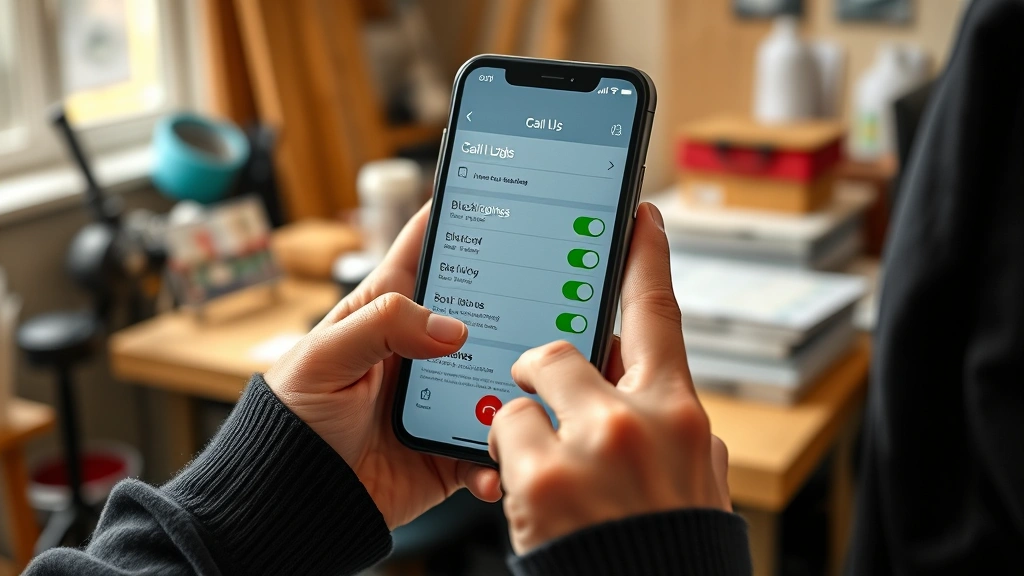
RoboKiller: Uses AI to identify spam patterns and blocks calls in real-time. Works on both iOS and Android. Free version is solid; premium ($4.99/month) adds call recording and advanced filtering.
Nomorobo: Specifically designed for no caller ID and spam blocking. Available on both platforms, and it integrates with your existing phone settings rather than replacing them. Free tier covers basic blocking; premium adds extra features.
TrueCaller: Massive database of known spam numbers and scammers. Shows caller information even for private numbers sometimes. Free version works great; premium ($2.99/month) unlocks full features.
The advantage of third-party apps is they learn from community reports. When someone marks a number as spam, that data helps protect everyone else. It’s crowdsourced protection, and it’s surprisingly effective.
Landline Phone Protection
If you still use a landline (and many people do for home phones), blocking no caller ID is different but doable:
Option 1—Call Filtering: Contact your landline provider. Most offer call filtering services similar to mobile carriers. Frontier, CenturyLink, and others have these built in or available for a small monthly fee.
Option 2—Physical Device Blocker: Devices like the CPF30 or similar phone line blockers plug into your landline and filter calls before they ring through. They’re one-time purchases ($30-60) and require no monthly fees.
Option 3—Do Not Call Registry: Register your number at donotcall.gov. It’s free and legal. Telemarketers are required to honor it. Yes, scammers ignore it, but it helps with legitimate telemarketing calls.
Advanced Filtering Techniques
Once you’ve got the basics down, here are some pro moves:
Create a “Do Not Disturb” Schedule: Set your phone to automatically silence calls from unknown numbers during specific hours—like after 9 PM or during work hours. This prevents surprises while still allowing known contacts through.
Use Contact Groups: Create a “Trusted Contacts” group and set your phone to only ring for those people during certain times. Everyone else goes to voicemail.
Whitelist Approach: Instead of blacklisting spam, only allow calls from people you know. This is extreme but effective. Most people find it too restrictive, but if you’re dealing with harassment, it works.
Check Voicemail Regularly: Even with blocking enabled, legitimate callers might leave messages. Checking voicemail daily ensures you don’t miss important calls from doctors, banks, or other services that might use generic caller IDs.
Legal & Privacy Notes
Here’s what you should know about the legal side: blocking calls is completely legal. You have every right to refuse unwanted calls. However, some things to keep in mind:
Legitimate callers sometimes use no caller ID for privacy reasons—debt collectors, government agencies, and some medical offices do this. When you block all no caller ID calls, you might miss these. That’s why the voicemail approach (letting calls go to voicemail instead of rejecting them outright) is often better than hard-blocking.
If you’re experiencing harassment or threatening calls, document them and report to local law enforcement. The FTC also takes reports at ReportFraud.ftc.gov. These reports help authorities go after the worst offenders.
For more information on protecting yourself from unwanted calls, check out resources from the FCC and the Federal Trade Commission. You can also learn about related issues like how long it takes to get a death certificate if you need to handle estate matters alongside dealing with scammers who might be targeting you.
Frequently Asked Questions
Will blocking no caller ID prevent all unwanted calls?
No, but it’ll stop most of them. Some robocalls spoof legitimate numbers, so they’ll get through. That’s why layering multiple defenses—carrier tools plus phone settings plus third-party apps—works better than relying on one method alone.
Can I still receive emergency calls if I block no caller ID?
Yes. Emergency services typically show up with a number or identifier. Even if they don’t, emergency calls usually bypass spam filters. Your phone will still ring for 911 calls.
Do third-party apps drain my battery?
Modern apps are optimized and shouldn’t drain battery noticeably. However, if you’re concerned, stick with your phone’s built-in tools first. They’re integrated into the OS and use less resources.
What if I need to receive calls from blocked numbers?
Whitelist those numbers in your contacts. Once a number is saved in your phone, it won’t be treated as unknown, even if it shows as no caller ID. You can also check your voicemail for messages from blocked callers.
Is there a way to see who’s calling if they block their number?
Not reliably. Some apps claim to reveal hidden numbers, but they’re not accurate. The caller has intentionally hidden their number, and there’s no guaranteed way to unmask it.
Can I block no caller ID on my work phone?
Depends on your company’s policies. Check with IT before enabling any blocking features on a work device. Some companies need to receive calls from various numbers for business purposes.
Final Thoughts
Blocking no caller ID doesn’t have to be complicated. Start with your phone’s built-in settings—they’re free and effective. If you need more power, add your carrier’s service. If you’re still getting hammered, layer in a third-party app. Most people find that combining iPhone’s “Silence Unknown Callers” or Android’s “Filter Unknown Calls” with their carrier’s spam filter eliminates 90% of unwanted calls.
The key is taking action. Every day you wait is another day of interruptions you could’ve prevented. Set it up today, check your voicemail regularly, and enjoy the peace and quiet you deserve. And if you’re dealing with related issues like managing costs for unexpected expenses or handling other life decisions, at least you won’t be interrupted by robocalls while you’re figuring things out.
Your phone is supposed to work for you, not against you. Take control of it.


