
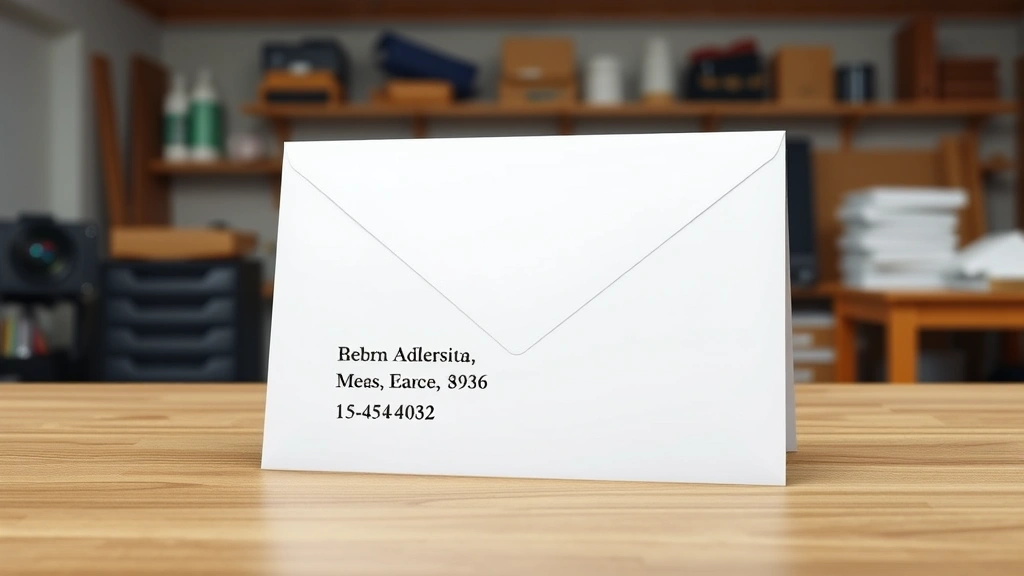
Learning how to address a letter envelope might seem like a lost art in our digital age, but it’s still an essential skill for sending professional correspondence, formal invitations, and important documents. Whether you’re mailing a job application, thank-you note, or birthday card, getting the envelope address right ensures your mail reaches its destination without delays or returns. In this guide, we’ll walk you through every detail of proper envelope addressing, from formatting rules to common mistakes you’ll want to avoid.
Table of Contents
- Envelope Basics and Formats
- Where to Place Your Sender Address
- Formatting the Recipient Address
- Using Postal Abbreviations Correctly
- Special Handling and Notations
- Creating Envelope Labels Digitally
- Avoiding Common Addressing Mistakes
- International Mail Considerations
- Handwriting Tips for Clarity
- Frequently Asked Questions
Envelope Basics and Formats
Before you start writing, understand the standard envelope sizes and their purposes. The most common envelope for personal and business correspondence is the #10 business envelope, which measures 4.125 by 9.5 inches. For formal invitations and greeting cards, you might use a #5 envelope (5.125 by 8.625 inches). Postcards use even smaller formats, while large manila envelopes work for documents and packages.
The USPS (United States Postal Service) has specific formatting guidelines that help mail sorting machines read addresses accurately. Following these standards dramatically reduces the chance of your mail getting lost or delayed. The key is using a clear, readable format with proper spacing and line breaks.
Where to Place Your Sender Address
Your return address belongs in the upper left corner of the envelope, about half an inch from both the top and left edges. This address should match the format of the recipient address but can be slightly smaller (usually 8-point font if printed). Include your full name, street address, city, state, and ZIP code.
The sender address serves two critical purposes: it identifies who sent the mail, and it provides a destination for undeliverable items. Never skip this step, even if you think the recipient knows who you are. If the postal service can’t deliver your letter, it needs somewhere to return it. For creating labels in Word, you can set up templates that automatically include your return address in the correct position.
Formatting the Recipient Address
The recipient address is the focal point of your envelope and must be positioned in the center of the envelope, roughly 1 inch from the top and left edges. This is where mail sorting machines focus their optical scanning, so accuracy here is crucial.
The proper format follows this structure:
Name Line: Start with the recipient’s full name and any applicable title (Mr., Ms., Dr., etc.). If you’re addressing a couple, use “Mr. and Mrs. John Smith” or “Jane and John Smith” depending on preference.
Street Address Line: Include the complete street address with the number, street name, and any apartment or suite number. Use the format “123 Main Street, Apt 4B” rather than spreading it across multiple lines.
City, State, ZIP Code Line: Place the city name, followed by the two-letter state abbreviation, then the ZIP code. This should all fit on one line with proper spacing.
Each line should be left-aligned and single-spaced. Use a 12-point font for printed addresses to ensure readability by both machines and postal workers.
Using Postal Abbreviations Correctly
The USPS maintains a standardized list of two-letter state abbreviations that must be used on mail. These are different from traditional abbreviations you might have learned in school. For example, California is “CA” (not “Cal.”), and New York is “NY” (not “N.Y.”).
Beyond state abbreviations, you should also abbreviate common street designations. “Street” becomes “St,” “Avenue” becomes “Ave,” “Boulevard” becomes “Blvd,” and “Road” becomes “Rd.” However, if the official street name uses the full word (like “Main Street” on the actual street sign), you can use the full designation—the USPS will still process it correctly.
Directional abbreviations before street names should also be abbreviated: “North” becomes “N,” “South” becomes “S,” “East” becomes “E,” and “West” becomes “W.” This standardization helps postal machines read addresses consistently and reduces sorting errors.
Special Handling and Notations
If your mail requires special attention, include handling notations above the recipient’s name. Common notations include “FRAGILE,” “HANDLE WITH CARE,” “DO NOT BEND,” or “URGENT.” These should be printed or written in all capital letters in the upper left area, above the recipient address.
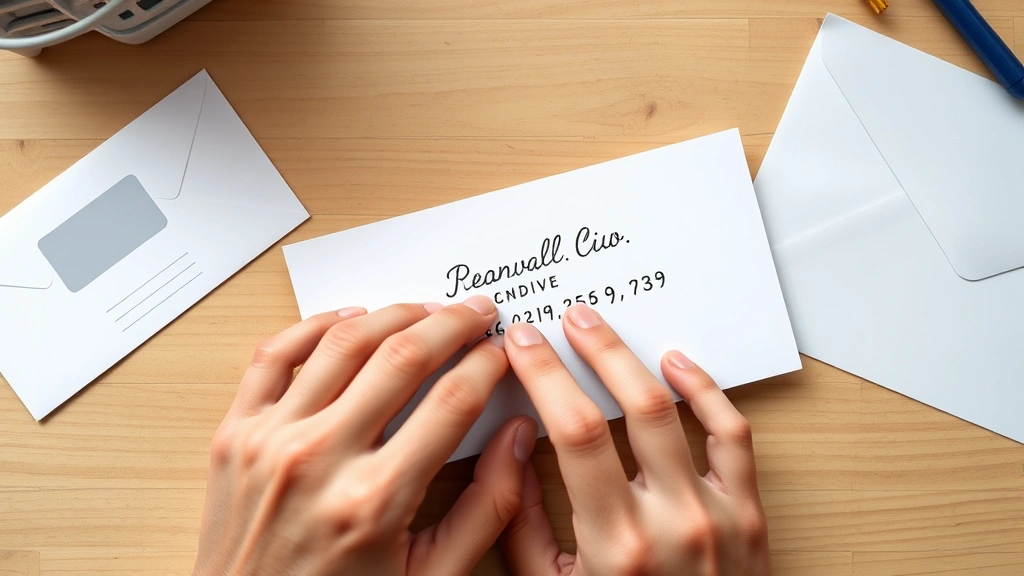
For certified mail or registered mail, you’ll need to include the appropriate notation. “CERTIFIED MAIL” should appear below the postage area. If you’re sending something that needs a signature upon delivery, “SIGNATURE REQUIRED” goes in the same location.
Personal or confidential mail can be marked with “PERSONAL” or “CONFIDENTIAL” just below the recipient’s name. This alerts postal workers and the recipient that the contents are private.
Creating Envelope Labels Digitally
Modern technology makes it easy to print professional-looking envelope addresses. Most word processors include envelope templates, and you can customize them to match your needs. When creating labels in Word, you’ll find envelope options under the “Mailings” tab that automatically format addresses according to USPS standards.
Services like Avery provide free templates for envelope labels that work with their pre-printed label sheets. This approach is perfect for bulk mailings or when you want consistency across multiple envelopes. Simply input your recipient list, and the software generates properly formatted labels ready to print and apply.
If you’re managing a large mailing list, consider using creating a distribution list in Outlook. This allows you to quickly generate addresses for multiple recipients without retyping information. You can export these lists directly into your envelope label template for seamless printing.
Avoiding Common Addressing Mistakes
The most frequent error is mixing uppercase and lowercase letters in printed addresses. USPS machines read all-caps addresses most reliably, though mixed case is acceptable. What matters most is consistency—don’t switch between styles on the same envelope.
Another common mistake is including punctuation in printed addresses. Skip periods after abbreviations, commas between address elements, and any decorative characters. The machines need clean, simple text to read accurately. Handwritten addresses can include punctuation for clarity, but printed ones should be punctuation-free.
Illegible handwriting causes countless delivery delays. If you’re handwriting addresses, use a black or blue pen with a fine tip, write clearly and deliberately, and avoid cursive if your penmanship isn’t impeccable. Many postal workers and machines struggle with script writing, especially in tight spaces.
Never use abbreviations for city names. Always spell out the full city name, even if it’s long. “Los Angeles” should never become “LA,” and “San Francisco” should never become “SF.” These abbreviations confuse sorting machines and may cause misdelivery.
International Mail Considerations
International addresses follow different formatting rules than domestic mail. The recipient’s country name should appear on the last line in all capital letters. Before that, include the postal code and city in the format used by that country.
For example, a UK address would look like:
John Smith
10 High Street
LONDON SW1A 1AA
UNITED KINGDOM
Research the specific country’s address format before sending international mail. Some countries use different positional orders for address elements. Canada, for instance, places the postal code on the same line as the city. Mexico uses different address structures altogether.
Add “AIR MAIL” or “PAR AVION” below the return address for faster international delivery. Include your full return address with country designation to ensure items can be returned if needed. International postage rates vary significantly based on weight and destination, so weigh your envelope before affixing postage.
Handwriting Tips for Clarity
When handwriting envelope addresses, use a pen rather than pencil—ink won’t smudge or fade during mail handling. Black or dark blue ink provides the best contrast for both human readers and scanning equipment. Avoid gel pens that might bleed through thin envelope paper.
Write large enough to be easily readable—aim for letters about a quarter-inch tall. This size balances legibility with fitting all necessary information on the envelope. Keep your lines straight and parallel to the envelope edges, using the envelope’s natural guidelines if available.
Space your address lines evenly and leave adequate margins from all envelope edges. The USPS recommends at least half an inch from the top and left edges for the return address, and about one inch from the top for the recipient address. This spacing prevents the address from being obscured by postal markings or folding.
If you make a mistake while handwriting an address, start over with a fresh envelope rather than attempting to correct it. Crossed-out or corrected addresses confuse sorting machines and may result in misdelivery. A few extra envelopes are worth the guarantee of proper delivery.
Frequently Asked Questions
Can I use a return address label instead of writing it directly on the envelope?
Absolutely. Return address labels are convenient and provide consistent formatting. They’re especially useful if you send mail regularly. Just ensure the label is positioned correctly in the upper left corner and doesn’t cover any important envelope areas.
What’s the difference between a ZIP code and ZIP+4?
A standard ZIP code identifies a postal delivery area, while ZIP+4 (also called ZIP+4 code) adds four digits to pinpoint a more specific location, sometimes down to a single building. Using ZIP+4 can speed delivery, though standard ZIP codes work fine. The USPS website has a lookup tool for finding ZIP+4 codes.
Should I include apartment numbers in the address?
Yes, always include apartment, suite, or unit numbers. Place them on the same line as the street address in the format “123 Main Street, Apt 4B” or on a separate line if space is limited. Omitting this information often causes delivery delays or misdelivery to the wrong unit.
Is it acceptable to use a business address as a return address?
Yes, using a business address as your return address is standard practice for business correspondence. Make sure the address is accurate and that someone will be available to receive returned mail. If you’ve moved, update your return address immediately.
What should I do if I don’t know the recipient’s ZIP code?
Use the USPS ZIP Code Lookup tool on their official website (usps.com). Enter the city and state, and it will provide the correct ZIP code. This ensures your mail reaches the right destination without delays caused by incomplete addressing.
Can I print addresses directly on envelopes, or must I use labels?
You can print directly on envelopes using most inkjet or laser printers, though some printers handle envelopes better than others. Check your printer manual for envelope-feeding instructions. Alternatively, labels offer more flexibility and are easier to apply if you make mistakes.
What does “Address Correction Requested” mean?
This notation, printed below your return address, instructs the postal service to provide you with the recipient’s new address if the mail is undeliverable at the current address. This is useful when maintaining contact lists or following up with moved recipients.
Final Thoughts
Mastering how to address a letter envelope is a practical skill that ensures your important correspondence reaches its destination efficiently. Whether you’re sending formal business mail, personal cards, or official documents, following USPS guidelines and proper formatting standards eliminates confusion and delays. Take time to verify addresses, use clear handwriting or print, and include all necessary information. In an age of digital communication, properly addressed mail stands out and conveys professionalism and care. Keep this guide handy for reference, and you’ll never second-guess your envelope addressing again.


