
Let’s cut straight to it: no, you can’t legitimately see private Instagram accounts without the owner’s permission. But people ask this question constantly, and there’s a reason. You might be curious about someone’s profile, worried about what a kid is viewing, or just wondering if it’s actually possible. The short answer is that while some sketchy third-party apps claim they can do it, they’re either scams, malware, or they’ll get you banned from Instagram faster than you can say “Terms of Service violation.”
Here’s what you actually need to know about how to see private Instagram accounts—the real methods, the fake ones, and why trying to bypass someone’s privacy settings is a bad idea.
The Only Legitimate Ways to View Private Accounts
There’s really just one way: ask for permission. I know, not sexy. But it’s the only method that won’t get you in trouble, won’t violate Instagram’s terms of service, and won’t expose your device to malware.
Send a Follow Request
This is it. This is the legitimate method. When you try to follow someone with a private account, Instagram sends them a follow request. They can accept or decline. If they accept, you can see their posts, stories, and other content they’ve shared with followers.
- Open Instagram and search for the account
- Tap the “Follow” button (it’ll say “Follow” not “Following”)
- Wait for them to accept your request
- Once accepted, you’ll see their content like any other follower
That’s literally the only legitimate way. Everything else either doesn’t work or violates terms of service.
Check if They Have a Public Account Elsewhere
Some people keep their Instagram private but have public accounts on other platforms—TikTok, Twitter, YouTube, etc. A quick Google search or checking other social media might give you what you’re looking for without any sketchy workarounds.
Pro Tip: If someone has made their account private, they’ve done it intentionally. Respecting that choice is basic digital courtesy. If you’re trying to reconnect with someone, a direct message explaining who you are goes a long way.
The reason people ask “how to see private Instagram” so often is because there’s a massive market for fake solutions. Scammers know people are curious, so they’ve built an entire ecosystem of bogus apps and websites that promise the impossible.
Why People Make Accounts Private (And Why You Should Respect It)
Understanding why people go private helps explain why you shouldn’t try to bypass it.
Privacy and Safety
Private accounts give people control over who sees their content. For teenagers, this is often a safety measure. For adults, it’s about keeping their personal life separate from work or strangers. Some people have had bad experiences with harassment, stalking, or unwanted contact—making their account private is a basic protection.
Mental Health
Social media can be toxic. Some people go private to reduce anxiety, limit comparisons, or step back from the performative nature of public posting. They’re not being secretive; they’re protecting their wellbeing.
Professional Boundaries
Teachers, healthcare workers, and other professionals often keep accounts private to maintain boundaries between their personal and professional lives. This isn’t suspicious—it’s smart.
Relationship Issues
Sometimes people go private after a breakup, during family drama, or when dealing with online harassment. Again, this is a healthy boundary, not something to circumvent.
If someone has made their account private and hasn’t accepted your follow request, that’s a signal. It might mean they’re not interested in sharing with you, and that’s okay.
Fake Methods That Don’t Work (And Why They’re Dangerous)
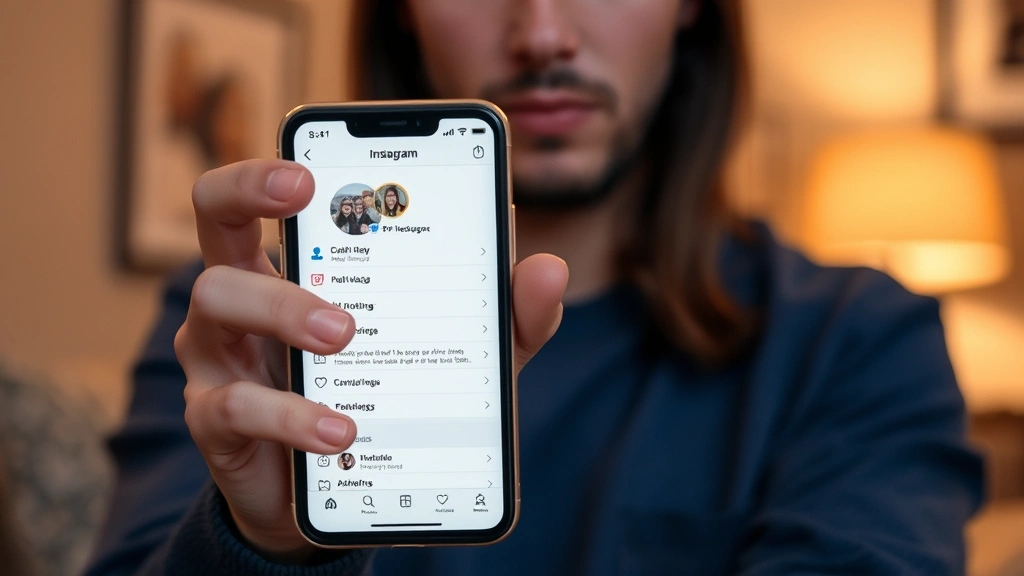
You’ve probably seen ads or posts claiming you can view private Instagram accounts with some app or website. Here’s why these are all garbage:
“Instagram Viewer” Apps
These apps claim to let you see private profiles, stories, or DMs without the account owner knowing. None of them actually work. Here’s why:
- Instagram’s API doesn’t allow it: Instagram has strict security protocols. Third-party apps can’t access private content without authentication. The company actively blocks this behavior.
- They’re harvesting your data: What these apps actually do is collect your Instagram login credentials, personal information, and sometimes financial data. They’re phishing tools dressed up as utilities.
- They’ll get you banned: If you log into Instagram through a third-party app, Instagram will flag your account as compromised and may permanently ban you.
- They contain malware: Many of these apps bundle malware, spyware, or ransomware. You’re essentially downloading something that could infect your device.
“Hack” Websites and Browser Extensions
Websites promising to reveal private accounts through some “secret method” or browser extensions that claim special access are the same deal. They’re scams. They might ask you to:
- Enter your Instagram username and password
- Complete surveys (which harvest your data)
- Pay a fee to “unlock” the feature
- Download software or extensions
None of it works. All of it is designed to steal from you.
Safety Warning: Never enter your Instagram credentials into any website or app other than the official Instagram app or instagram.com. If you accidentally did, change your password immediately and enable two-factor authentication.
The “Screenshot” Myth
Some people think you can screenshot someone’s private story before they see it, or that there’s a way to view deleted posts. Both false. Instagram notifies users when you screenshot their stories (in DMs), and deleted content is gone. There’s no secret archive or cached version you can access.
If You’re a Parent: Legal Ways to Monitor Your Kid’s Instagram
This is different. If you’re a parent concerned about your child’s Instagram activity, there are legitimate, transparent approaches that don’t involve hacking or deception.
Have a Conversation First
Talk to your kid about why you want to monitor their account. Transparency builds trust. Explain that it’s about safety, not control. If they’re old enough to use Instagram, they’re old enough to understand your concerns.
Ask for Access
The simplest approach: ask them to show you their account. Most kids will, especially if they know what they’re doing is appropriate. If they refuse, that’s a conversation starter—not a reason to spy.
Use Built-In Parental Controls
Instagram has official parental supervision tools. You can:
- Set up supervised accounts for teens (Instagram Family Center)
- See who they follow and who follows them
- View their activity and time spent on the app
- Receive alerts about concerning interactions
These are designed specifically for parents and don’t involve sneaking around. They’re also more effective because they’re integrated into the app itself.
Device-Level Monitoring
If your child is young, you can use device-level parental controls on their phone or tablet. This is separate from trying to hack Instagram and is the approach recommended by child safety experts.
If you’re concerned about your child’s safety online, check out resources from the Common Sense Media or the FBI’s cyber safety resources for evidence-based guidance.
The key difference: legitimate monitoring is transparent and uses official tools. Trying to secretly hack an account damages trust and is illegal.
How to Protect Your Own Account From Prying Eyes
If you’re worried about people trying to view your private account, here’s how to lock things down:
Make Your Account Private
- Open Instagram and go to your profile
- Tap the menu (three lines) in the top right
- Go to Settings and Privacy
- Select “Account Privacy”
- Toggle “Private Account” on
Now only people you approve can follow you and see your posts.
Review Your Followers
Even with a private account, you should periodically review who’s following you. If you see accounts you don’t recognize or that seem suspicious, remove them.
Adjust Story Settings
You can choose who sees your stories separately from your posts. Go to Settings > Privacy > Story and customize who can see them.
Use Strong Authentication
- Enable two-factor authentication (Settings > Security > Two-Factor Authentication)
- Use a unique, strong password
- Don’t reuse passwords across platforms
- Avoid linking your Instagram to suspicious third-party apps
Be Careful With Follow Requests
Don’t automatically accept follow requests from accounts with no profile picture, no posts, or suspicious-looking activity. These are often bot accounts or people trying to gain access for nefarious reasons.
Pro Tip: If someone’s trying to view your private account and you don’t want them to, you can decline their follow request or remove them from your followers list. You don’t owe anyone access to your content.
Frequently Asked Questions
Can you see private Instagram accounts without following them?
– No. If an account is private and you’re not a follower, you cannot see their posts, stories, or any content. The only way to see private content is to follow the account and have your follow request accepted by the account owner.
Do Instagram viewer apps actually work?
– No. Any app claiming to show private Instagram accounts is a scam. Instagram’s security prevents third-party apps from accessing private content. These apps are designed to steal your login credentials, personal information, or infect your device with malware. Avoid them entirely.
Can you see someone’s private Instagram if you have their password?
– Technically yes, but it’s illegal. Accessing someone else’s account without permission is a crime under the Computer Fraud and Abuse Act. It’s also a violation of Instagram’s terms of service and will result in permanent account suspension. Don’t do this.
Is there a way to see deleted Instagram posts?
– No, not legitimately. Once a post is deleted, it’s gone from Instagram’s servers. There’s no cache or archive you can access. If you’re trying to recover your own deleted posts, you’re out of luck—Instagram doesn’t provide a recovery feature for deleted content.
Can Instagram tell if you try to view a private account?
– Instagram doesn’t notify someone if you search for their account or try to follow them. However, if you use third-party apps or tools to try to bypass privacy settings, Instagram can detect this and will ban your account. The account owner won’t be notified, but you will be punished.
What should I do if someone keeps trying to view my private account?
– If someone’s follow requests are persistent and unwanted, you can block them. Go to their profile, tap the three dots, and select “Block.” You can also report them to Instagram if their behavior feels harassing or threatening. If it escalates to real-world harassment, contact local law enforcement.
Is monitoring my child’s Instagram account legal?
– Yes, if they’re a minor and you’re their parent or guardian. Using Instagram’s official Family Center or asking for transparent access is legal and recommended. However, accessing their account without their knowledge using hacks or fake credentials is problematic, even for parents. Transparency is better for both legal and relational reasons.
Can you see private Instagram stories?
– No, not without being a follower. Private stories are only visible to the account owner’s approved followers. If you’re not following them or they haven’t accepted your request, you cannot see their stories. Some users also have additional story privacy settings that limit visibility to close friends only.


