
You just picked up a used iPhone, or maybe you’re switching carriers and need to confirm your phone is actually unlocked. The frustration is real—you don’t want to get stuck with a device that’s locked to one carrier, draining your options and your wallet. The good news? Checking whether your iPhone is unlocked takes less than five minutes, and I’m going to walk you through every method that actually works.
An unlocked iPhone is like having a universal key. It works with any carrier, any SIM card, anywhere in the world. A locked iPhone? That’s a phone handcuffed to one carrier’s network. Knowing the difference before you buy or use your phone saves you headaches, wasted money, and dead ends.
The Fastest Way to Check Right Now
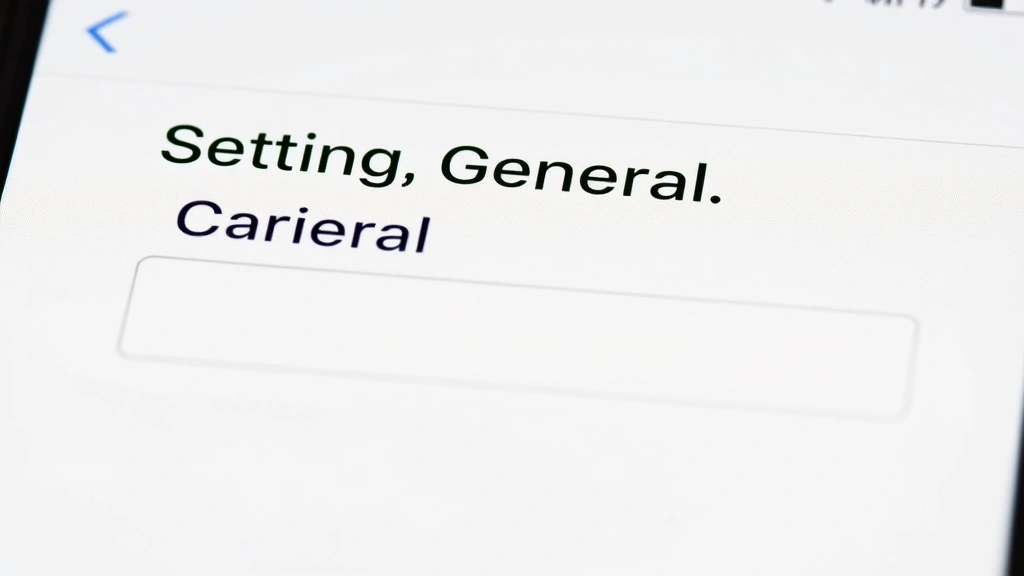
If you want the answer in 60 seconds: Go to Settings > General > About. Scroll down and look for “Carrier Lock” or “Carrier Unlocked.” If it says “Carrier Unlocked,” you’re done—your phone works with any SIM card. If it says “Carrier Lock” or lists a specific carrier name, your iPhone is locked to that network.
That’s the nuclear option for speed. But not every iPhone displays this information clearly, and some older models might not show it at all. That’s why I’m giving you the full toolkit below.
Real talk: iPhones purchased directly from Apple or through most carriers in the US are unlocked after 60 days of service. But if you bought secondhand, got it as a gift, or switched carriers, you need to verify. Don’t assume.
Check via iPhone Settings
This is the most straightforward method for most people.
- Open Settings on your iPhone.
- Tap General.
- Select About.
- Scroll down until you see the “Carrier Lock” field.
- Read what it says:
- “Carrier Unlocked” = Your phone is unlocked. Celebrate.
- A specific carrier name (AT&T, Verizon, T-Mobile, etc.) = Your phone is locked to that carrier.
- No field visible = Your phone might be too old to display this, or it’s not available in your region. Move to the next method.
This method works on iPhone XS and newer. If you have an older model, you might not see the carrier lock information here, which is frustrating but not a dead end.
Pro Tip: While you’re in the About section, grab your IMEI number (listed as “IMEI”). You’ll need it for other verification methods. You can also dial *#06# on your phone to display the IMEI instantly.
The SIM Card Swap Test
This is the most reliable, hands-on way to know for sure if your iPhone is unlocked. Think of it like testing a key in different locks.
- Get a SIM card from a different carrier. You don’t need an active plan—just a physical SIM card. You can ask a friend, visit a carrier store, or buy a prepaid SIM online.
- Power off your iPhone completely.
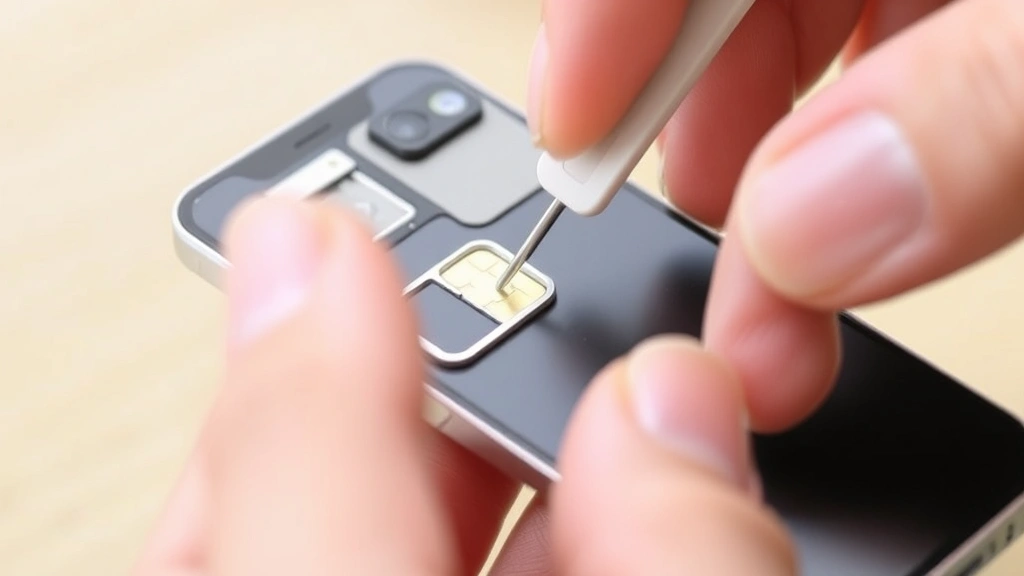
- Remove your current SIM card using a SIM ejector tool (the tiny metal pin that came with your phone, or a paperclip works).
- Insert the new SIM card from the different carrier.
- Power on your iPhone.
- Wait 30 seconds for the phone to recognize the new SIM.
- Check the status bar at the top of the screen:
- Shows the new carrier’s name = Your phone is unlocked. Success.
- Shows “No Service” or “SOS Only” = Your phone is locked to your original carrier.
- Shows an error message about activation = Locked. You’ll need to unlock it through your carrier.
This test is bulletproof because the phone either connects to the new carrier’s network or it doesn’t. No ambiguity, no settings to misinterpret.
Contact Your Carrier Directly
If you’re still unsure or the above methods didn’t give you a clear answer, call your carrier. They have your account and can tell you instantly whether your phone is unlocked.
For AT&T: Call 611 from your iPhone or 1-800-331-0500. Have your phone number or account information ready.
For Verizon: Call 611 or 1-908-559-4899. Verizon can also check this through their online account portal.
For T-Mobile: Call 611 or 1-844-839-4534.
For other carriers: Check their website for customer service numbers.
The carrier rep will ask for your phone number and account details, then tell you flat-out if your device is unlocked. If it’s locked and you own it outright (or have paid it off), they can unlock it for you on the spot, usually within 24 hours. This is your legal right in the US under the FCC’s Wireless Device Unlocking Consumer Rights rules.
Use Your IMEI Number
Your IMEI (International Mobile Equipment Identity) is like your phone’s fingerprint. Some third-party websites let you check unlock status using this number.
- Find your IMEI by dialing *#06# on your phone, or go to Settings > General > About and scroll to “IMEI.”
- Visit a reputable IMEI checker like IMEI.info or your carrier’s unlock status checker.
- Enter your IMEI and follow the prompts.
- The results will show you whether your phone is locked or unlocked, sometimes with additional details about the carrier and activation status.
Be cautious with third-party IMEI checkers—use only well-known, established sites. Avoid sketchy services that ask for personal information beyond your IMEI.
Safety Warning: Never share your IMEI with unknown websites or people. While it’s not as sensitive as your Social Security number, it’s still unique to your device. Stick to official carrier tools or highly reputable third-party services.
Activation Lock vs. Carrier Lock: Don’t Confuse Them
Here’s where people get tangled up. There are two different “locks” on an iPhone, and they’re not the same thing.
Carrier Lock: This restricts your phone to one carrier’s network. An unlocked phone works with any carrier worldwide. This is what we’ve been talking about.
Activation Lock: This is Apple’s security feature tied to your iCloud account. Even if your phone is carrier-unlocked, if someone else’s iCloud account is linked to it, you can’t use it. This protects against theft but can be a nightmare if you buy a used phone and the previous owner didn’t remove their account.
To check for Activation Lock:
- Go to Settings > General > About.
- Look for “Activation Lock” or “Find My iPhone.”
- If it shows your iCloud email, you’re good.
- If it shows someone else’s email or you see “Activation Lock: On” without your info, the phone is locked to another account.
If you bought a used iPhone and it has Activation Lock from a previous owner, contact that person and ask them to remove it through iCloud.com, or contact Apple Support for help. This is a separate process from carrier unlocking, and you’ll need proof of purchase to proceed.
For more on managing your iPhone’s security features and account settings, check out Apple’s official Activation Lock documentation.
What to Do After You Confirm
If your iPhone is unlocked: You’re free to use any SIM card from any carrier. Want to switch to a cheaper plan? Done. Traveling abroad and need a local SIM? No problem. You have full flexibility.
If your iPhone is locked: You have options. Contact your carrier and request an unlock. Most carriers will do this for free if:
- The phone is paid off (no outstanding balance).
- Your account is in good standing (no unpaid bills).
- You’ve had the phone for at least 60 days (varies by carrier).
The unlock process usually takes 24–48 hours. You’ll get a notification when it’s complete, and your phone will automatically work with other SIM cards after you restart it.
If your carrier refuses to unlock it and you meet the above criteria, you can file a complaint with the FCC. They take this seriously.
Now that you know your unlock status, you might want to explore other iPhone management tasks. If you’re looking to organize your data, our guide on how to transfer photos from iPhone to Mac walks you through the process. And if you’re dealing with unwanted calls or need to manage your contacts, check out our tips on how to check blocked numbers on iPhone and how to block no caller ID on iPhone. For those managing multiple phone lines, our guide on how to forward calls on iPhone is super helpful.
Frequently Asked Questions
Can I unlock my iPhone myself without contacting the carrier?
– No. Carrier locks are managed by the network provider, not Apple. You have to contact your carrier directly. They’re the only ones who can remove the lock. There’s no setting in your phone that does this, and third-party “unlock services” are either scams or they just contact the carrier on your behalf (which you can do for free).
What if I bought my iPhone used and the seller said it was unlocked, but the settings show otherwise?
– You got misled. Go back to the seller if possible and ask for a refund or have them contact their carrier to unlock it before you take it. If that’s not an option, contact the carrier yourself with proof of purchase. Some carriers will help you if you can show you now own the device. If the previous owner also owes money on the phone, the carrier might refuse to unlock it until that balance is paid.
Does an unlocked iPhone work everywhere in the world?
– An unlocked iPhone will connect to any carrier’s network, but that doesn’t mean it works everywhere. You still need to buy a local SIM card or activate an international plan. Some countries have different network bands that older iPhones don’t support, so check compatibility before traveling. Most modern iPhones (iPhone XS and newer) support bands used worldwide.
If my iPhone is locked, will unlocking it void my warranty?
– No. Unlocking through your carrier is a standard, legitimate process and doesn’t void your Apple warranty. Your warranty covers hardware and software defects, not carrier restrictions. Unlocking is purely a network thing.
How long does it take to unlock an iPhone through my carrier?
– Usually 24–48 hours. Some carriers are faster and can do it within a few hours. After the unlock is processed, you’ll get a notification. Restart your iPhone, insert a new SIM card, and you’re done. If it’s been more than 48 hours, call your carrier again and confirm the request went through.
What’s the difference between unlocking and jailbreaking?
– Completely different things. Unlocking means your phone works with any carrier. Jailbreaking means removing Apple’s software restrictions so you can install unauthorized apps. Unlocking is legal and carrier-supported. Jailbreaking voids your warranty and can introduce security vulnerabilities. Don’t confuse the two.
Can I check if my iPhone is unlocked without a SIM card?
– Yes, through the Settings > General > About method or by calling your carrier. You don’t need to physically test it with a SIM card unless you want 100% confirmation. The settings method is usually reliable enough.
If I unlock my iPhone, does that mean I can use it with any plan?
– Yes. An unlocked iPhone works with any carrier’s SIM card. You can switch between carriers as often as you want. This is especially useful if you travel or want to take advantage of better deals from different providers.


