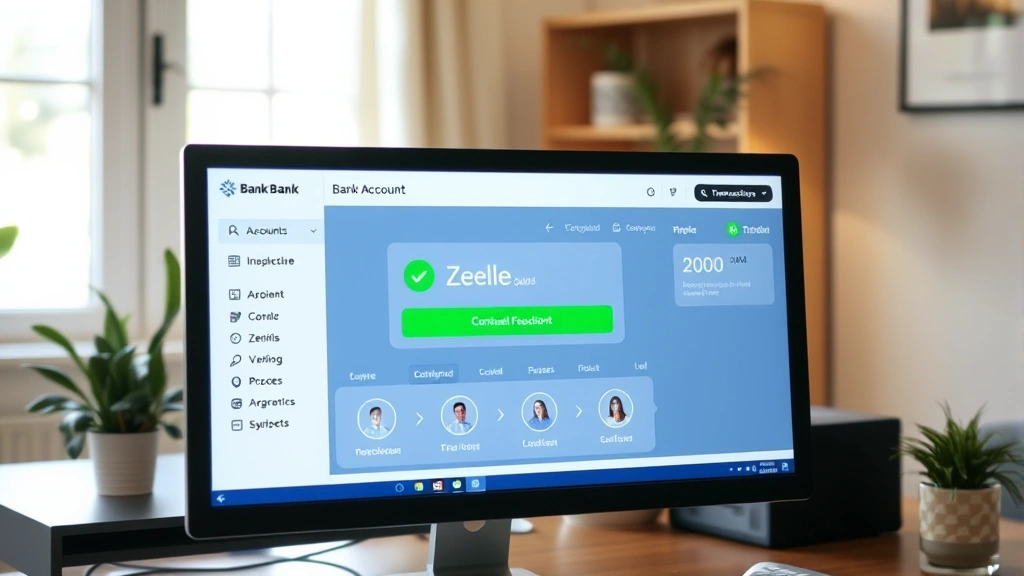
How to Receive Money from Zelle: Easy & Essential Tips
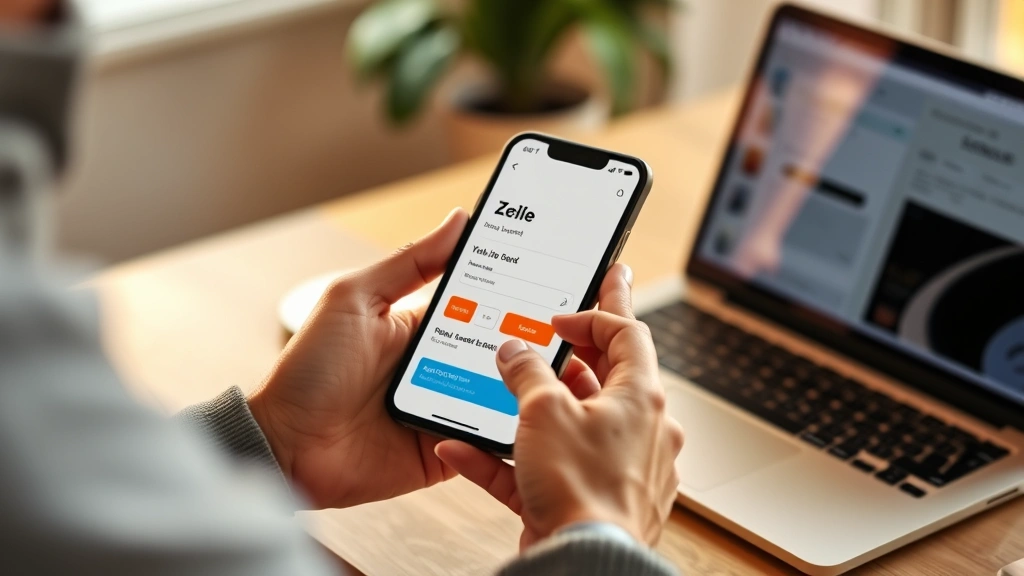
Zelle has become one of America’s fastest and most convenient ways to transfer money between friends, family, and businesses. Whether you’re splitting rent, collecting payment for services, or receiving funds from a loved one, knowing how to receive money from Zelle is essential in today’s digital financial landscape. This comprehensive guide walks you through every step, from setting up your account to troubleshooting common issues, ensuring you can confidently accept payments whenever needed.
Quick Answer
To receive money through Zelle, you’ll need to enroll with your bank’s mobile app or Zelle’s standalone app, verify your identity, and share your registered email or phone number with the sender. Once someone sends you funds, they’ll arrive in your bank account within minutes to hours, depending on your financial institution. The process is free for most users and requires no additional setup beyond basic account verification.
Tools & Materials You’ll Need
- A valid bank account at a participating U.S. financial institution
- A smartphone or computer with internet access
- Your bank’s mobile app or the standalone Zelle app
- A valid email address or U.S. phone number
- Government-issued ID for account verification
- Your bank account and routing number (for some setups)
- A secure password for your banking credentials
Check if Your Bank Supports Zelle
Before you can receive money through Zelle, you need to confirm that your bank or credit union participates in the network. Zelle is supported by most major U.S. banks, including Chase, Bank of America, Wells Fargo, Citibank, and hundreds of regional institutions. Visit the official Zelle website or contact your bank directly to verify participation. Some smaller credit unions and online banks may not offer Zelle, in which case you’ll need to explore alternative payment methods like PayPal or Venmo.
Having your bank support Zelle is crucial because how to receive money from Zelle depends entirely on your financial institution’s integration with the platform. If your bank doesn’t support Zelle directly, you can still use the standalone Zelle app, though enrollment may be more limited. Check your bank’s website or mobile app for a Zelle option in the menu—this is the fastest way to confirm support.
Enroll in Zelle Through Your Bank
Enrolling in Zelle is straightforward and typically takes just a few minutes. Open your bank’s mobile app and look for the Zelle option, usually found in the payments or transfer section. Tap “Enroll” or “Get Started” and follow the prompts to connect your bank account. If your bank doesn’t have a built-in Zelle option, download the standalone Zelle app from your device’s app store and follow the same enrollment process.
During enrollment, you’ll be asked to provide basic personal information including your full name, email address, and phone number. Make sure the name matches your bank account exactly, as this is critical for receiving payments correctly. You may also need to set up a username or PIN for added security. The enrollment process is designed to be quick, but don’t rush—accuracy is essential for how to receive money from Zelle without delays.
Verify Your Identity and Account Information
Identity verification is a mandatory step in setting up Zelle to receive money. Your bank will ask you to confirm your email address or phone number by sending a verification code. Check your email inbox or text messages for this code and enter it into the app to complete verification. This step protects your account from unauthorized access and ensures that only you can receive funds.
After email or phone verification, some banks may require additional identity confirmation using your Social Security number or government-issued ID. This is standard practice for financial security and helps prevent fraud. According to WikiHow’s financial guides, verifying your identity with multiple methods significantly reduces the risk of account compromise. Once verified, your Zelle account is fully activated and ready to receive payments.
Share Your Contact Information with Senders
To receive money through Zelle, you need to provide the sender with your registered email address or phone number—not your bank account details. This is one of the key advantages of Zelle: senders don’t need access to your sensitive banking information. Simply tell the person sending you money which contact method you’ve registered (email or phone), and they’ll use that to initiate the transfer.
You can share this information verbally, via text, email, or any other communication method. Unlike traditional wire transfers that require routing numbers and account details, how to receive money from Zelle is as simple as sharing a phone number or email. Make sure you provide the exact contact information you registered with Zelle, as mismatches can cause delays or failed transactions.
Receive and Confirm Your Payment
Once someone sends you money through Zelle, you’ll receive a notification via email or text message (depending on your preference settings). This notification will indicate the amount sent and the sender’s name. Open your Zelle app or your bank’s app to view the transaction details. In most cases, funds arrive within minutes to a few hours, depending on your bank’s processing speed.
You don’t need to do anything special to “accept” the payment—Zelle automatically deposits the funds into your registered bank account. However, you should confirm the transaction details match what you expected. If you notice any discrepancies or don’t recognize the sender, contact your bank immediately. According to Consumer Reports’ payment security reviews, verifying transaction details immediately after receipt is a best practice for financial safety.
Troubleshoot Common Receiving Issues
If you’re not receiving money through Zelle as expected, several issues could be at play. First, verify that your contact information is correctly registered and matches exactly what the sender used. Even a single character difference in your email address or phone number can cause delivery failures. Check your spam or junk email folder in case the notification ended up there.
Another common issue is that your bank may have daily or monthly receiving limits. Contact your bank to confirm your Zelle limits and request an increase if needed. Additionally, ensure your bank account is active and in good standing. If your account has been flagged for suspicious activity, your bank may temporarily block Zelle transactions. If problems persist, visit your bank’s customer service or the official Zelle support page for assistance. You might also find it helpful to understand how to manage other digital accounts—for example, if you’ve set up email notifications, you may want to learn how to set an out of office on Outlook if you’ll be away when payments arrive.
Security Best Practices for Zelle Transactions
While Zelle is generally secure, protecting your account requires vigilance. Never share your Zelle password, PIN, or banking credentials with anyone. Be cautious of unsolicited requests for money—scammers sometimes pose as friends or family asking for urgent Zelle transfers. Always verify requests through a separate communication channel before sending or receiving large amounts.
Enable two-factor authentication on your bank account if available, adding an extra layer of protection. Regularly review your transaction history to spot unauthorized activity early. If you suspect fraud, contact your bank immediately—they can investigate and potentially reverse fraudulent transactions. As reviewed by Family Handyman’s technology sections, maintaining strong digital hygiene protects all your financial accounts. Additionally, if you manage multiple digital services and accounts, you might benefit from learning how to recall an email in Outlook in case you accidentally send sensitive information to the wrong recipient.
Frequently Asked Questions
How long does it take to receive money through Zelle?
Most Zelle transfers arrive within minutes, but some banks may take up to a few hours. Transfers made after business hours or on weekends may take longer. Your bank’s processing speed determines the exact timing, not Zelle itself.
Is it free to receive money on Zelle?
Yes, receiving money through Zelle is completely free for most users. Your bank doesn’t charge a fee for incoming Zelle transfers. However, always confirm with your specific financial institution, as policies may vary slightly.
Can I receive money on Zelle if I don’t have a smartphone?
Yes, you can access Zelle through your bank’s website on a computer if you don’t have a smartphone. The process is essentially the same as using the mobile app. Simply log into your online banking portal and look for the Zelle option.
What if I receive money from someone I don’t know?
If you receive an unexpected Zelle transfer from an unknown sender, do not spend the money immediately. Contact your bank to verify the legitimacy of the transaction. In some cases, scammers send money to accounts and then request it back, hoping you’ll send your own funds in return. Verify before acting.
Can I receive money on Zelle from international senders?
No, Zelle only works for transfers between U.S. bank accounts. International senders cannot use Zelle. They would need to use alternative services like wire transfers, PayPal, or other international payment platforms.
What’s the maximum amount I can receive through Zelle?
Receiving limits vary by bank but typically range from $2,000 to $10,000 per transaction or per day. Some banks allow higher limits for verified accounts. Check with your specific bank to learn your personal limit.
Do I need a specific type of bank account to receive Zelle payments?
Most checking and savings accounts at participating banks support Zelle. Some specialized accounts may have restrictions. Contact your bank to confirm your specific account type is eligible for how to receive money from Zelle.
Can I receive money on Zelle using a business account?
Yes, many banks offer Zelle for business accounts, though features and limits may differ from personal accounts. Check with your bank about business Zelle enrollment and any associated terms.
What happens if I don’t accept a Zelle payment?
Zelle payments are automatically deposited into your account—you don’t need to actively accept them. However, if there’s an issue with the transfer, your bank will attempt to return the funds to the sender’s account.
Can I block or cancel a Zelle payment I’ve received?
Once a Zelle payment is deposited into your account, you cannot cancel it directly through Zelle. However, you can contact your bank to dispute the transaction if it was unauthorized or fraudulent. Your bank can investigate and potentially reverse the transfer.
Learning how to receive money from Zelle empowers you to participate in the modern digital payment ecosystem. Whether you’re collecting rent from roommates, receiving payment for freelance work, or getting reimbursed by friends, Zelle offers a fast, secure, and convenient solution. By following these steps and maintaining strong security practices, you can confidently manage incoming Zelle transfers. For additional digital account management tips, consider exploring resources like HowStuffWorks’ technology guides or checking out related guides such as how to cancel YouTube TV if you’re managing multiple digital subscriptions alongside your banking needs.